
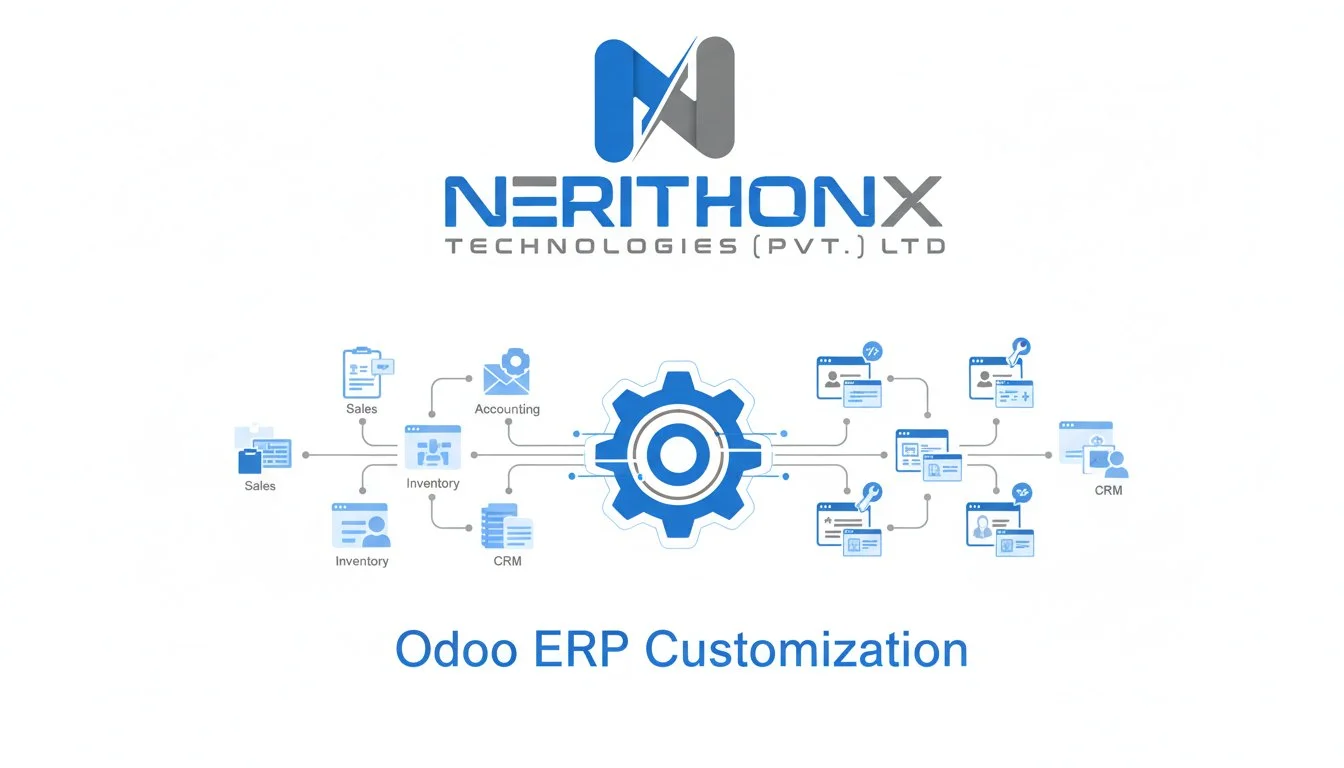
Why Every Business Needs a Tailored ERP
Every business is unique — different workflows, customer needs, and management styles. That’s why a “one-size-fits-all” software rarely works.
This is where Odoo ERP customization steps in.
Odoo ERP (Enterprise Resource Planning) is one of the world’s most flexible business management platforms. It lets you manage everything — from sales and inventory to accounting, HR, and CRM — under one roof.
But the real magic happens when Odoo is customized to fit your exact business processes.
In this guide, we’ll explain what Odoo ERP customization means, why it’s important, what can be customized, and how it benefits your business.
By the end, you’ll understand exactly why companies worldwide trust Odoo for building their ideal business management system.
What Does Odoo ERP Customization Mean?
Odoo ERP customization means modifying the default features of Odoo to match your company’s specific needs, processes, and goals.
Think of Odoo as a modular framework — it comes with ready-made apps like:
- Sales : The Sales module helps you manage quotations, orders, and invoices in one place. It automates the entire sales process — from lead to payment — making it faster and more accurate.
- Inventory : Odoo’s Inventory module tracks stock levels, deliveries, and warehouse operations in real time. It ensures you never run out of products and keeps your supply chain running smoothly.
- Accounting : The Accounting module handles everything from invoices and expenses to bank reconciliation and reports. It gives you a clear financial picture and simplifies tax management globally.
- CRM : CRM helps you capture leads, follow up with prospects, and close more deals.It builds stronger customer relationships by tracking every interaction in one dashboard.
- Project Management : This module allows teams to plan, track, and deliver projects on time. It offers task management, progress tracking, and collaboration tools for better productivity.
- Manufacturing : Odoo’s Manufacturing module streamlines production — from planning and work orders to quality control. It helps businesses reduce waste, manage materials, and improve production efficiency.
and many more.
Customization allows you to:
- Add new features or workflows : You can extend Odoo’s existing modules by adding new features or custom workflows. This helps match the software perfectly to your company’s internal processes.
- Change the user interface : Modify layouts, colors, menus, or dashboard designs to fit your brand and improve user experience. A customized UI makes navigation simpler and work faster for your team.
- Integrate with third-party systems : Connect Odoo with tools like Shopify, PayPal, Google Workspace, or other business apps. Integrations keep your data synchronized and reduce manual data entry.
- Automate manual tasks : Set up automation rules for repetitive work like sending invoices, updating stock, or notifying customers. This saves time, minimizes errors, and increases efficiency.
- Build New Custom Odoo Modules from Scratch :If a feature doesn’t exist, developers can create a brand-new Odoo module just for your business.It’s a powerful way to design unique tools that give you a competitive edge.
In short, customization helps you make Odoo your own — perfectly aligned with your organization’s way of working.
Odoo Customization vs Odoo Configuration | Know the Difference
Many people confuse configuration with customization, but they’re not the same.
| Aspect | Odoo Configuration | Odoo Customization |
| Definition | Setting up Odoo’s built-in features (no coding) | Modifying or extending Odoo’s core code (requires development) |
| Examples | Setting tax rules, user roles, email templates | Creating new workflows, dashboards, or integrating APIs |
| Complexity | Simple | Advanced |
| Skills Needed | Functional expert | Developer + Functional expert |
So, configuration is like choosing options in a setup wizard.
Customization is like building new tools inside Odoo to fit your unique business needs.
What Parts of Odoo Can Be Customized?
Odoo’s open-source architecture makes nearly every part of it customizable. Here are the most common customization areas:
1. Module Customization
Add, remove, or modify features within Odoo’s existing modules — like customizing the Sales or HR modules to fit your company’s workflow.
Example:
A trading company can add a “Profit Margin Tracker” inside the Sales module to automatically calculate margins per order.
2. UI/UX Customization
Make Odoo look and feel like your brand. Change layouts, colors, menus, or create simplified dashboards for faster user adoption.
Example:
A retail chain can have a custom POS dashboard with bigger buttons and quick-access menus for faster billing.
3. Workflow Automation
Automate repetitive business processes to save time and reduce human error.
Example:
When a sales order is confirmed, Odoo automatically creates an invoice, updates inventory, and sends a thank-you email to the customer.
4. Report Customization
Create custom reports and dashboards that visualize KPIs your business actually cares about.
Example:
A CEO dashboard showing real-time revenue, expenses, and pending orders on one screen.
5. Integration Customization
Odoo can integrate with almost any software — from payment gateways to marketing tools and eCommerce platforms.
Example:
Integrate Odoo with Shopify or WooCommerce so sales automatically sync with inventory and accounts.
6. Database & Security Customization
Control who can access what. Add custom security rules, user permissions, or multi-company setups.
7. Custom Module Development
If Odoo doesn’t have a feature you need, developers can create a new module from scratch — designed 100% for your process.
Example:
A construction firm may need a “Project Costing Module” to manage site expenses — fully custom-built in Odoo.
Real-World Example: How Customization Transforms a Business
Let’s take an example of a manufacturing company.
Before Customization:
- Employees manually update spreadsheets for inventory.
- Invoices are created by hand.
- No real-time visibility on production or sales.
After Odoo Customization:
- Automated inventory updates in real-time.
- Custom “Material Usage” report shows what’s consumed per batch.
- Sales, accounting, and production are linked automatically.
Why Businesses Prefer Odoo for Customization
Odoo stands out from other ERP systems like SAP, Oracle, or Microsoft Dynamics because of its flexibility and cost-effectiveness.
Here’s why companies — from startups to enterprises — love Odoo:
| Feature | Odoo ERP | Traditional ERP |
| Open Source | Yes | No |
| Customization Flexibility | High | Limited |
| Cost | Affordable | Expensive |
| User Interface | Modern & easy to use | Often outdated |
| Scalability | Highly modular | Rigid structure |
| Community Support | Massive global network | Limited access |
Odoo’s modular design means you can start small (with a few apps) and expand as your business grows — without huge costs or disruptions.
The Process of Odoo ERP Customization
A professional Odoo customization project typically follows these key steps:
1. Requirement Gathering
Odoo experts meet with your team to understand your business goals, current challenges, and workflow structure.
2. Gap Analysis
They compare your processes with standard Odoo features to identify what needs to be customized.
3. Planning & Design
A detailed customization plan is created — defining the modules, features, and integrations to be built.
4. Development
Odoo developers modify existing modules or create new ones using Python, XML, and Odoo Studio.
5. Testing
Each feature is tested thoroughly to ensure it runs smoothly and aligns with your business process.
6. Deployment
Customizations are deployed to your live Odoo environment.
7. Training & Support
Your team is trained to use the customized modules, and ongoing support ensures long-term success.
Common Examples of Odoo ERP Customization by Industry
| Industry | Example of Customization |
| Retail | POS dashboard redesign, barcode scanning, loyalty programs |
| Manufacturing | Automated production scheduling, BOM versioning |
| Real Estate | Project costing, contract management, payment milestones |
| Healthcare | Patient records, doctor scheduling, lab integration |
| Education | Student enrollment, exam grading, fee tracking |
| Construction | Job costing, time tracking, material requisition |
| IT Services | Ticketing system, client portal, timesheet automation |
Each industry has unique requirements — and Odoo’s modular architecture can meet them all.
Benefits of Odoo ERP Customization
Here’s why businesses invest in Odoo customization:
1. Exact Fit for Your Workflow
No more forcing your business to adapt to software. Odoo adapts to you.
2. Improved Productivity
Automate manual work and reduce errors — your team focuses on growth, not admin.
3. Better Decision Making
Get data-driven insights with custom dashboards and reports.
4. Seamless Integrations
Connect Odoo with your CRM, eCommerce, HR, or third-party tools easily.
5. Scalable Growth
As your business grows, Odoo grows with you — just add new apps or custom modules.
6. Cost-Effective
Unlike traditional ERPs, Odoo’s open-source model means no heavy licensing fees — only customization costs.
Challenges to Watch Out For
While Odoo customization is powerful, it must be done strategically.
Here are common mistakes businesses make:
- Over-customizing without clear goals
- Working with inexperienced developers
- Ignoring update compatibility
- Poor documentation
Pro Tip:
Always partner with a certified Odoo customization company like NerithonX Technologies (Pvt.) Ltd., which ensures your customization aligns with Odoo’s best practices and remains upgrade-safe.
How to Choose the Right Odoo Customization Partner
When selecting an Odoo service provider, look for:
- Odoo-certified developers
- Proven case studies in your industry
- Strong understanding of both functional & technical Odoo aspects
- Transparent pricing & communication
- Post-implementation support
Choosing the right partner ensures your customization adds long-term business value, not short-term fixes.
Conclusion: Customize Odoo, Customize Your Success
Every business has a story — your ERP should tell yours.
Odoo ERP customization empowers you to design a business system that fits perfectly, automates intelligently, and scales effortlessly.
Whether you’re a small startup or a large enterprise, Odoo gives you the power to create a custom ERP that grows with your business.
Ready to Transform Your Business with Odoo?
At NerithonX Technologies (Pvt.) Ltd., we specialize in Odoo ERP customization, implementation, and support for clients across Pakistan, Saudi Arabia, and beyond.
Let’s make Odoo work your way.
Contact us today to discuss your project and get a free consultation.



