Odoo is a powerful ERP system because it is flexible, modular, and developer-friendly. Businesses use Odoo to manage accounting, sales, inventory, manufacturing, and human resources in one platform. However, many companies fail during customization because they modify Odoo in the wrong way. When a developer changes core files, the system becomes unstable, hard to upgrade, and expensive to maintain.
The right approach is to customize Odoo without touching its core functionality. This article explains how Odoo customization works, why the core must remain untouched, and how safe customization protects your ERP investment. The explanation uses real-world logic, simple language, and proven Odoo development principles.
Understanding Odoo Core Functionality and Modular Architecture
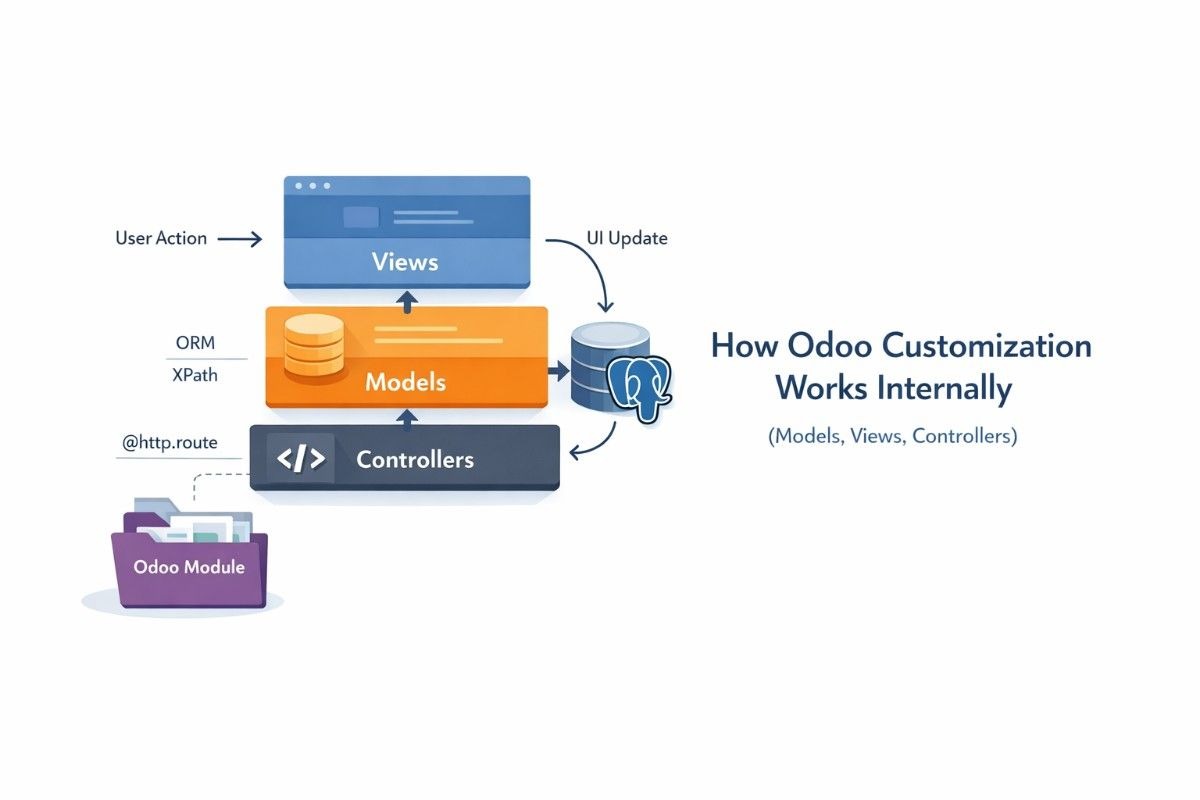
Odoo uses a modular architecture. This means every feature in Odoo exists as a separate module. Accounting, Sales, Inventory, and CRM are independent modules that connect through defined interfaces.
The Odoo core functionality refers to the framework and base modules that control how the system works. The Odoo framework manages database communication, security rules, workflows, and user access. These core components act as the foundation of the entire ERP system.
The Odoo framework controls behavior, while modules extend functionality. This design allows businesses to customize features without damaging the system.
Odoo Framework as a Modular ERP System
Odoo uses Python for backend logic and XML for user interface definitions. PostgreSQL acts as the database engine. The framework connects these components through the Odoo ORM.
The Odoo ORM acts as a bridge between Python code and the PostgreSQL database. This design allows developers to create, modify, and read records without writing raw SQL queries.
Because of this modular structure, Odoo expects developers to extend, not replace, existing functionality.
Why Core Functionality Controls Stability
The Odoo core ensures consistency across all modules. When the core is modified, unexpected behavior appears in unrelated modules. A small change in a core file can break accounting, inventory, or reporting.
Core functionality also controls:
- Security access rules
- Data validation
- Workflow consistency
- Upgrade compatibility
This is why Odoo strongly discourages direct core modification.
Why Modifying Odoo Core Files Creates Long-Term Problems

Some developers edit Odoo core files to implement quick fixes. This approach works temporarily but creates serious long-term issues.
Upgrade Compatibility Issues in Odoo
Odoo releases new versions every year. When core files are modified, upgrades overwrite those changes. This forces businesses to redo customizations from scratch.
The upgrade process breaks custom logic because the system cannot identify which changes belong to the business and which belong to the framework.
Security and Maintenance Risks
Core file modification increases security risks. Odoo security updates cannot be applied safely when core code is altered. Bugs also become harder to trace because the system no longer behaves as designed.
From an EEAT perspective, this approach damages system trustworthiness and long-term reliability.
How Odoo Custom Modules Protect Core Functionality
Odoo solves customization problems using custom modules. A custom module acts as an extension layer that sits on top of existing modules.
A custom module contains:
- Python files for business logic
- XML files for views
- Manifest files for dependencies
The custom module depends on core modules but never modifies them directly.
Odoo Addons Structure and Dependencies
Every Odoo module lives inside the addons directory. The manifest file defines dependencies such as sale, account, or stock.
The dependency mechanism ensures:
- Correct loading order
- Safe overrides
- Predictable behavior
This structure allows Odoo to load your customization only when required modules exist.
Custom Modules as Extension Layers
Custom modules extend functionality using inheritance. This approach respects Odoo’s architecture and ensures upgrades remain smooth.
A custom module isolates business logic, making troubleshooting and scaling easier.
Using Odoo Inheritance Mechanism for Safe Customization
Inheritance is the heart of safe Odoo customization. Odoo supports inheritance at both backend and frontend levels.
Python Model Inheritance in Odoo ORM
Odoo uses Python class inheritance to extend models. A developer can inherit an existing model and add new fields or override methods.
The original model remains unchanged. The system merges both behaviors at runtime.
This approach ensures:
- No core modification
- Predictable execution
- Easy upgrades
XML View Inheritance for UI Changes
Odoo uses XML view inheritance to modify user interfaces. Instead of rewriting views, developers insert or replace specific elements.
This allows:
- Adding fields to forms
- Modifying layouts
- Adjusting workflows
The core view stays intact while customization applies dynamically.
Odoo ORM and Business Logic Customization

Odoo ORM provides safe methods for changing business logic.
Overriding Methods Without Breaking Core Logic
Developers override methods using inheritance and super() calls. This ensures original behavior executes before or after customization.
The Subject (custom module) modifies the Predicate (method behavior) without replacing the Object (core logic). This follows the SPO model clearly.
Using Hooks and Constraints Safely
Odoo provides hooks such as create, write, and unlink. These hooks allow logic execution during record lifecycle events.
Constraints enforce business rules without altering core validations.
Upgrade-Safe Odoo Customization Best Practices
Safe customization follows strict development discipline.
Following Odoo Development Standards
Odoo defines coding standards for:
- Naming conventions
- Module structure
- API usage
Following these standards ensures compatibility with future versions.
Version Control and Testing Strategy
Using Git ensures code traceability. Testing custom modules in staging environments prevents production failures.
Regular testing reduces technical debt and improves EEAT trust signals.
Real-World Examples of Safe Odoo Customization
Customizing Sales Workflow Without Core Changes
A company may want approval steps before confirming sales orders. Instead of modifying the sales module, a custom module inherits the sales model and adds approval logic.
The core sales process remains untouched.
Adding Fields and Automation Safely
Businesses often add custom fields for reporting. These fields are added through inheritance, not core edits.
Automations use server actions and scheduled jobs to extend functionality safely.
How Safe Customization Improves Scalability and EEAT
Safe customization reduces technical debt. The system becomes easier to scale, secure, and audit.
From an EEAT perspective:
- Expertise shows through structured development
- Experience appears in real-world workflows
- Authoritativeness comes from system stability
- Trustworthiness improves with upgrade safety
Final Thoughts: Sustainable Odoo Customization Strategy
Customizing Odoo without breaking core functionality is not optional. It is a requirement for long-term success. The Odoo framework provides powerful tools such as modules, inheritance, ORM, and XML views to enable safe customization.
Businesses that respect Odoo architecture enjoy stable upgrades, secure systems, and scalable ERP solutions. By following modular principles and entity-based logic, organizations protect both their data and investment.
FAQS :
Can Odoo be customized without changing core files?
Yes, Odoo ERP allows customization without changing core files. The Odoo framework supports custom modules that extend core functionality using Python inheritance and XML view inheritance. This method lets businesses adapt workflows while the Odoo core remains stable and upgrade-safe.
What happens if a developer modifies Odoo core functionality directly?
When a developer modifies Odoo core functionality directly, the Odoo upgrade process overwrites those changes. This leads to system errors, security risks, and higher maintenance costs. Odoo SA discourages core modification because it weakens the modular architecture and increases technical debt.
Is Odoo customization upgrade-safe by default?
Odoo customization is upgrade-safe only when it is implemented through custom modules. The Odoo ORM and module dependency system preserve inherited logic during version upgrades. Customizations made inside core or base modules do not survive upgrades.
What is the best way to customize business logic in Odoo?
The best way to customize business logic in Odoo ERP is by overriding methods through Python model inheritance. Developers extend existing Odoo models and use the super() method to keep original behavior intact. This approach allows new rules to work alongside core business logic.
How does XML view inheritance protect the Odoo user interface?
XML view inheritance allows developers to adjust the Odoo user interface without rewriting core views. The framework inserts or replaces specific interface elements while keeping the original view structure intact. This ensures layout changes remain compatible with future Odoo versions.
Can custom fields be added without affecting Odoo performance?
Custom fields can be added safely through model inheritance in Odoo. The PostgreSQL database and Odoo ORM manage these fields efficiently when development standards are followed. Performance issues usually occur only when excessive automation or poor database design is involved.
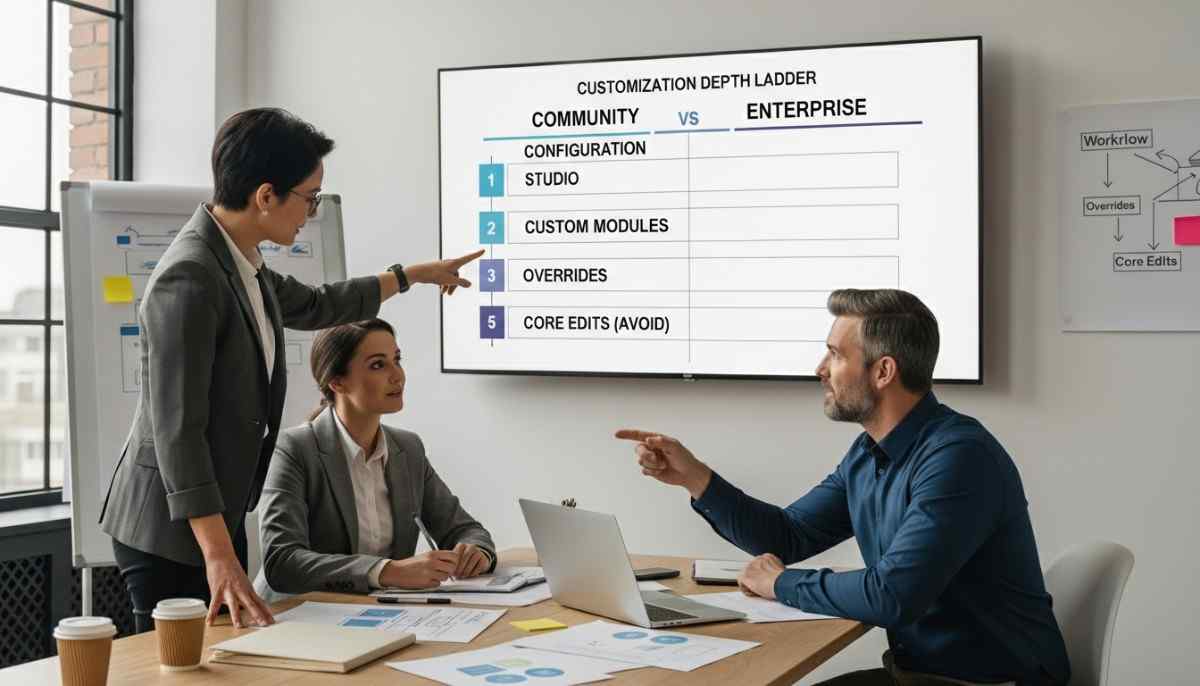
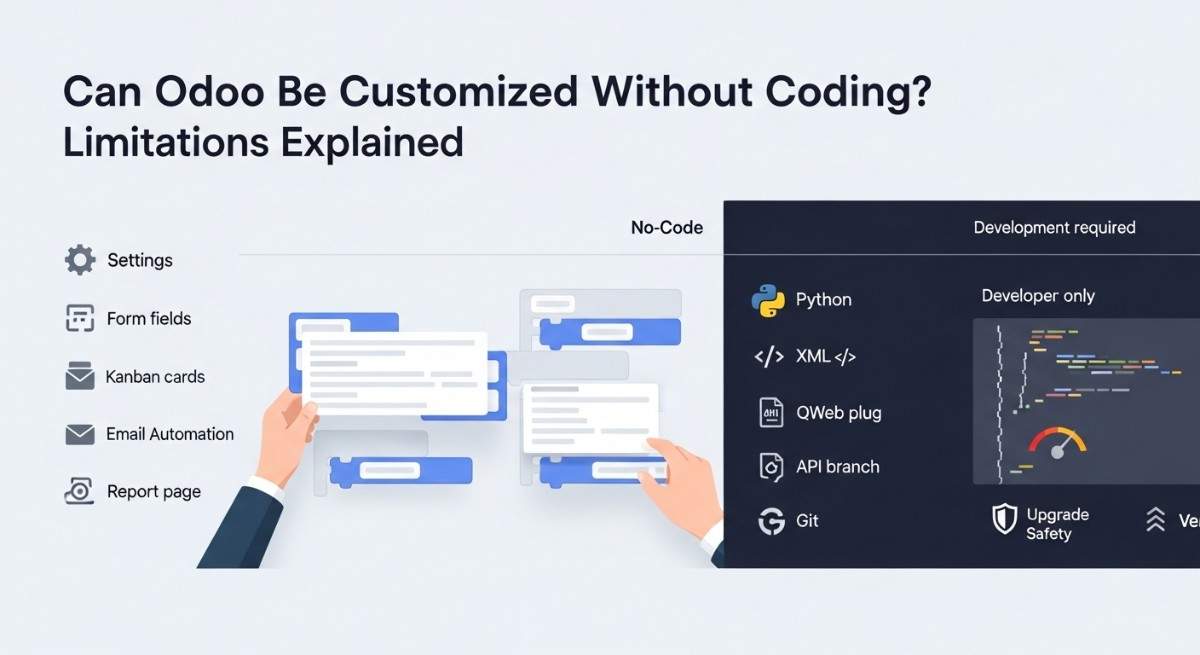
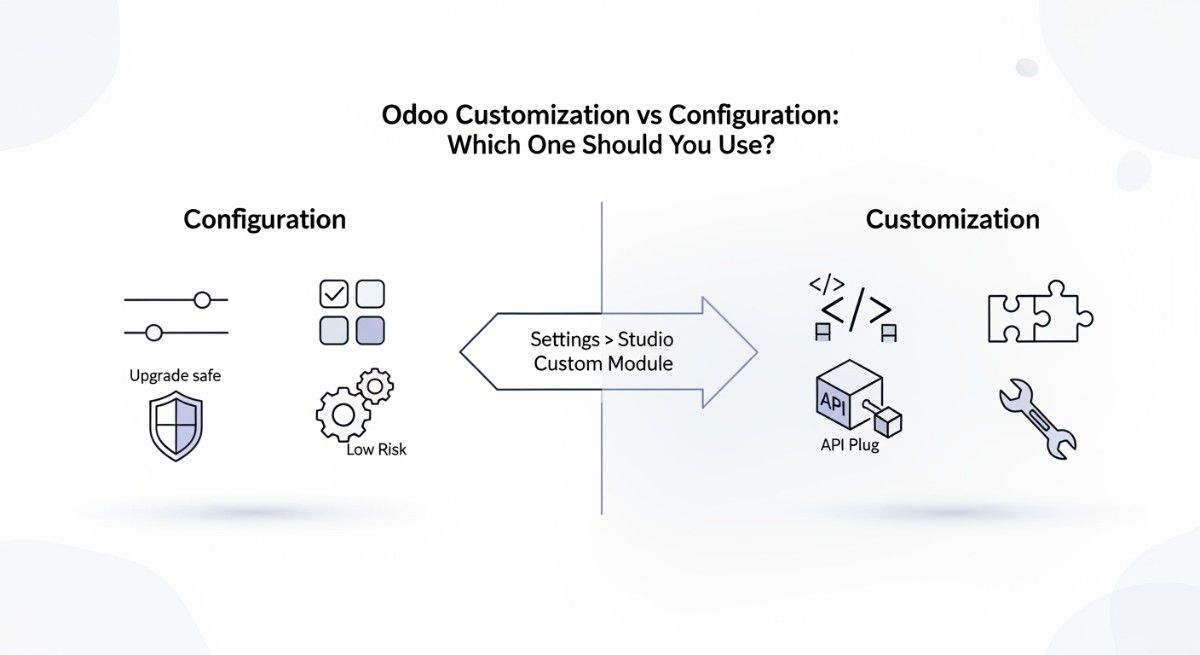
Are Odoo Studio customizations safe for long-term use?
Odoo Studio customizations are safe for basic configuration and layout changes. However, complex workflows and advanced business logic should be implemented using custom modules. Heavy reliance on Odoo Studio for deep customization can limit scalability and upgrade flexibility.
How do custom modules affect Odoo security updates?
Custom modules do not block Odoo security updates when they follow inheritance-based development. Since the Odoo core framework remains unchanged, security patches from Odoo SA apply normally without disrupting custom business logic.
Why do Odoo experts recommend OCA standards for customization?
Odoo experts recommend Odoo Community Association standards because they define proven guidelines for module structure and coding practices. Following OCA standards improves code quality, simplifies maintenance, and increases compatibility across Odoo versions.
How does safe customization improve long-term ERP scalability?
Safe customization keeps Odoo ERP flexible and maintainable over time. By avoiding core modifications, businesses reduce technical debt and can scale operations, add integrations, and upgrade versions without rewriting core logic. This approach supports long-term system stability and operational growth.