Odoo customization is upgrade-safe only when you avoid core edits and build changes as modular extensions.
If you change core code, upgrades will overwrite your work or create conflicts that break flows.
Upgrade-safe means your custom addons still install, your screens still load, and your data still makes sense after a version upgrade. Unsafe means you must rework code, fix broken views, repair workflows, and sometimes redo data cleanup.
In my 10 years of building and upgrading Odoo, the best upgrades happen when teams treat customization like a product, not a quick patch. This guide gives you a simple ladder, safe patterns, an upgrade workflow, and a copy-ready checklist.
The upgrade-safety ladder that predicts upgrade pain
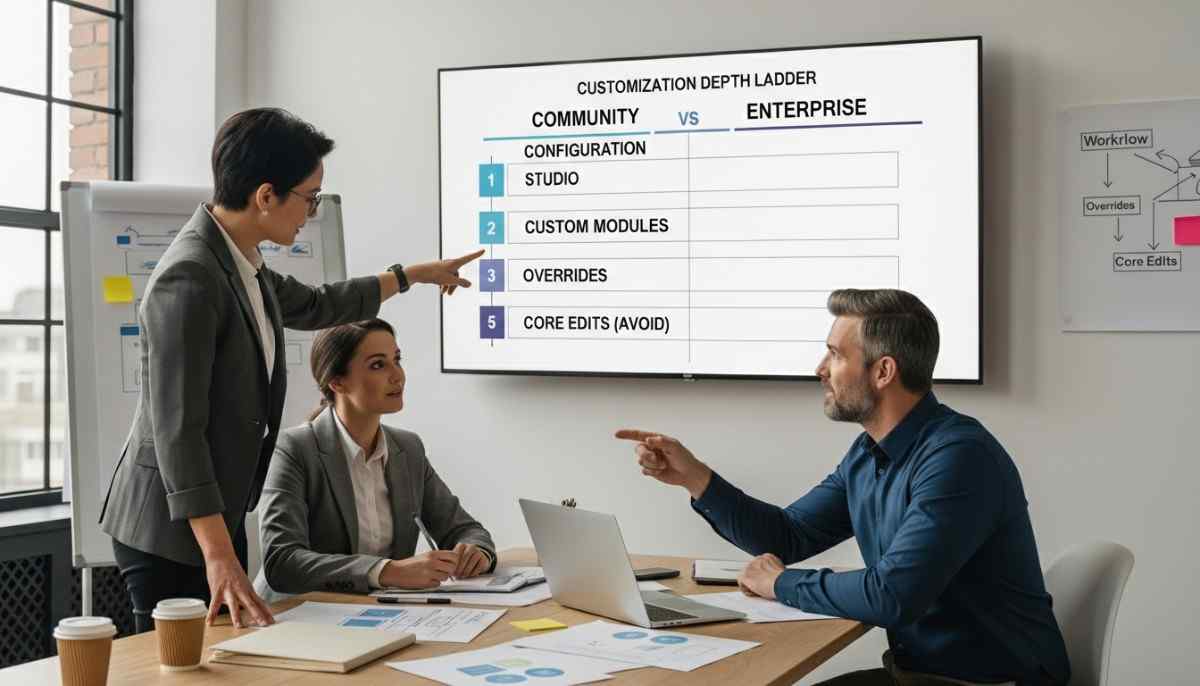
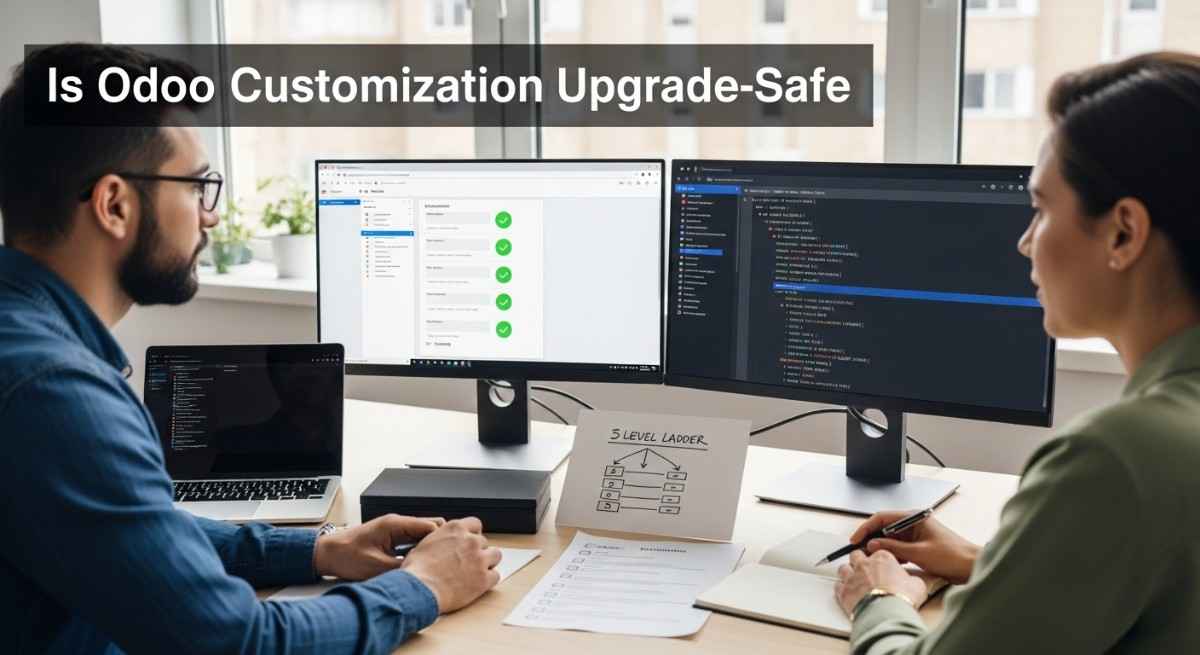
You can predict upgrade effort by ranking each change from low risk to high risk. Use this ladder to plan costs, set rules, and avoid surprise rework.
Level 1: Configuration only
This is the safest because you use built-in settings and features. Risk is low, but you may not get every edge case.
How it fails: almost never, unless your business process changes. How to reduce risk: document settings and keep a simple “why we set this” note.
Level 2: Studio or low-code UI tweaks
This is mostly safe because it changes screens, not core logic. It can still break if the target view changes in a new version.
How it fails: fields move, view IDs change, or Studio rules clash with new UI. How to reduce risk: keep Studio small and move complex logic to code.
Level 3: Custom modules using inheritance
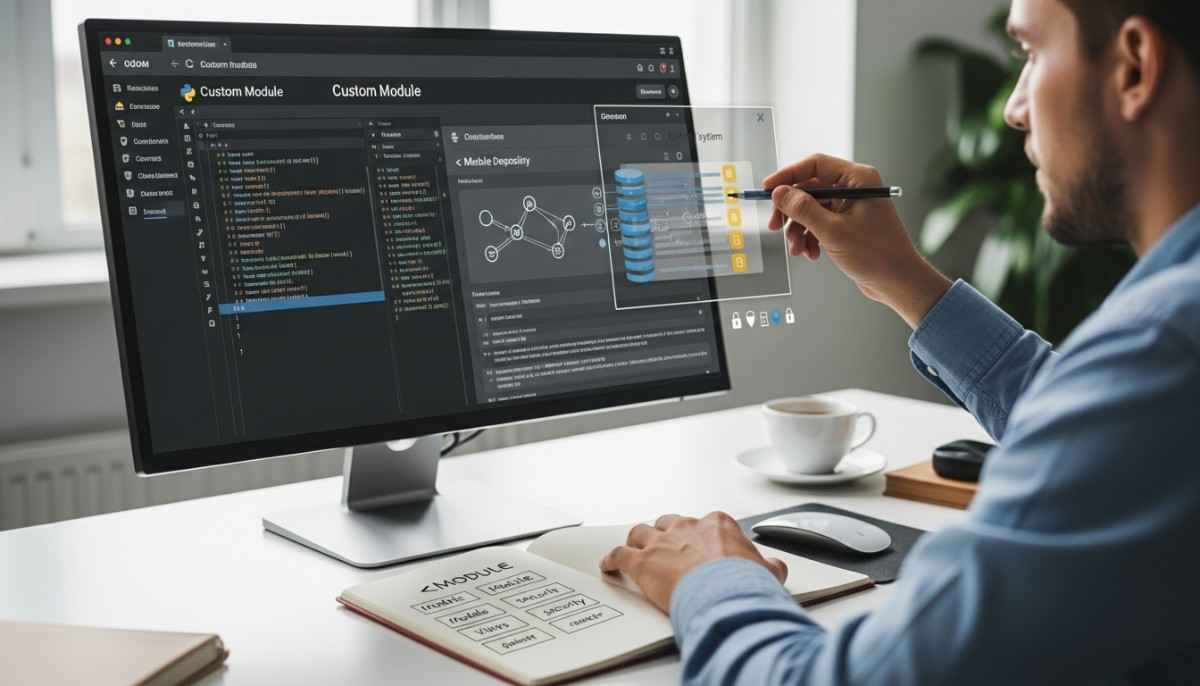
This is the upgrade-safe sweet spot because you extend Odoo instead of replacing it. You use inheritance, _inherit, super(), and XML view inheritance with xpath.
How it fails: upstream method signatures change, or your assumptions no longer match the base flow. How to reduce risk: keep modules small, write tests, and avoid deep overrides.
Level 4: Heavy overrides plus deep dependencies
This is risky because your code depends on many moving parts. Upgrades become slow because one change can break many modules.
How it fails: method chains change, dependencies load in a new order, or third-party modules lag behind. How to reduce risk: refactor toward smaller modules, reduce overrides, and pin dependencies.
Level 5: Direct core edits
This is the least safe because upgrades overwrite core code or collide with it. It also makes support harder because your Odoo is no longer standard.
How it fails: upgrades wipe edits, merge conflicts explode, core updates no longer apply cleanly. How to reduce risk: stop editing core, rebuild as a custom addon, and migrate the change.
If you want a deeper example list of safe patterns, see customize Odoo without breaking core features.
The golden rule: never modify core code
Never editing core code is the single rule that keeps upgrades possible. Core code means the base addons and standard modules shipped by Odoo.
When you edit core files, you create a fork that upgrades cannot “understand.” Upgrades assume the core stays clean, so they can apply changes the same way for everyone.
If you inherited a project that already changed core, treat it as a rescue task. Move changes into custom addons and remove the core edits step by step.
Upgrade-safe techniques that survive version changes
Upgrade-safe customization uses extension tools that Odoo already expects. These tools keep your work separate from core so upgrades have less to break.
Use model inheritance with _inherit
_inherit lets you extend an existing model without rewriting it. You can add fields, computed values, and simple rules while keeping the original model intact.
Example outcomes you want:
- Add a field to sale.order without touching Sales core files
- Add validation that still respects standard flows
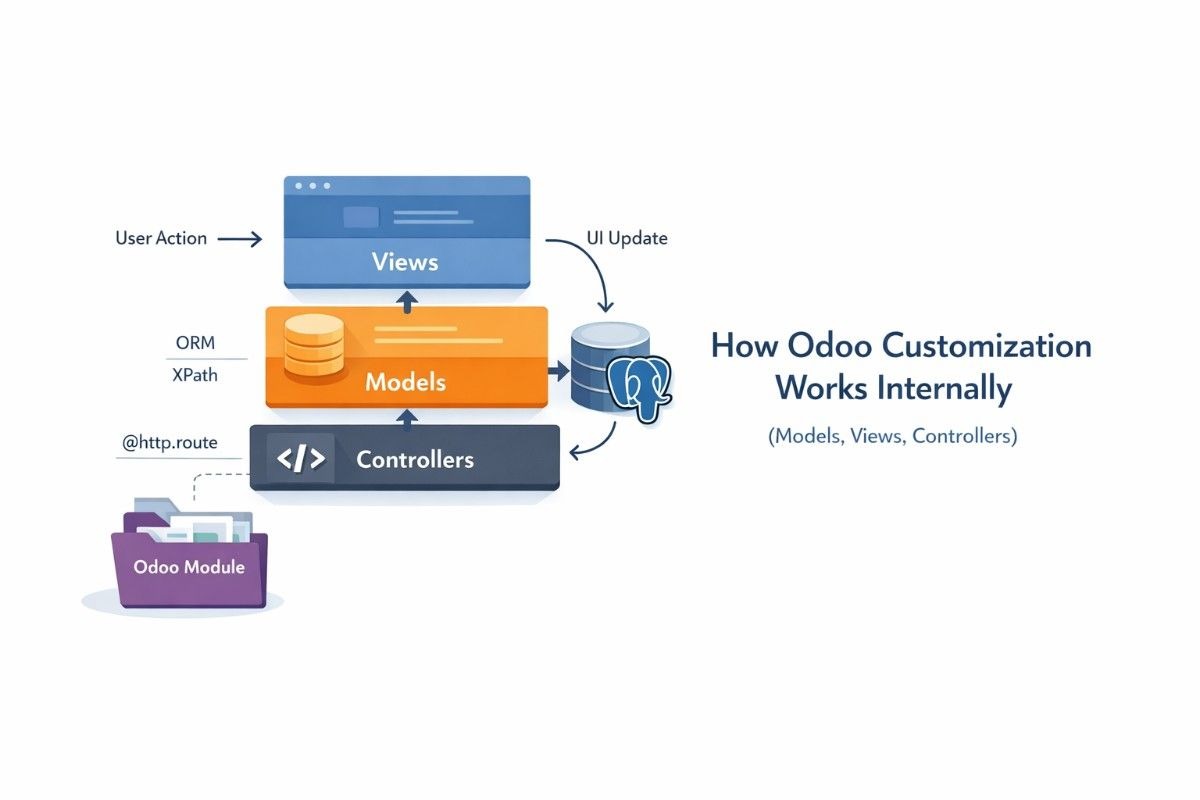
If you want to understand why this survives upgrades, read how Odoo customization works internally.
Override methods and call super()
Calling super() keeps the standard behavior and adds your change on top. This matters because Odoo often updates base logic during upgrades.
Rules that keep overrides stable:
- Keep the same input and output types
- Avoid copying big chunks of base code into your module
- Add comments that say what you rely on and why
Use XML view inheritance with inherit_id and xpath
Targeted view changes are safer than replacing a whole view. xpath lets you change only the part you need, so upgrades can still update the rest.
Best practice:
- Hide, move, or add fields with small xpath blocks
- Avoid full view copies unless you have no choice
For official examples, reference Odoo’s view inheritance documentation.
Use data files and noupdate carefully
noupdate=”1″ protects records from future updates, but it can also block fixes. Use it for master data you truly own, not for things Odoo must evolve.
Good uses:
- Your own configuration templates
- Your own reference data
Bad uses:
- Anything that Odoo updates to fix bugs or compliance
What developers must know before they customize
Good customization starts with structure, not code. If your base structure is weak, upgrades become expensive.
Define dependencies in __manifest__.py
Clear dependencies keep module load order predictable. This reduces “it works on my machine” bugs during upgrades.
Keep modules small and focused
Small modules upgrade faster because failures are easier to isolate. Mega modules hide problems and grow technical debt.
Avoid monkey patching
Monkey patching means changing behavior at runtime in a fragile way. It breaks easily because it depends on internal details that can change.
Treat security rules as real code
ACLs and record rules can break business flows after upgrades. Always test key roles, like sales, accounting, and warehouse.
If you want a quality checklist for day-to-day coding, use Odoo development best practices and compare it with Odoo’s official coding guidelines.
The upgrade workflow developers should follow every time
A safe upgrade is a repeatable process, not a hero effort. Follow these steps to reduce downtime and catch issues early.
Step 1: Do a pre-upgrade audit
List every customization and rank it with the ladder. Also list every third-party module and who maintains it.
What to capture:
- Custom addons list and Git repos
- Overridden methods and touched views
- Integrations and scheduled jobs
- Security rules and access changes
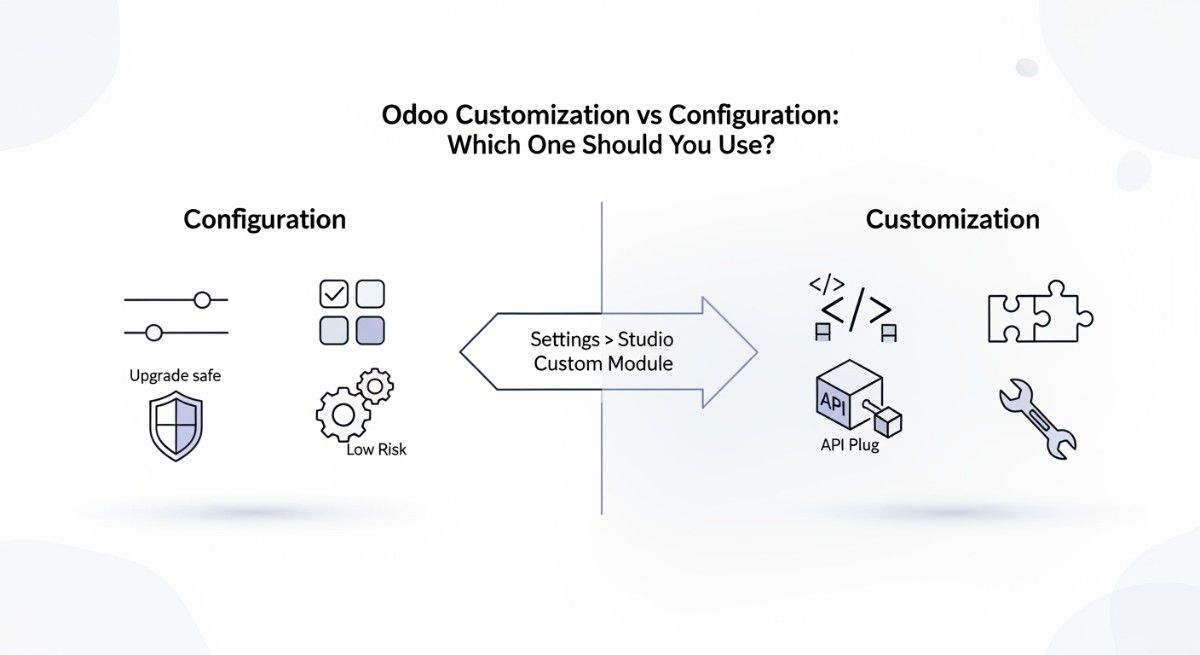
If you want the “start simple” mindset, revisit configuration vs customization in Odoo.
Step 2: Upgrade in a staging environment first
Staging lets you break things safely and learn fast. Use a copy of production data so tests reflect real life. If you use Odoo.sh, treat branches as your upgrade lab. Keep one branch for staging and one for production.
Step 3: Test real business flows with regression testing
Regression testing means you re-test what used to work. Focus on flows that make money or prevent loss.
Minimum test set:
- Create, confirm, deliver, invoice
- Returns and refunds
- Payments, taxes, and reconciliation
- Stock moves and valuation
- User access by role
Step 4: Handle third-party modules and compatibility
Third-party modules can block an upgrade if they lag behind. Pin versions, track vendor updates, and plan replacements if needed.
Step 5: Use upgrade scripts when data must change
Upgrade scripts let you change data or schema safely during module updates. In Odoo, an upgrade script is a Python file with a migrate() function that runs at upgrade time.
Read the official reference for details in Odoo’s upgrade scripts documentation.
If you use OpenUpgrade, keep your custom code aligned with its migration approach and keep changes small.
Unsafe customization creates hidden costs you pay later
Unsafe customization does not just break upgrades, it increases bugs and slows your team.
This is what people mean by technical debt.
In my 10 years, the worst upgrade projects were not “hard,” they were messy. The code worked, but nobody knew why, and every change had side effects.
Common costs you will see:
- More time fixing merge conflicts
- More time debugging view errors
- More downtime during cutover
- More support tickets after go-live
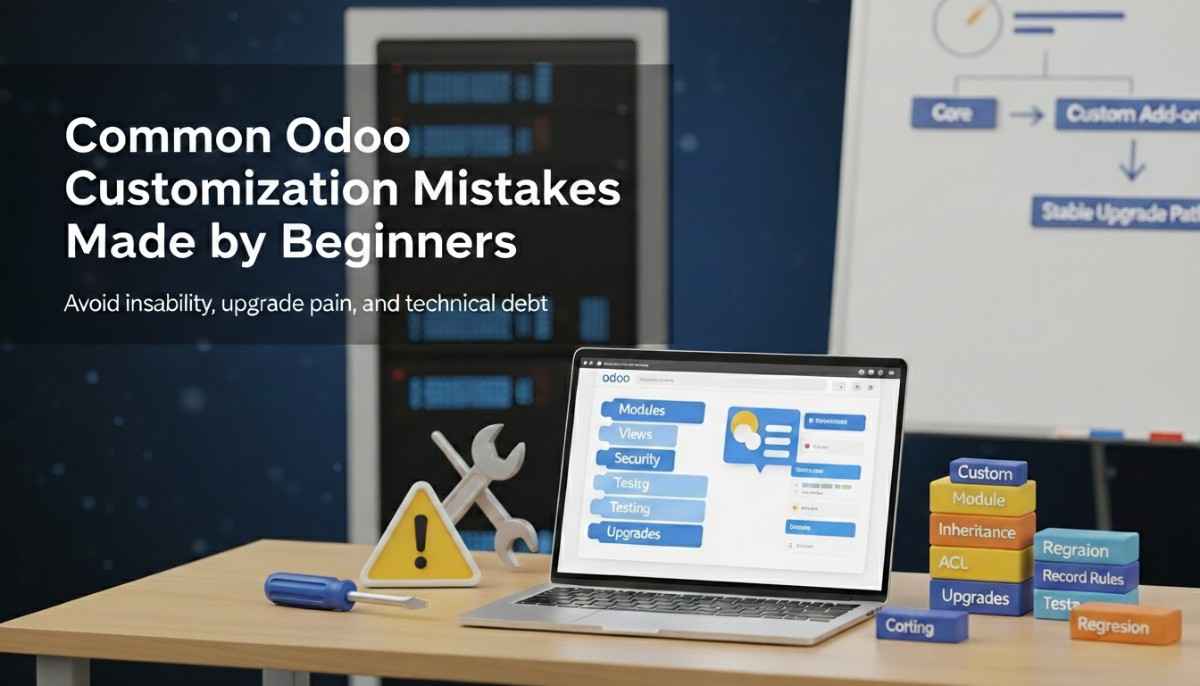
If you want a list of anti-patterns that cause this, read Odoo customization mistakes beginners make.
To keep your process disciplined, borrow ideas from secure SDLC practices like NIST’s Secure Software Development Framework. Even if you are not building security software, the habits help upgrades.
Upgrade-safe checklist you can copy into your project
If you follow this checklist, most upgrades become predictable. Use it before you code and again before you upgrade.
Upgrade-safe customization checklist
- Build changes as custom addons, not core edits
- Keep each module small and single-purpose
- Define dependencies in __manifest__.py
- Use _inherit instead of copying models
- Call super() when overriding methods
- Use XML view inheritance with small xpath changes
- Track code in Git with clear commits and tags
- Test upgrades in a staging environment with real data
- Run smoke tests plus regression testing for key flows
- Review third-party modules for compatibility before you upgrade
- Document every override and why it exists
- Plan upgrade scripts when data needs change via migrate()
Red flags that usually break upgrades
- Any edit inside core addons
- Full view replacements copied from core
- Deep overrides without super()
- One mega module that contains everything
- No tests and no staging upgrade runs
- Third-party modules with no clear maintainer or roadmap
Key takeaways
- Never modify core code if you want easy upgrades.
- Use _inherit and clean module boundaries.
- Prefer small xpath changes over full view copies.
- Treat staging upgrades and testing as non-negotiable.
- Track third-party module compatibility early.
If you want help turning this into a stable codebase and upgrade plan, explore our Odoo customization services.
FAQs (Frequently Asked Questions)
1) Is Odoo customization upgrade-safe by default?
No, it depends on how you build it.
Custom addons that use inheritance are usually upgrade-safe, but core edits are not.
2) What breaks during an Odoo version upgrade?
Views can fail, overrides can conflict, and third-party modules can become incompatible.
Data can also need cleanup if models or fields changed.
3) Can I modify Odoo core code if I track it with Git?
Git helps you track changes, but it does not make core edits upgrade-safe.
Upgrades can still overwrite files or create hard conflicts.
4) What is the safest way to change an Odoo form view?
Use XML view inheritance with inherit_id and small xpath blocks.
Avoid copying the whole view unless you must.
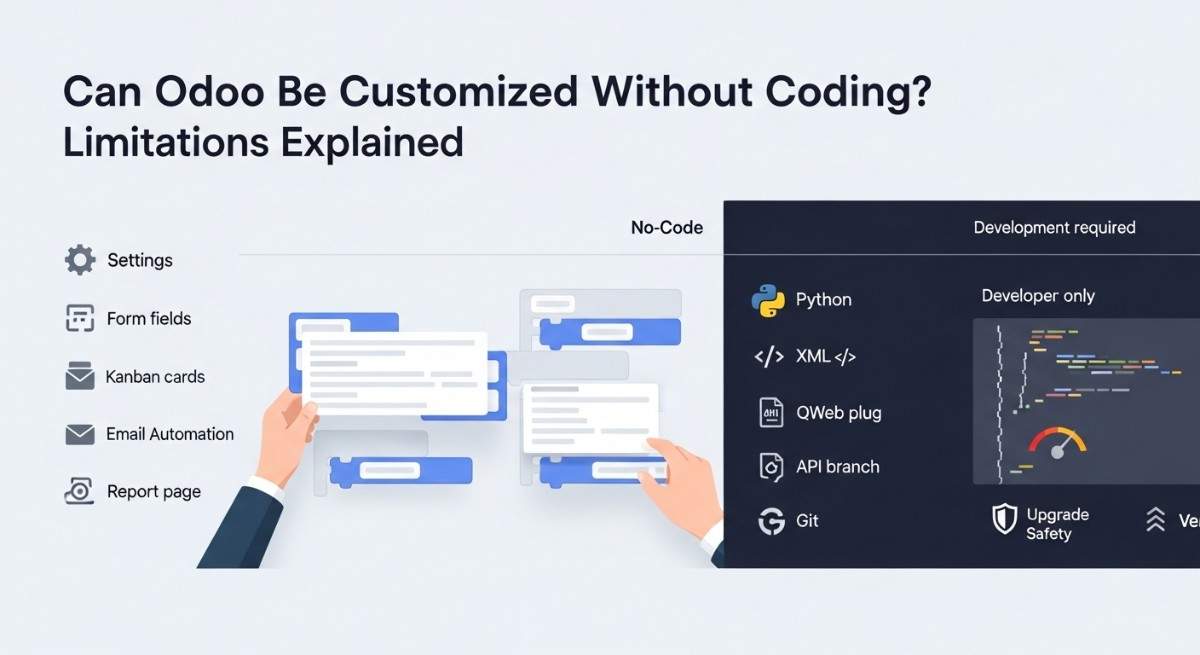
5) What is the difference between configuration, Odoo Studio, and custom modules?
Configuration uses built-in settings and is the safest.
Studio is low-code UI changes and is medium risk.
Custom modules are code-based and can be safe when modular and clean.
6) How do I keep custom modules compatible across versions?
Keep modules small, avoid fragile overrides, and call super().
Test upgrades on staging early so you have time to fix issues.
7) Do Odoo App Store modules affect upgrade safety?
Yes, because you depend on someone else’s release schedule.
Always check compatibility before upgrading and plan a fallback.
8) What is “monkey patching” in Odoo, and why is it risky?
Monkey patching changes behavior in a hidden way at runtime.
It is risky because small upstream changes can break it without clear errors.
9) How do I test an Odoo upgrade without downtime?
Upgrade a copy in a staging environment first and run regression tests.
Only cut over after your key business flows pass.
10) How do I estimate the cost of upgrading a heavily customized Odoo?
Count custom addons, deep overrides, view changes, and third-party modules.
Then rank them with the ladder and add time for testing and data fixes.