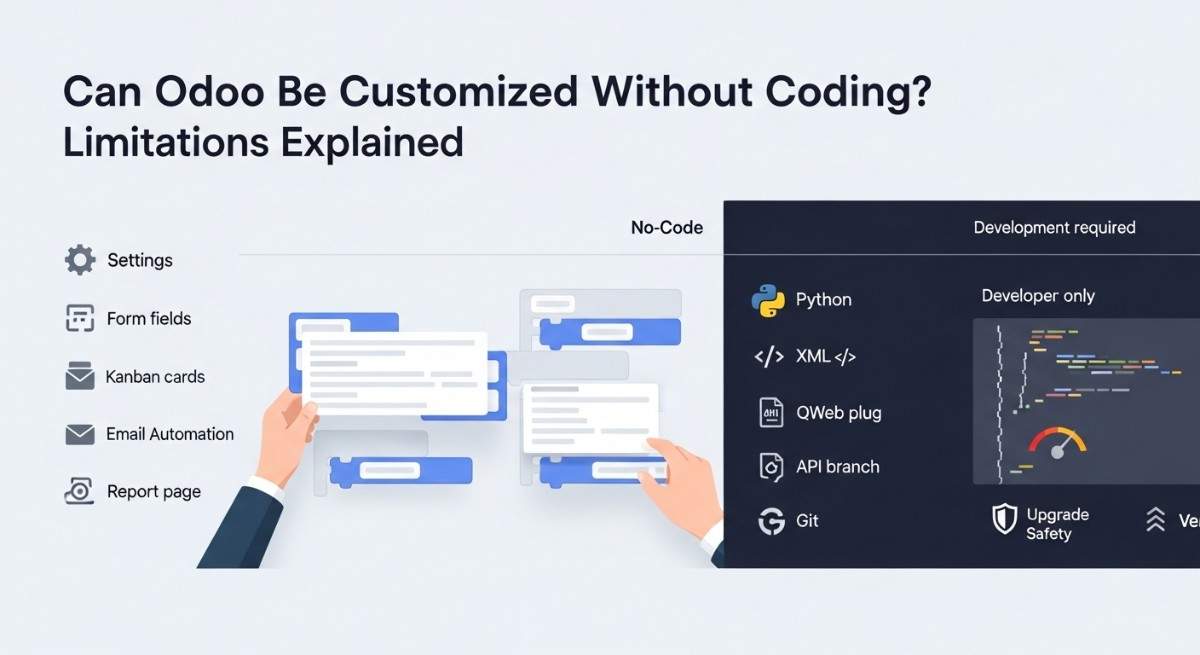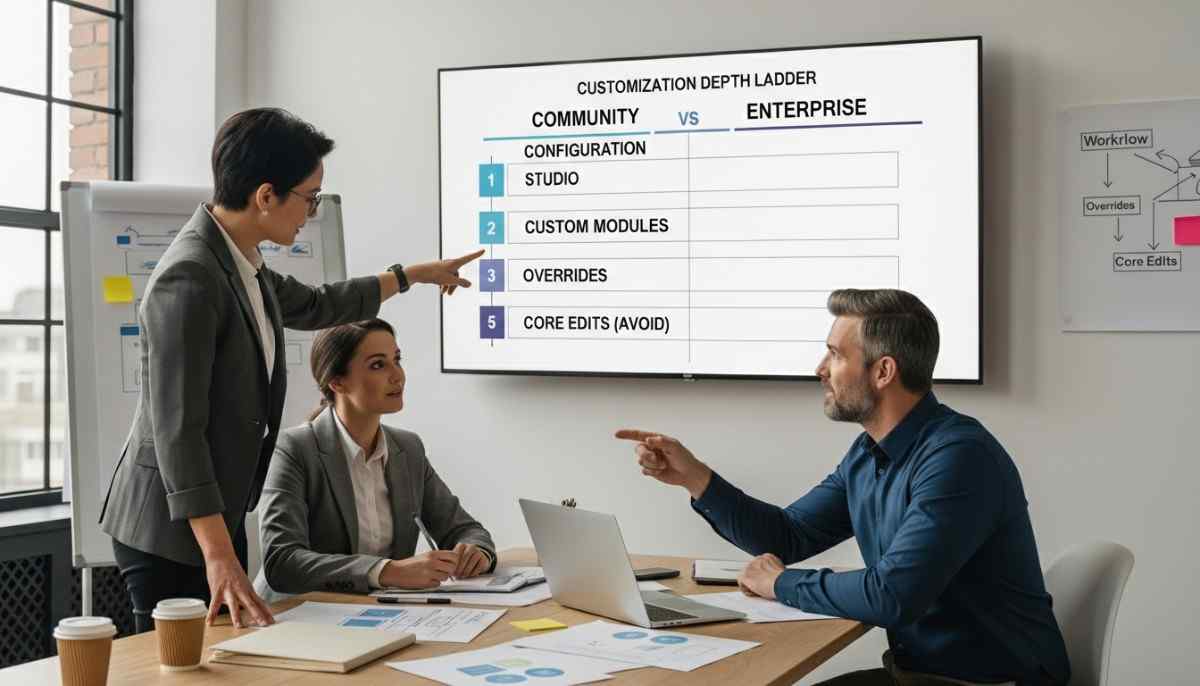
You can customize Odoo Community and Enterprise almost without a ceiling, but Enterprise makes many changes easier because Studio gives you a no-code path, while Community expects coding for most changes. Odoo itself describes Community as the core and Enterprise as the layer built on top, and it also says you can switch editions.
Enterprise fits teams that want speed and less technical work, and Community fits teams that want full code control and can handle the engineering effort. In our implementation work, the best results come from picking the edition based on skills, upgrade tolerance, and the real cost of ownership.
Table of contents
- Configuration vs customization vs development
- The customization depth ladder
- Configuration
- Studio (Enterprise)
- Custom modules (both)
- Overrides and view inheritance (both)
- Editing core (avoid)
- What you can customize in both editions
- What becomes easier in Enterprise
- Where Community can go deeper
- Upgrade reality check
- Security and role customization you should not skip
- Decision checklist with quick scoring
- Mini scenarios
- Conclusion
Configuration vs customization vs development
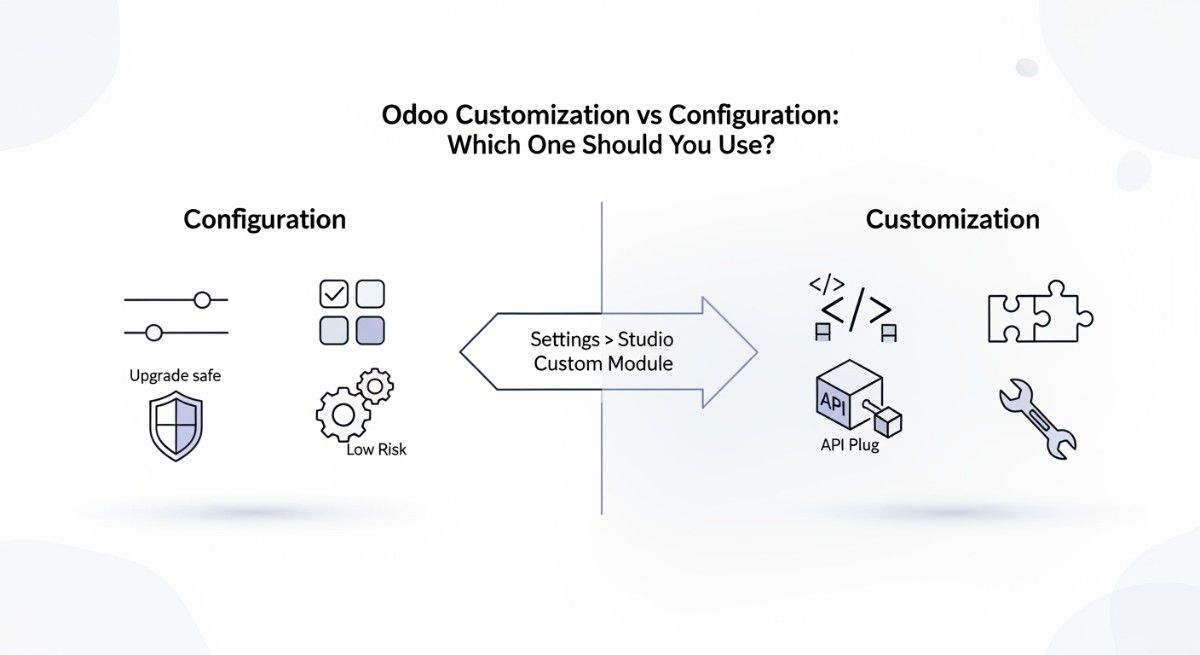
Configuration means you use built-in settings, customization means you change how Odoo behaves for your business, and development means you write code to add new features. Configuration stays safest because Odoo expects it.
Customization starts when you change screens, workflows, rules, and reports to match your process. Development starts when you build modules, override logic, or connect Odoo to other systems.
If you want a simple baseline before you decide, read what Odoo ERP customization means.
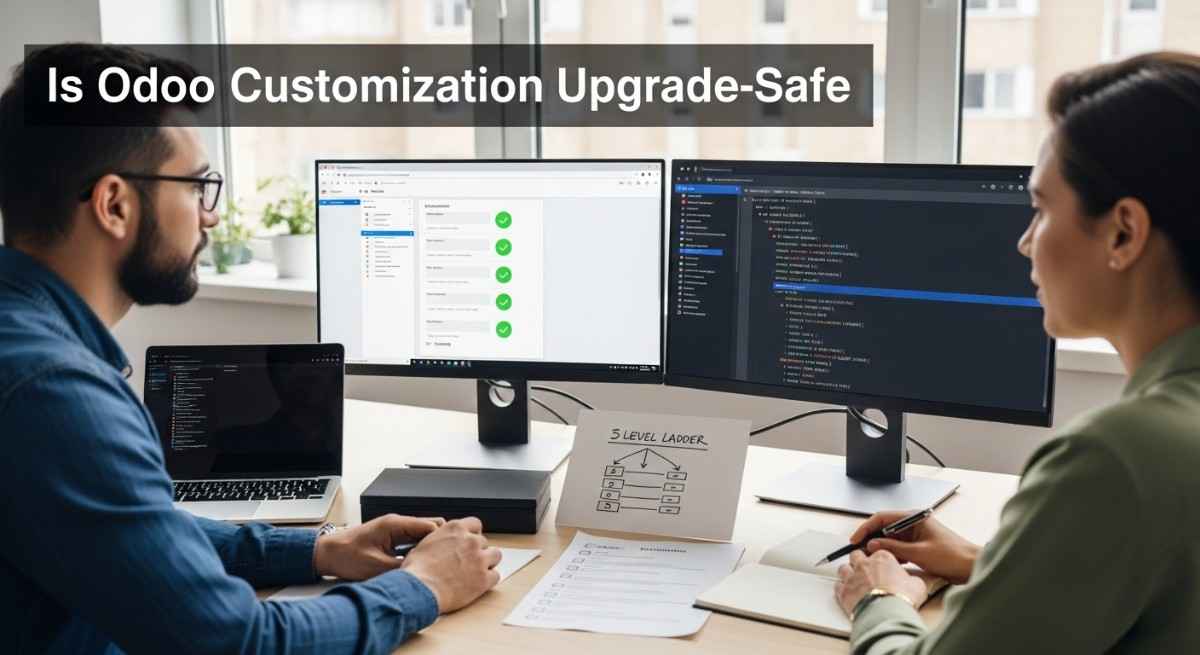
Odoo customization depth ladder
The safest customizations live higher on the ladder, and the riskiest customizations live lower because they fight upgrades. Research on ERP customization also warns that heavy customization can increase maintenance effort and upgrade risk over time.
| Ladder step | What you change | Who can do it | Upgrade risk | Time cost |
| Configuration | settings, users, standard flows | admin | low | low |
| Studio (Enterprise) | fields, views, automations, webhooks, reports | power user | low to medium | low |
| Custom modules (both) | new features in addons | developer | low to medium | medium |
| Overrides and view inheritance (both) | method overrides, XPath view edits | developer | medium | medium to high |
| Edit core (avoid) | change base code directly | developer | high | high |
For a bigger foundation, read Is Odoo Fully Customizable and the complete guide to Odoo customization.
1) Configuration
Configuration gives you the most value per hour because it uses what Odoo already supports. You can set user roles, turn features on, set workflows, and choose basic rules without touching code.
Configuration stays stable across upgrades because Odoo designs upgrades to preserve settings. You still need testing, but you avoid most conflicts.
2) Studio (Enterprise)
Studio lets you customize many parts of Odoo without coding, so it is the fastest path for most UI and simple logic changes. Odoo describes Studio as a toolbox to customize without coding, and it includes things like fields, views, automation rules, webhooks, PDF reports, and approval rules.
Studio is not “limited,” but it is “guided,” so it keeps you closer to upgrade-safe changes. You can still build complex outcomes, but Studio works best when your need fits the tools.
Reference: Odoo Studio documentation.
3) Custom modules (both)
Custom modules give you the best long-term customization because you add features without hacking the core. You can build new models, new screens, new rules, and new integrations as addons.
Custom modules also make testing and migrations clearer because your changes live in one place.
If you want the practical steps, see how to develop custom Odoo modules.
4) Overrides and view inheritance (both)
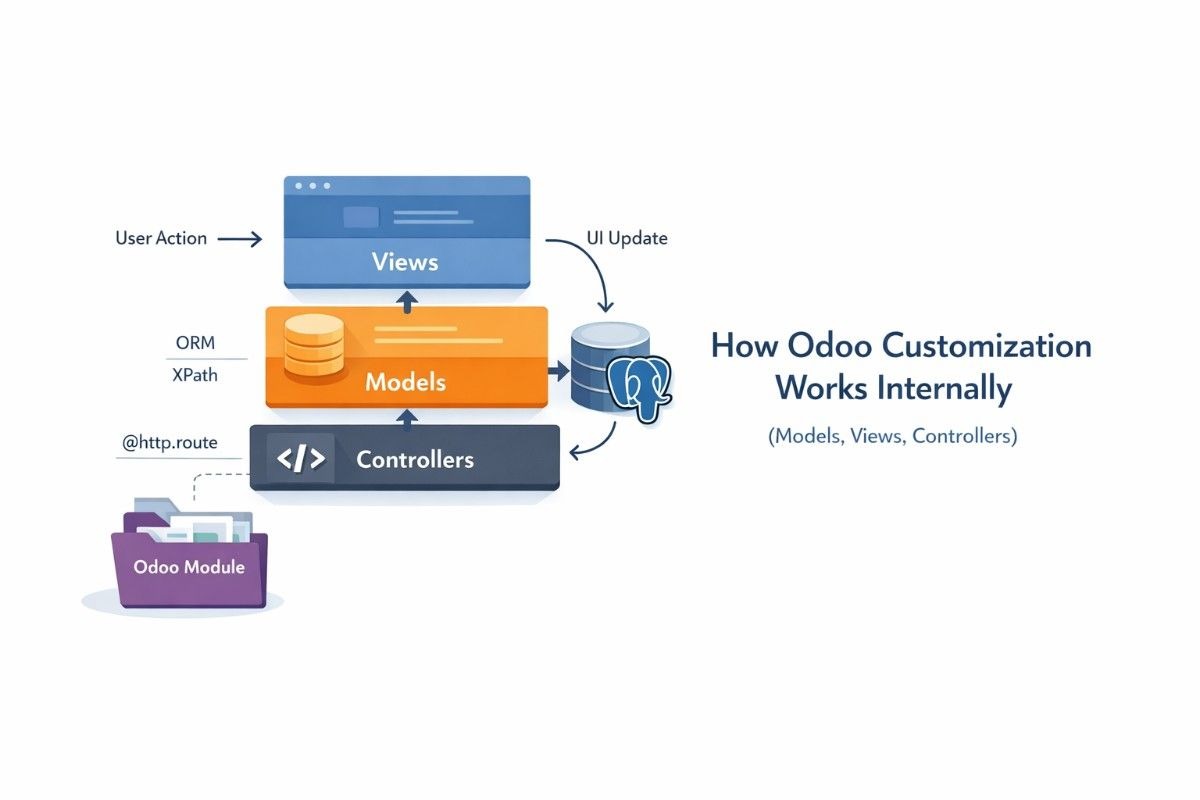
Overrides and view inheritance let you change behavior without copying whole files, but they can create conflicts if you stack too many changes. In Odoo, developers often use view inheritance with XPath to adjust screens, and they use the ORM to extend models and override methods.
This level works well when you keep changes small and well-scoped. Use a strict rule: you should be able to remove your custom module and still run the base system.
For guardrails, follow Odoo development best practices and read a technical overview of Odoo customization.
5) Editing core (avoid)
Editing core code directly is the fastest way to create upgrade pain because every update can overwrite your changes. You also make debugging harder because the base behavior no longer matches official docs.
Most teams only do core edits as a temporary emergency patch, then move the change into a module.
If you want to stay safe, customize Odoo without breaking core functionality.
What you can customize odoo in both editions
Both editions let you tailor the system across screens, workflows, reports, integrations, and security because they share the same core platform. Odoo’s own editions page frames Enterprise as built on top of Community, which is why custom module work often transfers.
UI: fields, views, menus
You can reshape screens and data entry in both editions by adding fields, changing views, and adjusting menus. Enterprise often does this faster with Studio, while Community usually does this with XML views and inherited templates.
If you want to pick high-impact areas first, read top 10 Odoo modules to customize first.
Workflows: approvals, automation rules, server actions
You can automate approvals, validations, and routine tasks in both editions, but Enterprise makes common automations easier to set up. Studio supports automation rules and approvals, while Community typically handles this through server actions and code.
Reports: PDFs and templates
You can customize documents like invoices, delivery slips, and internal reports in both editions using QWeb reports. Enterprise can speed up some report edits through Studio tools, while deeper layout work still needs templates and testing.
Integrations: APIs and webhooks
You can connect Odoo to other tools in both editions using APIs, connectors, and webhooks. Enterprise makes some integration steps easier in Studio because it supports webhooks in its toolbox.
For practical ideas, use top Odoo integrations for productivity.
Security: groups, ACLs, record rules
You can customize who can access what in both editions using groups, access rights, and record rules. Odoo documents record rules as conditions checked per record, working together with access rights.
Reference: Odoo security record rules documentation.
What becomes easier or faster in Enterprise
Enterprise reduces hands-on engineering for many common changes because Studio and bundled apps cover more needs out of the box. That means you write less custom code for the same business outcome.
Studio workflow speed
Studio helps business users move faster because they can adjust fields, screens, and simple logic without waiting for a developer. This is the biggest daily difference for many teams.
Pre-built advanced apps reduce custom code
Enterprise can reduce customization demand because some advanced functions already exist as supported modules. When a feature already exists, you configure it instead of rebuilding it.
Hosting and upgrades feel lighter
Enterprise often feels easier to run because you can pair it with managed options, which reduces DevOps work. Many teams choose managed routes so they spend more time on business improvements and less time on server upkeep.
For the full edition comparison context, read the official Odoo editions comparison.
Where Community can go deeper and what it costs
Community gives you full open-source code access, so you can implement deep changes, but you must pay for engineering time and long-term care. You can build anything from new apps to complex industry flows.
The real cost shows up after go-live because testing and maintenance never stop. This is why TCO matters more than license price when you plan for 3 to 5 years.
If you want real examples of how companies change Odoo, see real business examples of Odoo customization.
Upgrade reality check
Upgrade-safe customization means your changes still work after you move to a new Odoo version with minimal rework. You get upgrade safety when you isolate changes in modules and keep overrides small.
How to design for smoother migrations
You can make migrations easier by keeping custom modules clean, documented, and tested. Use version control, automated tests where possible, and a staging environment that mirrors production.
What breaks upgrades most often
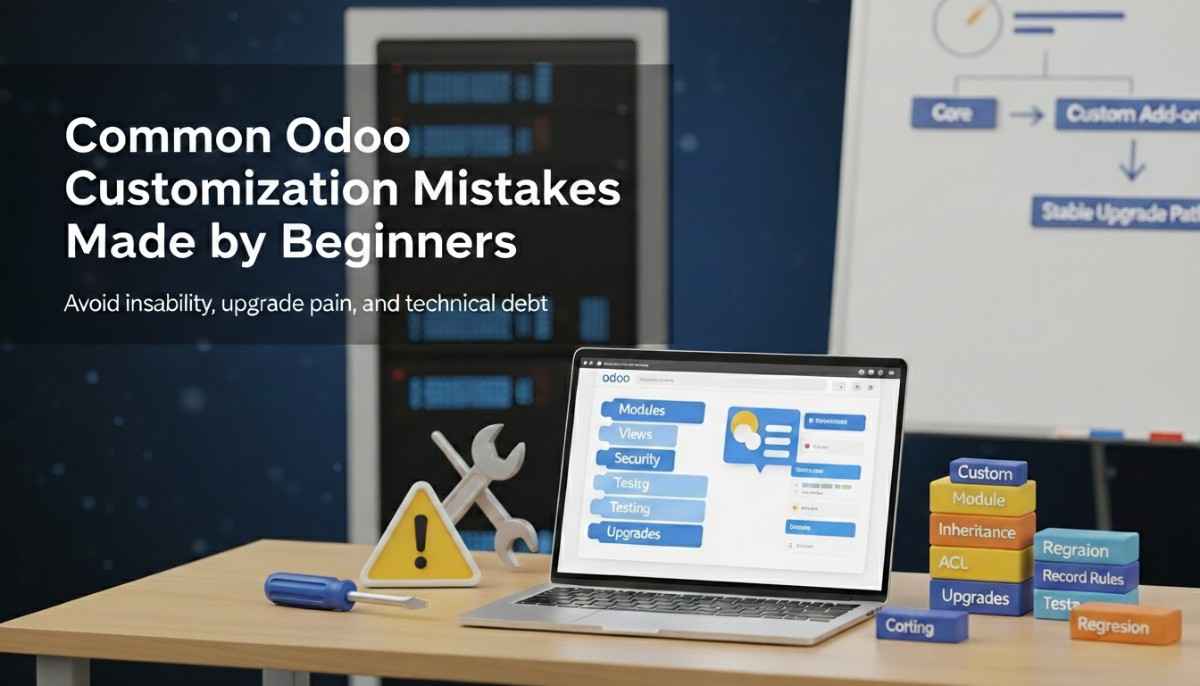
Most upgrade failures come from fragile UI inheritance, heavy overrides, and tight coupling to internal methods. Teams also run into trouble when they copy core views instead of inheriting them with XPath.
If you want fewer surprises, follow an implementation plan like Odoo implementation guide for businesses and avoid the traps in common mistakes during Odoo implementation.
Security and role customization you should not skip
Role-based access control protects your data by giving each user only the access they need. The well-known NIST RBAC model explains roles as a standard way to manage authorization at scale.
In Odoo, roles become groups, access rights, and record rules, so security is also a customization layer. When you do this well, audits get easier, and mistakes drop.
Reference: NIST role-based access control model.
Decision checklist with quick scoring
The right edition is the one that matches your skills, speed needs, and upgrade tolerance, not the one that sounds cheaper today. Use this quick scoring method.
Give each line a score from 1 to 5. Higher means “this matters a lot to us.”
- We need non-developers to customize fast.
If high, lean Enterprise. - We have strong Python and Odoo developers in-house.
If high, Community or Enterprise both work. - We want fewer upgrade surprises.
If high, lean Enterprise or a strict custom module approach. - We must meet strict compliance and access control needs.
Both can work, but plan security early. - We expect heavy mobile use.
Lean Enterprise if you want more supported “works out of the box” behavior. - We want lower operational overhead.
Lean Enterprise with managed options, or plan DevOps for Community.
For content quality expectations, align to Google guidance on creating helpful, reliable content.
Mini scenarios
These scenarios show how the same customization need can push you toward different editions.
Small team needs quick UI tweaks
Enterprise fits best when a small team wants to add fields, change screens, and tweak simple logic without developers. Studio speeds up changes and reduces wait time.
Manufacturing or inventory complexity
Either edition can work when your inventory logic needs custom routes and validations, but the key is module quality. Build stable custom modules and test upgrades early.
Accounting and compliance heavy environment
Enterprise often wins when accounting needs supported features, strong upgrade support, and fewer custom patches. You still customize, but you try to configure first.
Service business with custom workflows
Community can be a strong fit when you need unique workflow states and deep automation, and you have developers. You should keep logic in modules and avoid core edits.
Conclusion
You can customize both Odoo Community and Enterprise deeply, but Enterprise makes many customizations easier while Community makes deep engineering more open and more demanding. If you want speed and simpler change management, learn Enterprise. If you want maximum code control and you can support it, Community can deliver.
If you want a safe plan, clear effort estimates, and upgrade-friendly architecture, explore Odoo customization services.
FAQs (Frequently Asked Questions)
1) Is Odoo Studio available in Community?
No, Odoo Studio is part of Enterprise, not Community. Community users usually customize screens with XML views, Python code, and custom modules. Enterprise users can do many UI and simple logic changes faster because Studio supports no-code edits.
2) Can you build custom modules in both editions?
Yes, you can build custom modules in both Community and Enterprise. Both editions share the same core platform, so module development practices often apply to both. The difference is that Enterprise may reduce how many modules you need because more features come built-in.
3) Can I start on Community and move to Enterprise later?
Yes, you can start on Community and switch to Enterprise later. Odoo states that Community is the core and you can switch versions, which is helpful when you want to begin small and add licensed features later.
4) Do Studio changes survive upgrades?
Many Studio changes can survive upgrades if they stay within supported patterns. You still need testing because upgrades can change views and fields. If you rely on heavy overrides or fragile UI changes, you increase upgrade risk, even in Enterprise.
5) What customization breaks upgrades most often?
Fragile view inheritance, heavy overrides, and core edits break upgrades most often. Copying full views instead of inheriting with XPath can also create conflicts. Stable custom modules and clean boundaries reduce this risk over time.
6) Is Community truly free after hosting and maintenance?
Community can be license-free, but it is not “cost-free.” You still pay for hosting, DevOps, backups, monitoring, and developer time for fixes and upgrades. Over a few years, these costs can exceed what people expect if you customize heavily.
7) How do access rights and record rules affect customization?
Access rights and record rules control what users can see and do, so they shape your whole solution. Odoo evaluates record rules per record, together with access rights. If you design roles badly, users see wrong data or cannot do their work.
8) Which edition is better for heavy accounting needs?
Enterprise is often better for heavy accounting needs because it includes more supported features and tends to reduce custom build work. Community can still handle complex accounting, but teams often need extra custom modules, more testing, and more maintenance effort.
9) Can Community match Enterprise UI?
Community can match many UI outcomes, but it usually takes more developer effort. Enterprise uses Studio for fast UI changes, while Community relies on XML view changes, inherited templates, and custom modules. Both can look polished if you invest in design and testing.
10) How do I keep customization upgrade-safe?
You keep customization upgrade-safe by using custom modules, limiting overrides, and avoiding core edits. You also need good testing, a staging environment, and clear documentation. This reduces surprise failures and makes migrations smoother.