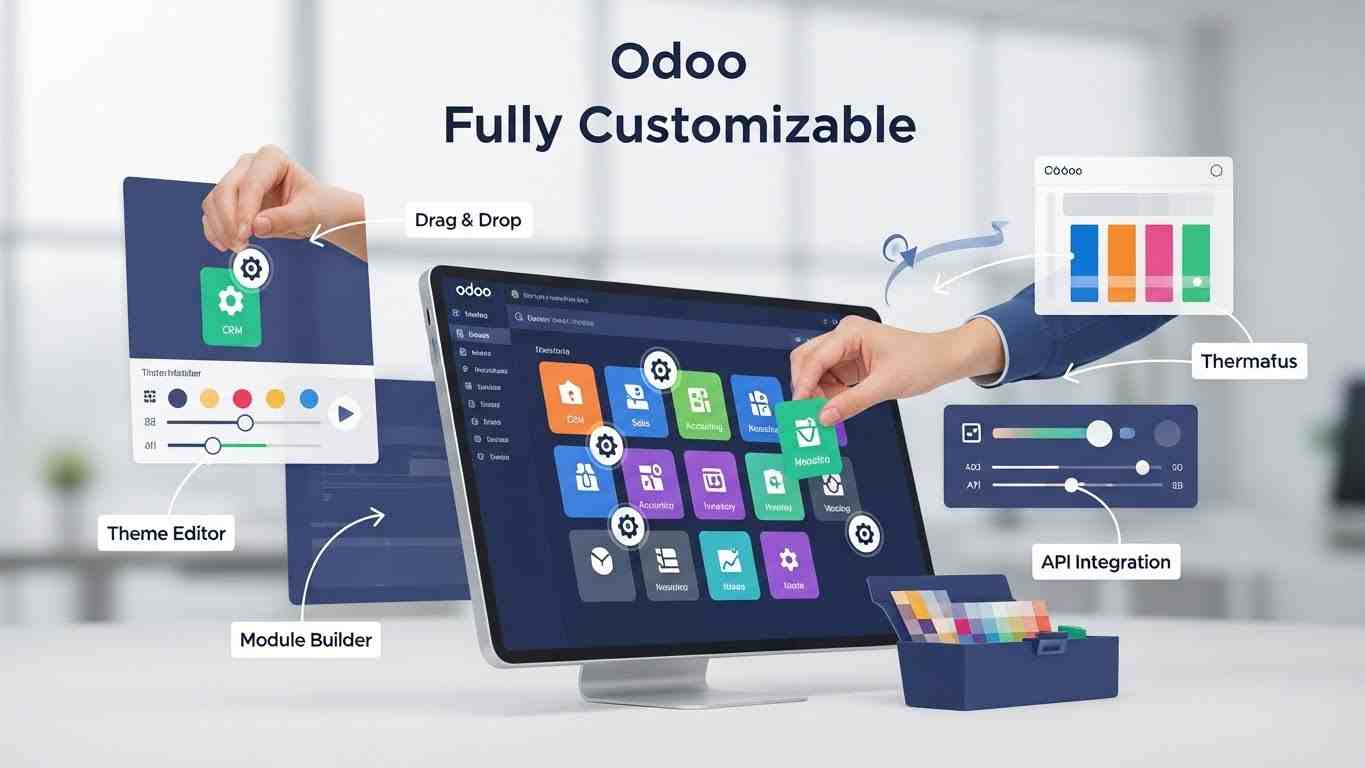
Odoo is often promoted as a flexible and fully customizable ERP system. Many businesses choose Odoo because they want software that adapts to their workflows instead of forcing them to change how they work. If you want to see how NerithonX can help tailor Odoo to your company’s needs, you can visit our homepage to learn more about our ERP solutions. However, a common and important question still exists: Is Odoo fully customizable, or does it have limitations?
The correct answer requires context. Odoo is highly customizable compared to most ERP systems, but it is not unlimited. Like any large business platform, Odoo is built on a structured framework. Understanding what can be customized and what must remain unchanged is essential for long-term success, system stability, and upgrade safety.
This guide explains Odoo customization in a clear and practical way so business owners, IT managers, and ERP decision-makers can make informed choices.
What Customization Means in Odoo ERP
To understand whether Odoo is fully customizable, it is first necessary to understand what customization means in the context of an ERP system. Customization in Odoo is not about changing everything freely. It is about extending and adapting the system while respecting its technical foundation.
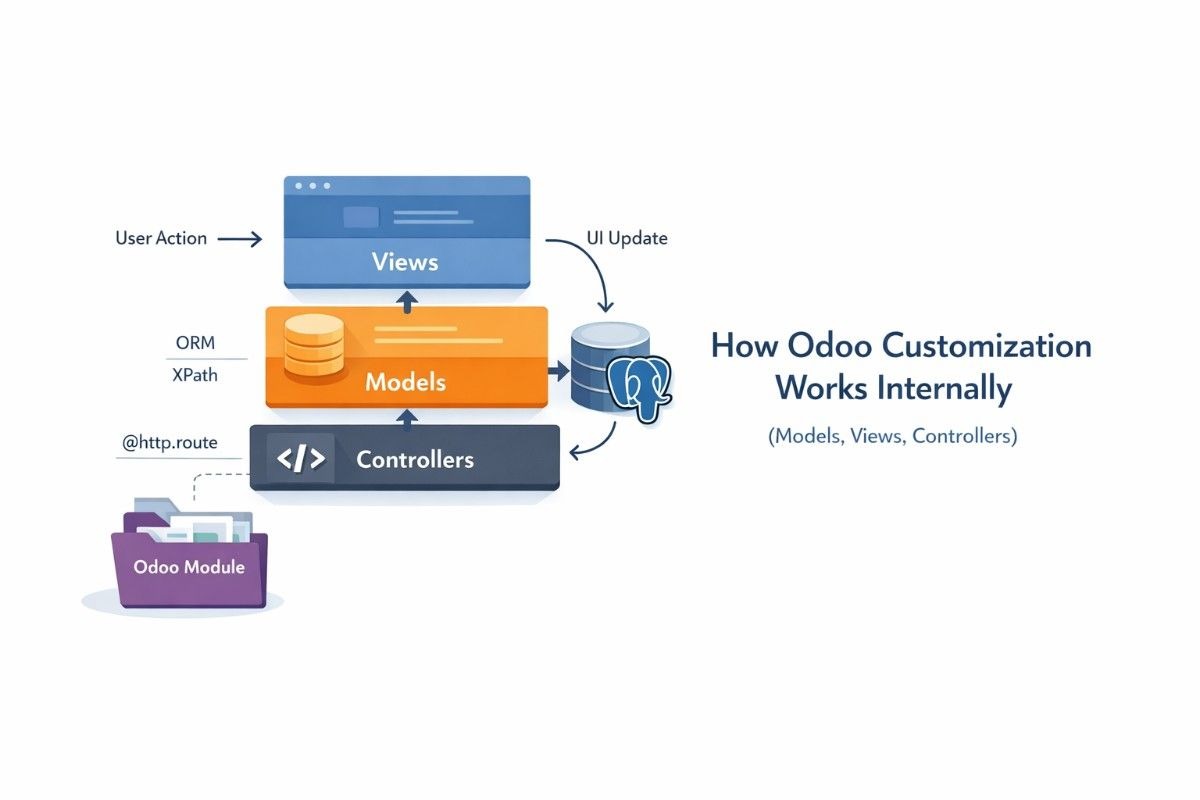
Odoo is built using a modular architecture. Each business function, such as Sales, Accounting, Inventory, Manufacturing, or Human Resources, exists as an independent module. These modules communicate with each other through a shared database and standardized business logic. This structure allows developers to extend features without directly modifying the core system.
Customization in Odoo focuses on adjusting how these modules behave, how they interact, and how data flows between them. This approach allows flexibility while maintaining system integrity.
Configuration vs Customization in Odoo
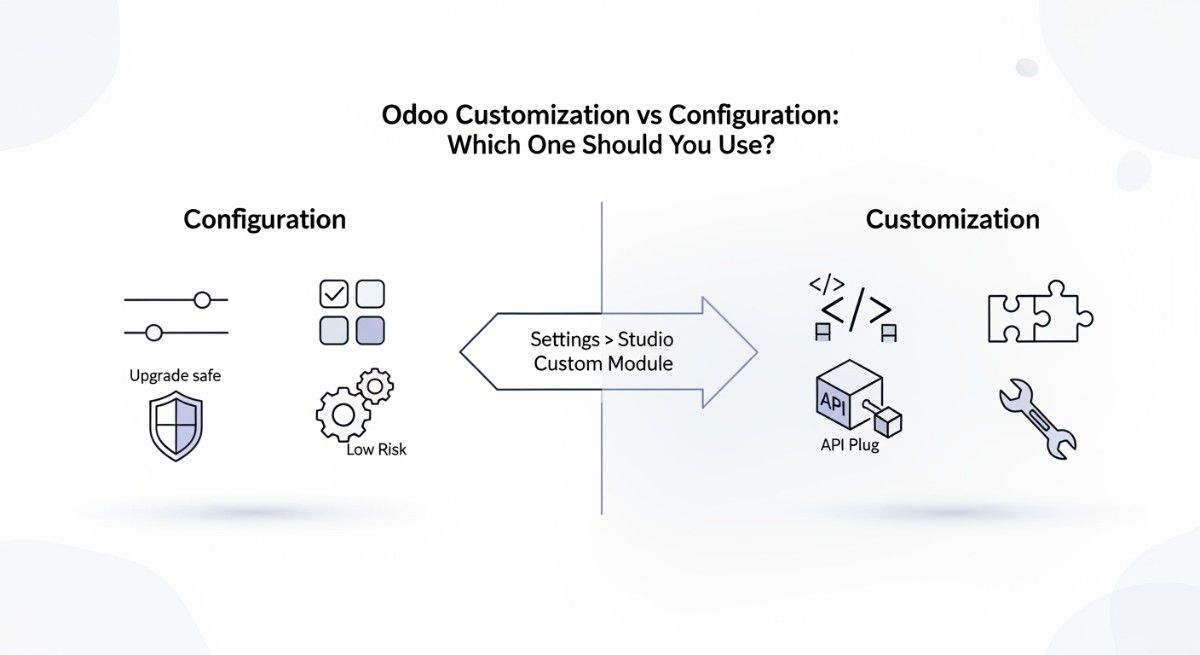
Many businesses confuse configuration with customization, but they are not the same. Configuration uses built-in options that Odoo already provides. This includes enabling features, adjusting workflows, defining user permissions, and setting up accounting rules. Configuration does not require coding and is upgrade-safe by default.
Customization goes deeper. It involves changing or extending behavior through custom modules, Python code, XML views, or integrations. Customization is used when built-in options are not enough to support real business requirements.
Understanding this difference helps businesses avoid unnecessary development and reduces long-term maintenance costs.
How Odoo’s Modular Architecture Enables Customization
Odoo’s modular design is the core reason it is considered flexible. Each module can be extended without rewriting the original code. Developers create custom modules that inherit existing functionality and add new logic on top of it.
For example, a company can extend the Sales module to add approval rules based on deal size or customer risk. The original Sales module remains unchanged, while the new rules operate alongside it. This method protects the system during upgrades and keeps customization manageable.
This extension-based approach is one of Odoo’s strongest advantages compared to traditional ERP systems.
What You Can Customize in Odoo ERP
Odoo allows customization across almost all business-facing areas. These customizations focus on how users interact with the system and how business processes are executed.
Customizing Odoo Modules and Applications
Odoo modules are fully extendable. Businesses can modify existing modules or create new ones that match industry-specific needs. Custom modules can add new features, fields, validations, or workflows without interfering with the base system.
For example, a construction company can build a custom module that connects project costs, purchase orders, inventory usage, and invoicing into one unified workflow. This level of customization makes Odoo suitable for many industries.
Customizing Business Workflows and Processes
Odoo supports deep workflow customization. Businesses can define how data moves from one stage to another and what actions are triggered along the way. Sales approvals, purchase validations, invoice confirmations, and inventory movements can all follow custom rules.
These workflows are built using automation rules, server actions, and custom business logic. This allows Odoo to reflect real operational processes instead of forcing companies into generic ERP flows.
Customizing the Odoo User Interface
The Odoo user interface is designed to be flexible. Developers can customize form views, list views, kanban boards, and dashboards. Fields can be shown or hidden based on user roles, departments, or workflow stages.
This improves usability and reduces errors by showing users only the information they need. A finance user, for example, sees accounting data, while a sales user focuses on customers and opportunities.
Customizing Reports and Dashboards
Reporting is another area where Odoo offers strong customization. Businesses can create custom PDF reports, modify invoice layouts, and build management dashboards using real-time data.
Reports can pull information from multiple modules and present it in a structured format. This allows decision-makers to track performance, monitor costs, and analyze trends without external tools.
Customizing Automation and Scheduled Actions
Odoo supports automation to reduce manual work. Automated actions can trigger emails, update records, assign tasks, or change statuses based on defined conditions. Scheduled actions allow recurring processes such as data synchronization, report generation, or system cleanup.
These automation capabilities help businesses scale operations without increasing administrative workload.
Customizing Integrations Using Odoo API
Odoo provides robust API support, making it easy to integrate with third-party systems. Payment gateways, shipping providers, CRM platforms, e-commerce stores, and external accounting tools can all connect with Odoo.
These integrations turn Odoo into a central business system rather than an isolated ERP.
Odoo Studio and Its Role in Customization
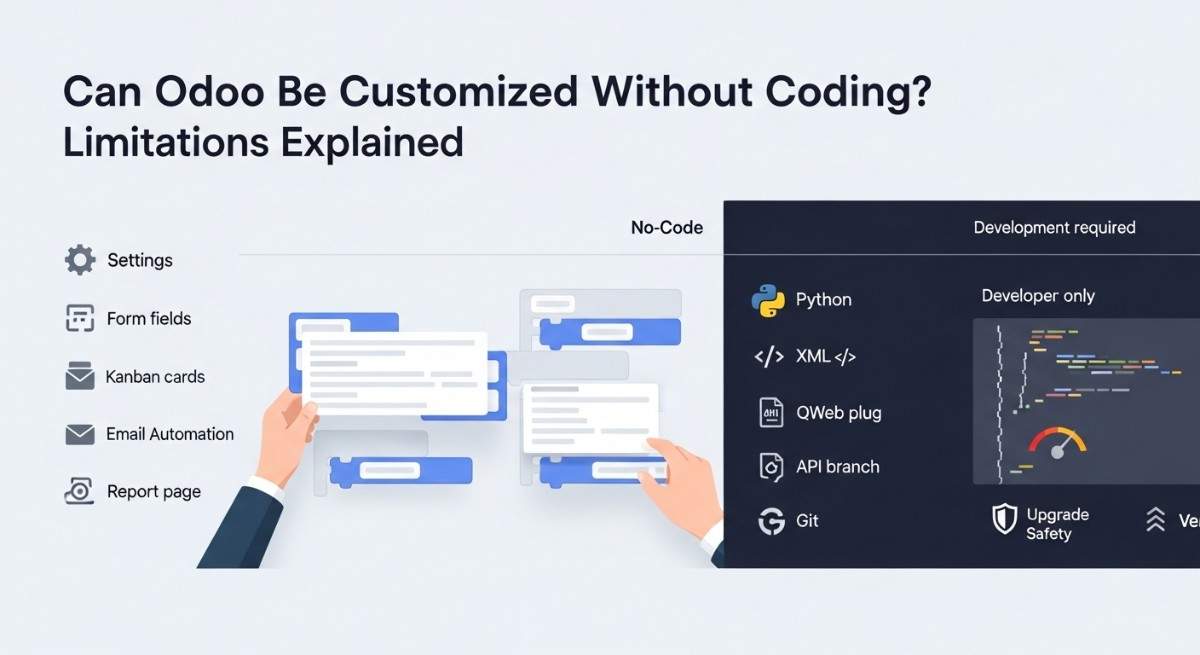
Odoo Studio is a low-code tool available in the Enterprise edition. It allows users to make simple changes without writing code. Fields can be added, forms adjusted, and basic automation created directly from the interface.
Odoo Studio is ideal for small adjustments and quick improvements. However, it does not replace full custom development. Complex workflows, integrations, and performance optimizations still require professional development using Python and Odoo’s framework.
What You Cannot Customize in Odoo
Despite its flexibility, Odoo has clear limits. These limits exist to protect system stability, security, and upgrade compatibility.
The core Odoo framework, including its ORM, database structure, and fundamental security rules, cannot be safely modified. Changing these elements can break the system and make future upgrades impossible.
Additionally, businesses using Odoo Online (SaaS) face restrictions. Backend code access is not allowed, and custom server-side modules cannot be installed. SaaS is designed for standard use cases, not heavy customization.
Legal and licensing rules also apply. Enterprise features cannot be copied into the Community edition, and custom development must comply with Odoo’s licensing terms.
Customization Differences Between Odoo Community and Enterprise
Odoo Community offers full source code access, making it highly flexible for technical teams. However, it requires experienced developers and does not include tools like Odoo Studio.
Odoo Enterprise includes advanced features, official support, and low–code customization tools. It is easier to manage for businesses that want flexibility without heavy technical involvement.
The choice between Community and Enterprise depends on budget, technical expertise, and customization needs.
Risks of Over-Customization in Odoo
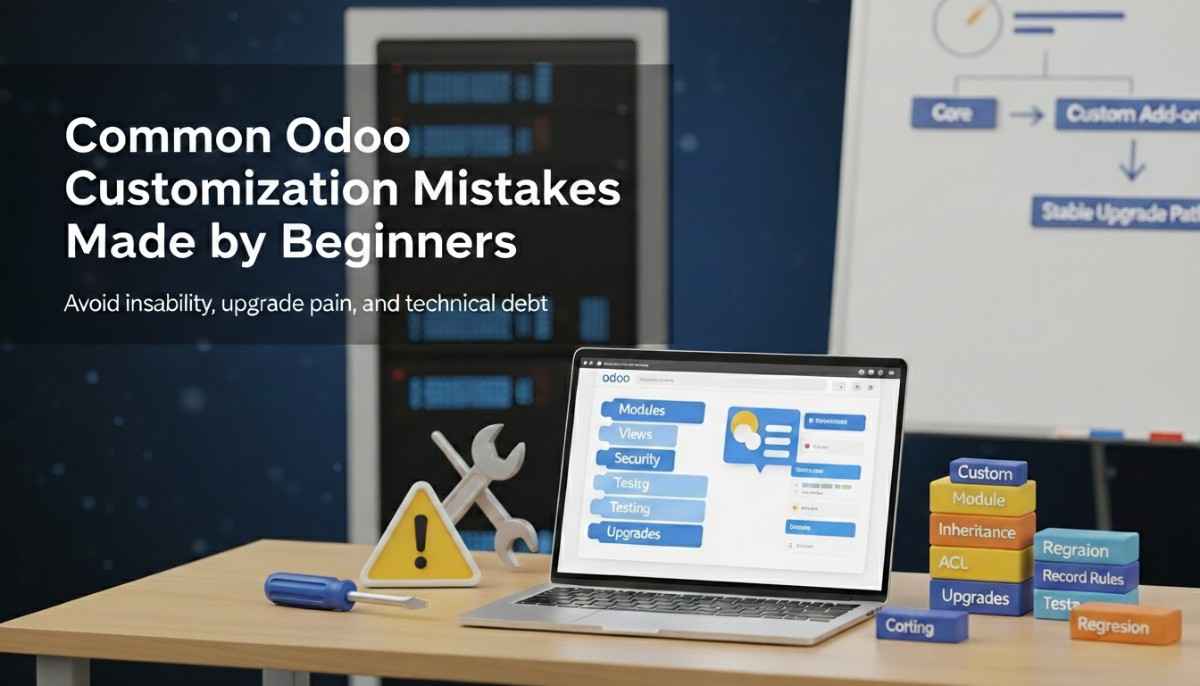
Customization should always solve business problems, not create new ones. Over-customization increases system complexity and long-term costs.
Heavy customization can make upgrades difficult, as custom code must be reviewed and tested with each new Odoo version. Poorly written code can also affect performance and system stability.
Over time, excessive customization leads to technical debt. This increases dependency on developers and reduces flexibility instead of improving it.
Best Practices for Sustainable Odoo Customization
Successful Odoo customization starts with clear business goals. Custom features should exist only when they deliver measurable value. Following Odoo development standards ensures upgrade safety and long-term maintainability.
Working with experienced or certified Odoo partners helps avoid common mistakes and ensures that customization aligns with best practices.
Is Odoo Fully Customizable for Your Business?
Odoo is one of the most customizable ERP systems available today, but it is not unlimited. You can customize modules, workflows, interfaces, reports, automation, and integrations. You cannot safely customize the core framework, SaaS backend logic, or legal constraints.
When customization is planned strategically and implemented correctly, Odoo becomes a powerful and scalable business platform. The key is understanding where flexibility ends and structure begins.
FAQS
1. Can I customize Odoo’s core system to match my specific business rules, or am I limited only to basic settings?
Odoo allows deep customization, but there are limits. You can modify modules, workflows, reports, interfaces, and automation to fit your business processes. However, the core framework, including the ORM (Object Relational Mapping) and database structure, should not be changed, as this can cause system instability and make upgrades difficult. Most business rules can be implemented safely through custom modules or Odoo Studio without touching the core system.
2. What is the best process to find and hire an Odoo developer to help with workflow customization and database changes?
The safest approach is to work with certified Odoo partners or experienced freelance developers who specialize in Odoo ERP. Start by defining your business requirements, then evaluate developers based on their experience with Python development, Odoo module customization, workflow automation, and API integrations. Checking previous projects and client reviews ensures quality and reduces risks during development.
3. How do I customize a specific module (for example, add a button to the attendance app) and what tools are recommended for this?
You can customize Odoo modules by creating a custom module that extends the original functionality. For simple changes, Odoo Studio allows you to add buttons, fields, or automation without coding. For advanced customization, developers use Python, XML, and Odoo’s ORM to safely extend module behavior, ensuring upgrades remain compatible.
4. Is it possible to customize Odoo themes and website layouts beyond the built‑in tools, and where can I find resources for this?
Yes, Odoo’s website builder and themes are customizable. You can modify HTML, CSS, and QWeb templates for advanced changes. Resources include official Odoo documentation, community forums, and tutorials from certified Odoo partners. Using these resources ensures your customizations are compatible with future updates and maintain performance.
5. Do customizations make Odoo harder to upgrade, and how should I manage upgrades when I have custom modules installed?
Yes, heavy customization can make upgrades more challenging. Custom modules or altered workflows must be reviewed and tested with each new Odoo version. The best practice is to separate custom modules from core modules, document changes carefully, and follow Odoo development standards to minimize upgrade issues.
6. Is Odoo’s Community version truly open‑source and fully customizable, and how different is that from Enterprise customization?
Odoo Community is fully open-source, allowing access to the entire codebase and database structure. It requires technical expertise for custom development and does not include Odoo Studio. Odoo Enterprise, on the other hand, includes Studio, additional modules, and official support, making it easier for businesses to implement customization without heavy coding.
7. Can I use Odoo Online (SaaS) and still install custom modules or backend customizations?
Odoo Online (SaaS) has restrictions. You cannot install backend Python modules or directly modify the core database. Customization is limited to what Odoo Studio allows, such as adding fields, automations, or adjusting forms. Businesses needing extensive custom development should consider Odoo Enterprise on-premise or Odoo.sh, which provides full backend access.
8. How do I handle localization or country‑specific requirements that are not in standard Odoo—do these always require custom development?
Many localization requirements, such as tax rules, invoicing formats, or regulatory reports, may not be available in standard Odoo. These typically require custom modules or integrations to comply with local laws. Odoo partners often provide pre-built localization modules for common countries, reducing the need for full custom development.
9. Which parts of Odoo can I modify with Odoo Studio versus full Python module development?
Odoo Studio allows no-code/low-code changes, including adding fields, creating custom forms, modifying dashboards, and simple automation. Full Python module development is required for complex business logic, workflow automation beyond built-in options, API integrations, and performance optimizations. Understanding the boundary between Studio and custom development helps avoid unnecessary complexity.
10. Are there good resources, guides, or community recommendations for learning how to customize Odoo effectively?
Yes, several resources help beginners and developers customize Odoo safely. Official Odoo documentation, community forums, Odoo Experience webinars, and guides from certified Odoo partners are the most reliable. Following these resources ensures that customizations are aligned with best practices, upgrade safety, and long-term maintainability.