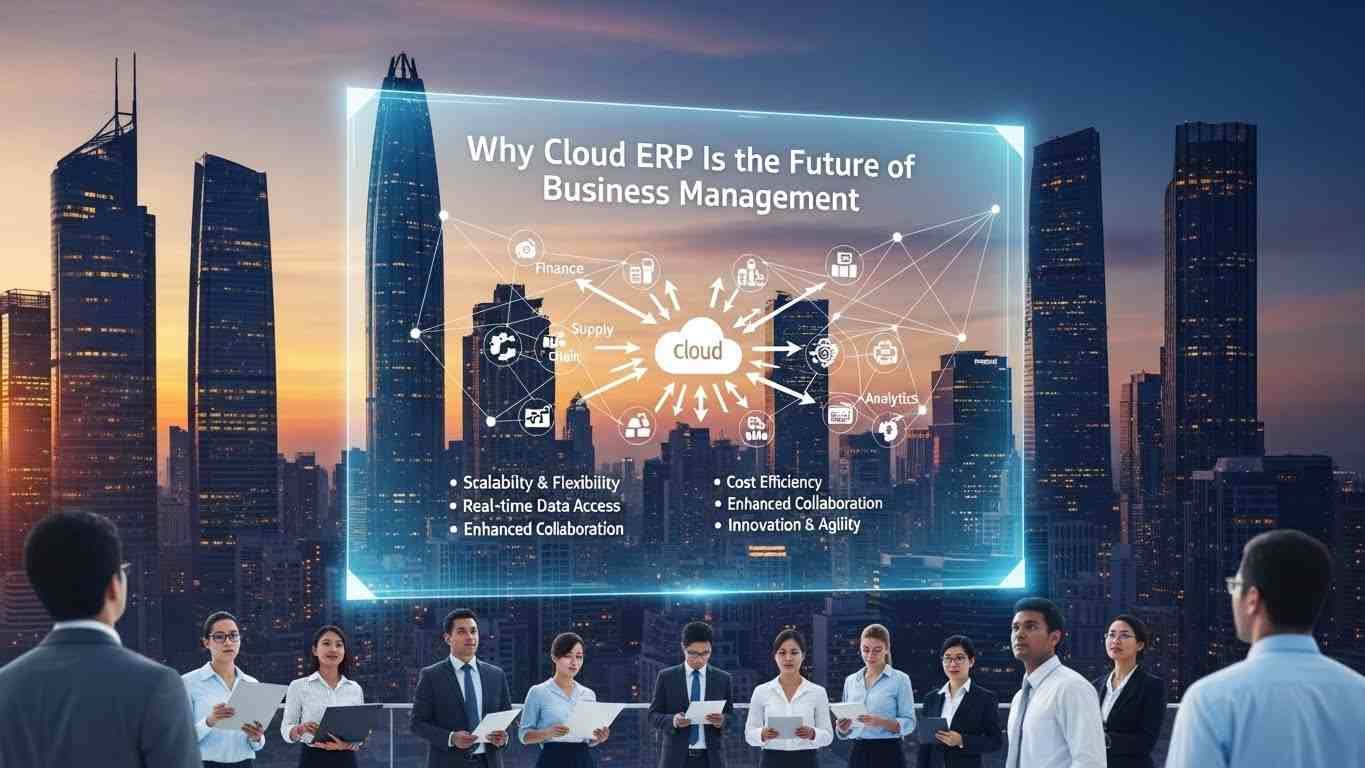
Choosing the right ERP system is one of the biggest decisions any business makes. Many companies invest in software that looks powerful but later realize it does not match their industry workflows. This leads to expensive customization, employee frustration, and slow adoption.
Odoo solves this problem differently. Instead of being built for only one sector, it is designed as a modular business platform that supports multiple industries from the start. Companies can install only the features they need and expand the system as their operations grow.
This flexibility is why manufacturers use Odoo to control production schedules, retailers use it to manage real-time inventory, construction firms track project budgets, and service companies automate billing and client communication, all within the same ERP environment.
In this complete guide, you will see exactly how Odoo supports different industries, which modules matter for each business type, and how companies use it in real-world operations to reduce manual work, improve reporting, and scale faster.
Understanding Odoo ERP and Its Modular Business Architecture
Odoo ERP is a complete business management system designed to help companies run all their operations from one unified platform. Instead of using separate software for accounting, sales, inventory, HR, and project management, Odoo brings everything together inside a single system that shares the same business data.
This unified architecture helps businesses remove duplicate work, reduce manual errors, and gain full visibility over daily operations. When all departments operate inside one environment, information flows automatically between teams. Sales orders update inventory, inventory movements affect accounting, and employee activities connect with project performance. This seamless structure allows companies to operate faster while maintaining accurate records.
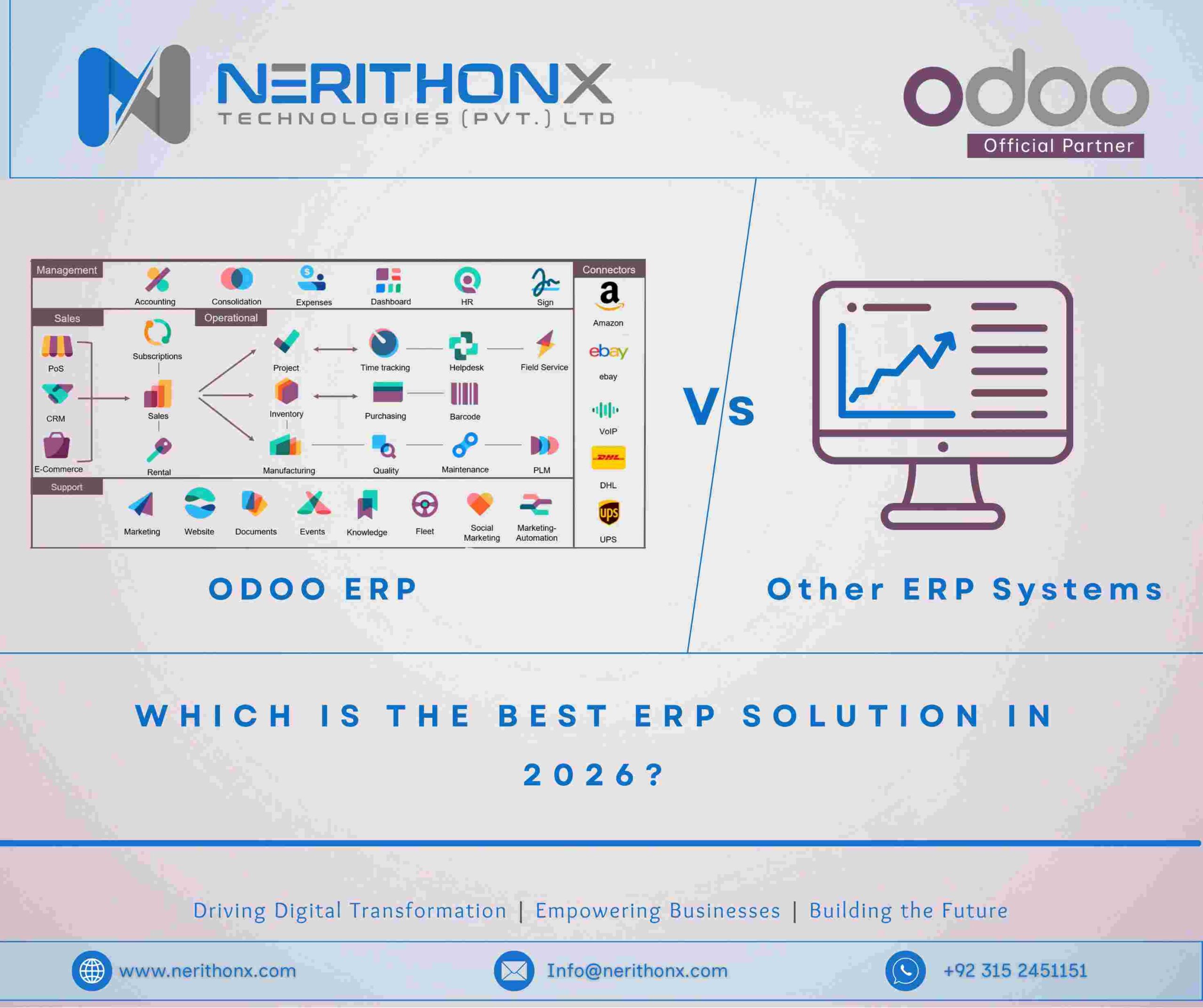
The modular design of Odoo makes it different from traditional ERP systems. Businesses do not need to install everything at once. They can start with core modules such as CRM, Sales, and Accounting, and later expand into Manufacturing, HR, Website, or Project Management when needed. Because of this flexibility, Odoo works equally well for small startups, growing companies, and large enterprise environments.
Centralized Database and Real-Time Business Reporting
One of the biggest strengths of Odoo ERP is its centralized database. Every department in the organization works using the same real-time information. Instead of storing data in separate systems or spreadsheets, Odoo keeps all business records in a single structured database.
This means that when a salesperson confirms a customer order, the inventory automatically updates. When inventory changes, the accounting records adjust immediately. When payments are received, financial dashboards reflect the new balance without manual input. This continuous synchronization ensures that managers always see accurate numbers.
Real-time reporting gives businesses a major operational advantage. Managers can monitor sales performance, warehouse stock levels, production progress, and financial health at any moment. Instead of waiting for monthly reports or manually compiling data from different departments, executives can open their dashboard and instantly understand the current business situation.
This level of visibility improves decision-making because companies react faster to problems such as low stock, delayed payments, or production bottlenecks. It also helps leadership plan growth strategies using accurate operational insights rather than outdated reports.
How Integrated Modules Connect Sales, Inventory, Finance, and HR
Odoo’s true power comes from how its modules work together as one connected system rather than separate applications. Each module handles a specific business function, but they all share the same data structure and communication layer.
For example, when a customer confirms a quotation in the Sales module, the system automatically creates a delivery order in Inventory. Once the product is shipped, the Accounting module prepares the invoice. When the invoice is paid, financial records update immediately. No department needs to re-enter the same information again.
The same integration exists across HR and project workflows. When employees log work hours into timesheets, those hours can automatically affect project budgets, payroll calculations, and customer billing. This interconnected workflow ensures that business processes move forward smoothly without administrative delays.
Because every module communicates with the others, companies gain full operational transparency. Managers can trace every transaction from the first customer interaction to the final financial report. This connected ecosystem reduces operational friction, improves employee productivity, and allows businesses to scale without losing control over their processes.
Why Modern Industries Require Flexible ERP Software
Modern businesses operate in environments where speed, accuracy, and coordination across departments determine success. Companies no longer run simple workflows where each team works independently. Sales teams depend on inventory data, finance departments rely on real-time transaction records, HR manages workforce allocation for projects, and operations teams must track performance continuously. When these systems do not communicate properly, businesses lose efficiency and visibility.
This is why industries today require flexible ERP software that can adapt to different workflows instead of forcing companies into rigid structures. A modern ERP platform must support multiple departments, scale with company growth, and allow businesses to adjust their processes without rebuilding the entire system. Odoo ERP is designed with this flexibility in mind, allowing companies to connect operations gradually while maintaining full control over their data and workflows.
Flexible ERP systems also help businesses respond faster to market changes. Whether demand increases suddenly, supply chains shift, or new compliance rules appear, companies with integrated software can adjust operations quickly. Without this flexibility, businesses often struggle to maintain accuracy, meet deadlines, or control operational costs.
Challenges Businesses Face Without Integrated Systems
Companies that operate without an integrated ERP system often rely on multiple disconnected tools such as spreadsheets, accounting software, CRM platforms, and inventory applications. While each tool may function correctly on its own, the lack of connection between them creates serious operational problems.
One common issue is duplicated data entry. Employees may enter customer information in the CRM, re-enter the same details into accounting software, and again update them in inventory records. This repetition wastes time and increases the chances of mistakes. Even a small error in pricing, stock quantity, or billing information can cause delays, customer dissatisfaction, or financial discrepancies.
Another challenge is the absence of real-time operational visibility. Managers often cannot see accurate inventory levels, outstanding invoices, project budgets, or employee workloads without manually collecting reports from different departments. By the time the data is compiled, it may already be outdated.
Disconnected systems also slow down decision-making. For example, if sales teams promise delivery without knowing warehouse stock levels, production teams may face unexpected shortages. Similarly, if financial records are not updated immediately, leadership may misjudge cash flow and make risky spending decisions.
Over time, these inefficiencies increase operational costs and limit business scalability. Companies may hire additional administrative staff simply to manage data transfers between systems, which reduces overall productivity instead of improving it.
How Automation Improves Productivity and Reduces Costs
Automation transforms business operations by allowing software to handle repetitive tasks that would otherwise require manual work. Instead of employees spending hours creating invoices, updating inventory logs, generating purchase orders, or calculating payroll, an integrated ERP system performs these actions automatically based on business events.
For example, when a customer order is confirmed, an automated workflow can immediately reserve stock, prepare shipping instructions, generate an invoice, and record the financial entry. No department needs to trigger these steps manually. This reduces processing time and ensures accuracy across the entire transaction cycle.
Automation also improves workforce productivity because employees focus on strategic work instead of administrative tasks. Sales teams spend more time closing deals, operations teams concentrate on improving delivery efficiency, and finance departments analyze performance rather than compiling reports.
From a cost perspective, automation reduces operational overhead. Businesses require fewer manual interventions, fewer error corrections, and less duplicated work. The reduction in human errors also prevents expensive issues such as incorrect billing, missed tax entries, or inventory mismatches.
In fast-growing industries, this automation becomes even more critical. As transaction volume increases, manual processes quickly become unsustainable. Companies that implement automated ERP workflows early gain a long-term competitive advantage because their systems can handle growth without requiring proportional increases in staffing or administrative effort.
How Odoo ERP Supports Manufacturing Industry Operations
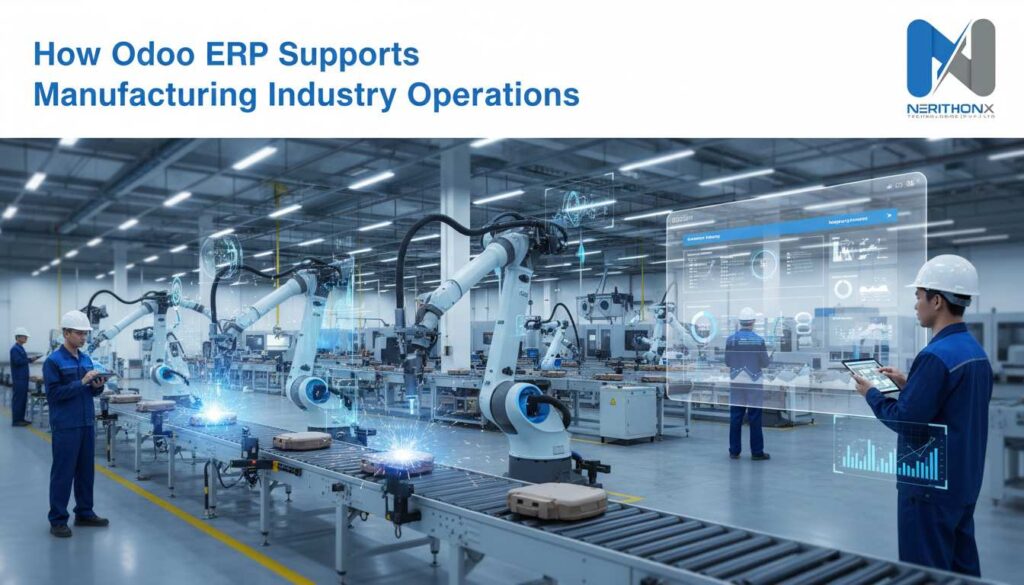
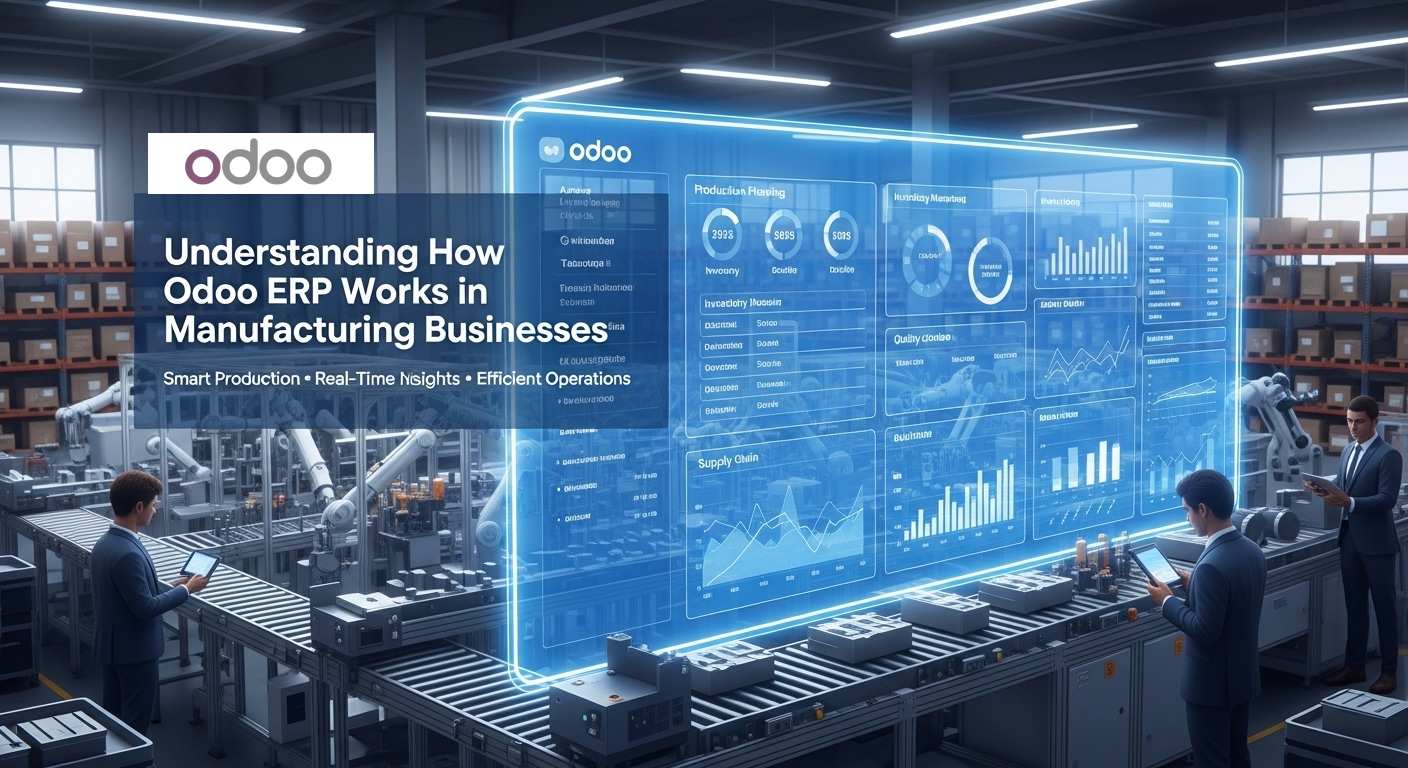
Manufacturing businesses manage complex processes that involve raw materials, production schedules, machine coordination, quality checks, and delivery timelines. Without a connected system, even small delays in materials or planning can disrupt the entire production cycle. Odoo ERP helps manufacturers control these operations by linking production, inventory, procurement, and finance into one unified workflow.
With real-time visibility across departments, managers can monitor production status, material availability, and delivery progress from a single dashboard. This improves planning accuracy, reduces downtime, and helps factories maintain consistent output while controlling operational costs.
Production Planning with Odoo MRP and Bill of Materials
Odoo’s Manufacturing Resource Planning (MRP) module allows companies to define Bills of Materials for every product, listing the required components and assembly steps. When production begins, the system automatically creates manufacturing orders and schedules work centers based on available resources.
This structured planning prevents shortages, avoids scheduling conflicts, and ensures production runs smoothly from raw material intake to finished goods.
Warehouse Automation Using Inventory and Barcode System
The integrated inventory system allows manufacturers to track materials, semi-finished goods, and completed products in real time. Barcode scanning simplifies receiving, internal transfers, and shipment preparation, reducing manual entry errors.
Because stock levels update instantly, production teams always know what materials are available, helping avoid unexpected production delays.
Quality Control and Supply Chain Visibility
Odoo enables manufacturers to add quality checkpoints during production and before shipment. These checks help ensure products meet company and industry standards.
At the same time, supply chain dashboards show vendor delivery timelines, procurement status, and material flow. This visibility allows managers to react quickly to supplier delays and maintain reliable production schedules.
How Odoo ERP Helps Retail Stores and POS Businesses
Retail businesses depend on fast sales processing, accurate stock tracking, and clear financial reporting. When sales, inventory, and accounting systems are disconnected, stores often face stock mismatches, billing errors, or delayed reporting. Odoo ERP connects retail operations into one unified platform so every transaction updates inventory and financial records automatically.
This real-time connection helps store owners track product movement, monitor daily revenue, and understand customer demand patterns without manual reconciliation. Whether operating a single shop or a growing retail chain, Odoo gives managers full visibility over store performance and stock levels.
Point of Sale Integration with Inventory and Accounting
Odoo’s Point of Sale system links directly with inventory and accounting modules. When a product is sold, the system immediately reduces stock and records the financial transaction. This automatic update prevents discrepancies between warehouse quantities and accounting reports.
The POS interface works smoothly with barcode scanners, receipt printers, and touchscreen devices, allowing retail staff to process transactions quickly even during busy hours.
Customer Purchase Tracking and Sales Analytics
Odoo stores customer purchase history and sales data in one database, allowing retailers to understand buying behavior and product performance. Managers can view reports showing top-selling products, seasonal demand trends, and customer preferences.
These insights help businesses adjust pricing strategies, plan promotions, and improve product selection based on real sales performance rather than guesswork.
Multi-Store Stock Synchronization
For retailers operating multiple locations, Odoo synchronizes inventory across all stores and warehouses in real time. Managers can transfer stock between branches, monitor centralized warehouse levels, and prevent overstocking or shortages at individual locations.
This centralized stock visibility ensures products remain available where demand exists, helping retailers maintain consistent sales and better customer satisfaction.
How Odoo ERP Supports Construction and Project-Based Companies
Construction firms and project-based businesses manage complex timelines, multiple teams, supplier coordination, and constantly changing budgets. When project data is spread across spreadsheets, emails, and separate accounting tools, it becomes difficult to track progress accurately or control costs. Odoo ERP connects project planning, purchasing, workforce management, and finance into one system so managers always see the real status of every project.
With centralized dashboards and real-time updates, companies can monitor task completion, material usage, labor costs, and payment schedules from a single platform. This improves coordination between site teams, office staff, and vendors while reducing delays caused by missing information or manual reporting.
Project Scheduling and Task Assignment
Odoo’s project management tools allow managers to create structured timelines, divide work into tasks, and assign responsibilities to team members or subcontractors. Task boards and progress tracking help supervisors see which activities are completed, in progress, or delayed.
Because schedules are visible to the entire team, communication improves and project milestones become easier to manage, helping companies deliver work on time.
Budget Tracking and Expense Monitoring
Construction budgets often change as projects evolve. Odoo allows companies to track labor costs, material purchases, and operational expenses continuously. Every expense entered into the system updates the project’s financial overview instantly.
This real-time budget visibility helps managers detect overspending early and adjust purchasing or resource allocation before costs exceed the planned limit.
Vendor Procurement and Contract Management
Construction projects depend heavily on suppliers for materials, equipment, and specialized services. Odoo’s procurement system helps businesses manage purchase orders, supplier pricing, delivery schedules, and contract terms within one organized workflow.
By tracking vendor performance and delivery timelines, companies can avoid material shortages, reduce procurement delays, and maintain smoother project execution from start to completion.
How Odoo ERP Supports Service-Based Businesses
Service-based companies such as consulting firms, IT agencies, marketing teams, maintenance providers, and professional service organizations depend heavily on client relationships, project timelines, and accurate billing. When customer data, work tracking, and invoicing are handled in separate systems, businesses often face communication gaps, delayed payments, and reporting confusion. Odoo ERP connects these workflows into a single platform so every client interaction, project update, and financial record stays synchronized.
With centralized visibility, managers can track leads, monitor service delivery, and review profitability without switching between multiple tools. This helps service companies improve response time, maintain organized client records, and ensure billing accuracy as they grow.
CRM Lead Tracking and Customer Communication
Odoo’s CRM module allows businesses to manage the full customer journey from the first inquiry to final contract approval. Sales teams can record calls, meetings, quotations, and follow-up activities inside one structured pipeline.
Because all customer communication stays logged in the system, teams maintain consistent interactions and avoid missed opportunities. Managers can also forecast potential revenue by analyzing the sales pipeline in real time.
Timesheets, Billing Automation, and Invoice Generation
Employees can log work hours directly into project timesheets, allowing companies to track how much time is spent on each client or task. These recorded hours can automatically generate invoices based on predefined billing rules, reducing manual calculations.
This automation ensures that service hours are billed accurately and invoices are created quickly, helping companies maintain steady cash flow and reduce payment delays.
Project Delivery and Performance Reporting
Odoo provides dashboards that allow managers to monitor project progress, team workload, and service profitability. Companies can compare planned timelines with actual completion data and identify projects that require additional attention.
This performance visibility helps service organizations improve planning accuracy, allocate resources efficiently, and maintain consistent service quality for their clients.
How Odoo ERP Helps eCommerce Businesses Manage Online Operations
eCommerce businesses must manage multiple processes at once, including website content, product listings, customer orders, payments, inventory, and shipping coordination. When these operations rely on separate platforms, businesses often face stock mismatches, delayed order processing, and inconsistent customer data. Odoo ERP connects the online store, inventory, accounting, and customer management into one system so every order flows automatically through the entire business process.
This unified approach allows online sellers to track real-time stock availability, monitor sales performance, and handle customer transactions without switching between different tools. As order volume grows, this centralized system helps businesses maintain speed, accuracy, and reliable customer service.
Website Builder and Product Catalog Management
Odoo includes a built-in website builder that allows businesses to create and manage their online store directly inside the ERP. Companies can organize product categories, update pricing, manage product variants, and control stock visibility from one dashboard.
Because the website connects directly with the inventory system, customers always see accurate product availability, reducing the risk of overselling or order cancellations.
Order Processing, Shipping, and Payment Integration
When a customer places an order, Odoo automatically handles the full workflow. The system confirms payment, updates stock levels, generates delivery orders, and prepares invoices without manual intervention. Shipping integrations allow businesses to print labels, track shipments, and monitor delivery status inside the same platform.
This automation speeds up order fulfillment and reduces operational errors, helping online stores maintain consistent delivery performance even during high sales periods.
Marketing Automation and Customer Retention Tools
Odoo also includes marketing tools that help businesses engage customers after purchase. Companies can create automated email campaigns, send abandoned cart reminders, and offer promotional discounts based on customer behavior.
By storing customer history and purchase data in one system, businesses can run targeted campaigns that improve repeat sales and long-term customer loyalty.
How Odoo ERP Supports Accounting and Financial Management
Accurate financial management is essential for every business, regardless of industry. Companies must track invoices, expenses, payments, taxes, and cash flow while ensuring their records remain compliant with accounting regulations. When financial data is handled manually or across disconnected systems, errors, reporting delays, and reconciliation issues often occur. Odoo ERP centralizes accounting operations so every financial transaction connects directly with sales, inventory, purchasing, and payroll.
This integrated structure allows businesses to maintain real-time financial visibility and generate reliable reports without waiting for manual updates. Managers and finance teams can monitor company performance instantly, helping them make informed decisions and maintain stable financial control.
Automated Invoice Processing and Bank Reconciliation
Odoo automatically generates invoices based on confirmed sales orders, subscription billing cycles, or completed services. Vendor bills and expense entries can also be recorded quickly, reducing administrative workload.
The bank reconciliation feature matches incoming and outgoing transactions with accounting records, helping finance teams confirm payments and detect discrepancies early. This automation reduces manual data entry and improves financial accuracy.
Financial Statements, Profit Analysis, and Cash Flow Reports
Odoo provides built-in financial reporting tools that allow businesses to generate profit and loss statements, balance sheets, and cash flow reports instantly. Because accounting integrates with all operational modules, these reports always reflect real business activity.
Managers can analyze revenue trends, operational costs, and department performance using real-time dashboards. This visibility helps leadership identify profitable areas, control spending, and plan future investments with confidence.
Tax Compliance and Multi-Currency Accounting
Odoo supports automated tax calculations based on regional rules, helping businesses maintain compliance with local and international tax regulations. The system also supports multiple currencies, allowing companies to record transactions, generate invoices, and track payments across global markets.
This makes Odoo suitable for both local businesses and companies operating internationally, ensuring financial records remain accurate regardless of transaction volume or geographic scope.
How Odoo ERP Supports Healthcare, Education, and Nonprofit Organizations
Organizations in healthcare, education, and the nonprofit sector manage sensitive records, scheduled services, financial tracking, and ongoing communication with patients, students, or donors. When these activities rely on separate administrative tools, it becomes difficult to maintain accurate records and efficient coordination. Odoo ERP provides a centralized platform where scheduling, databases, billing, and reporting can operate together, helping organizations manage their operations more reliably.
Because the system connects administrative tasks with financial data and communication tools, organizations gain better visibility into their resources, service delivery, and operational performance while reducing manual paperwork.
Appointment Scheduling and Resource Management
Healthcare providers and institutional organizations often need to manage appointments, staff schedules, and resource availability. Odoo allows administrators to schedule services, assign staff members, and track room or equipment usage within one system.
This structured scheduling reduces conflicts, prevents double-bookings, and ensures that resources are used efficiently while maintaining organized service delivery.
Student or Member Database Management
Educational institutions and membership-based organizations must store large amounts of information about students, participants, or beneficiaries. Odoo enables centralized database management where administrators can track enrollment records, course participation, attendance, and communication history.
Because all records remain connected to financial transactions and scheduling activities, organizations maintain consistent information without manual duplication.
Donation Tracking and Financial Transparency
Nonprofit organizations depend on transparent financial reporting to maintain trust with donors and regulatory authorities. Odoo allows organizations to record donations, track funding campaigns, and generate financial reports showing how funds are allocated.
This transparency helps nonprofits maintain accountability while also improving their ability to plan future programs based on reliable financial data.
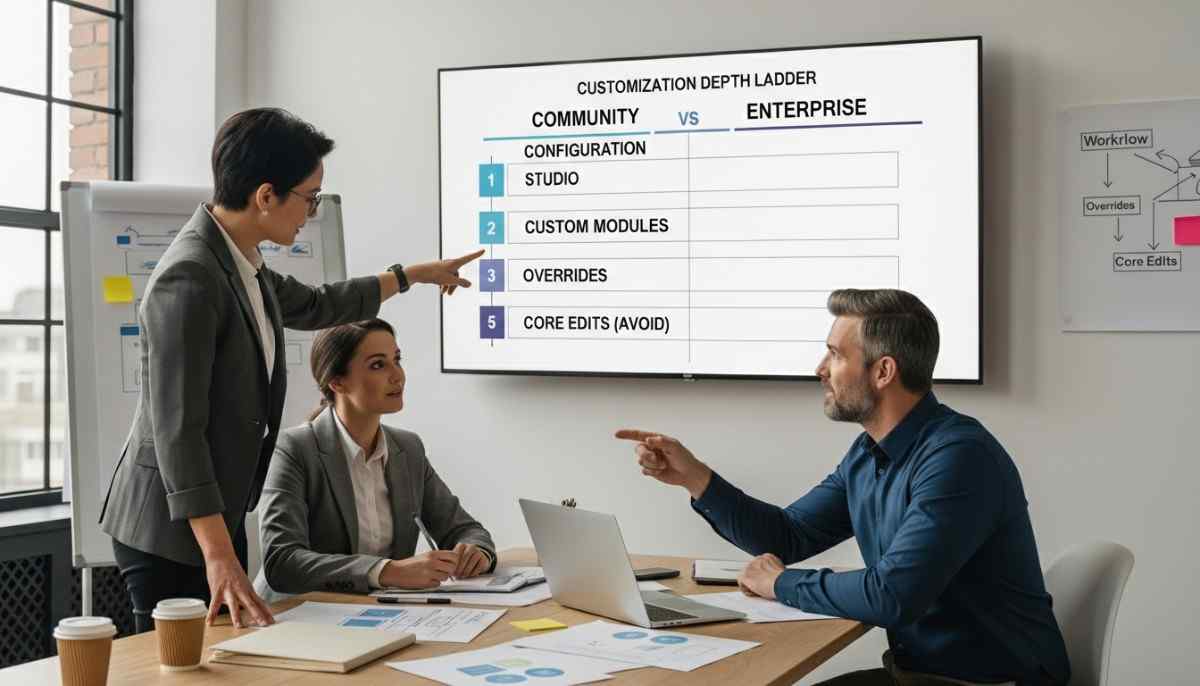
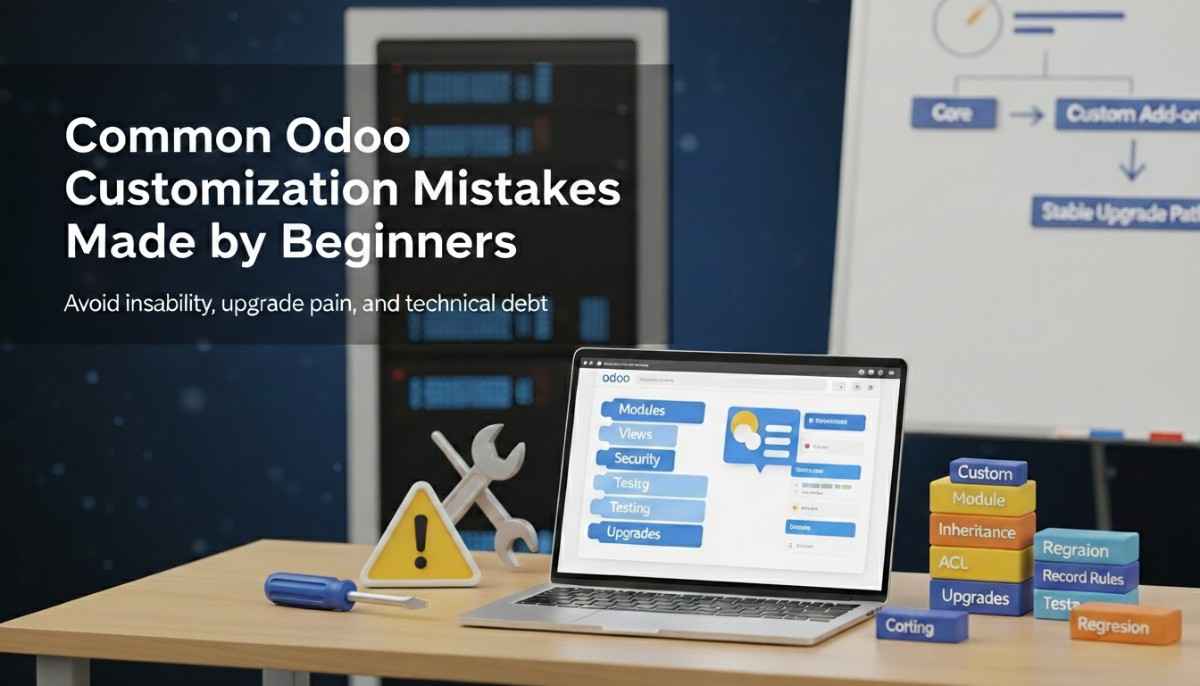
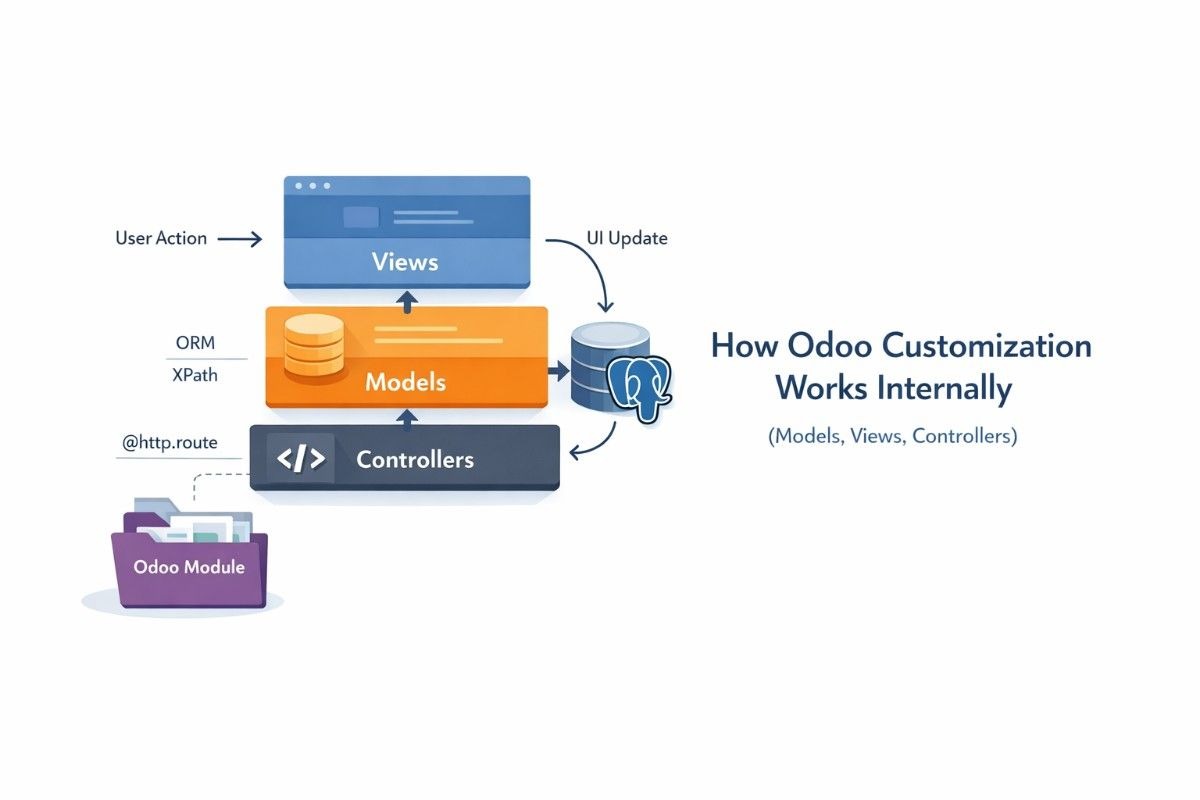
How Odoo Customization and Odoo Studio Allow Industry-Specific Workflows
Every business operates with its own internal processes, reporting needs, and approval structures. Standard software often forces companies to adjust their workflows to match the system, which can create inefficiencies and employee resistance. Odoo ERP solves this challenge by offering strong customization capabilities that allow businesses to shape the system around their real operational requirements.
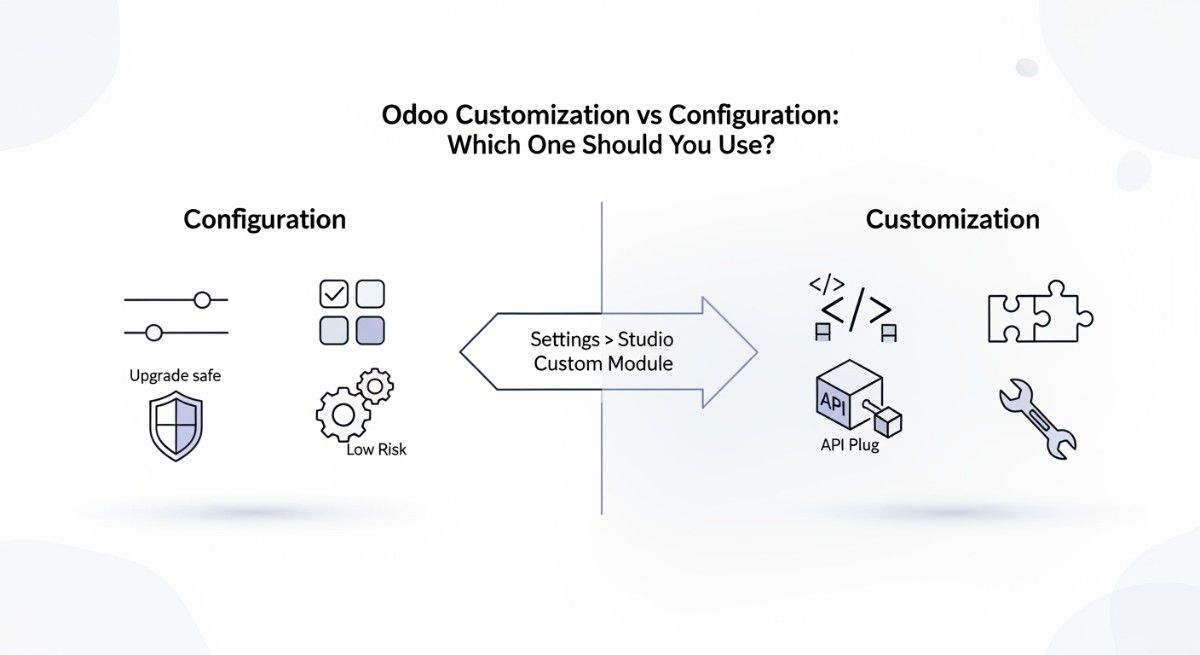
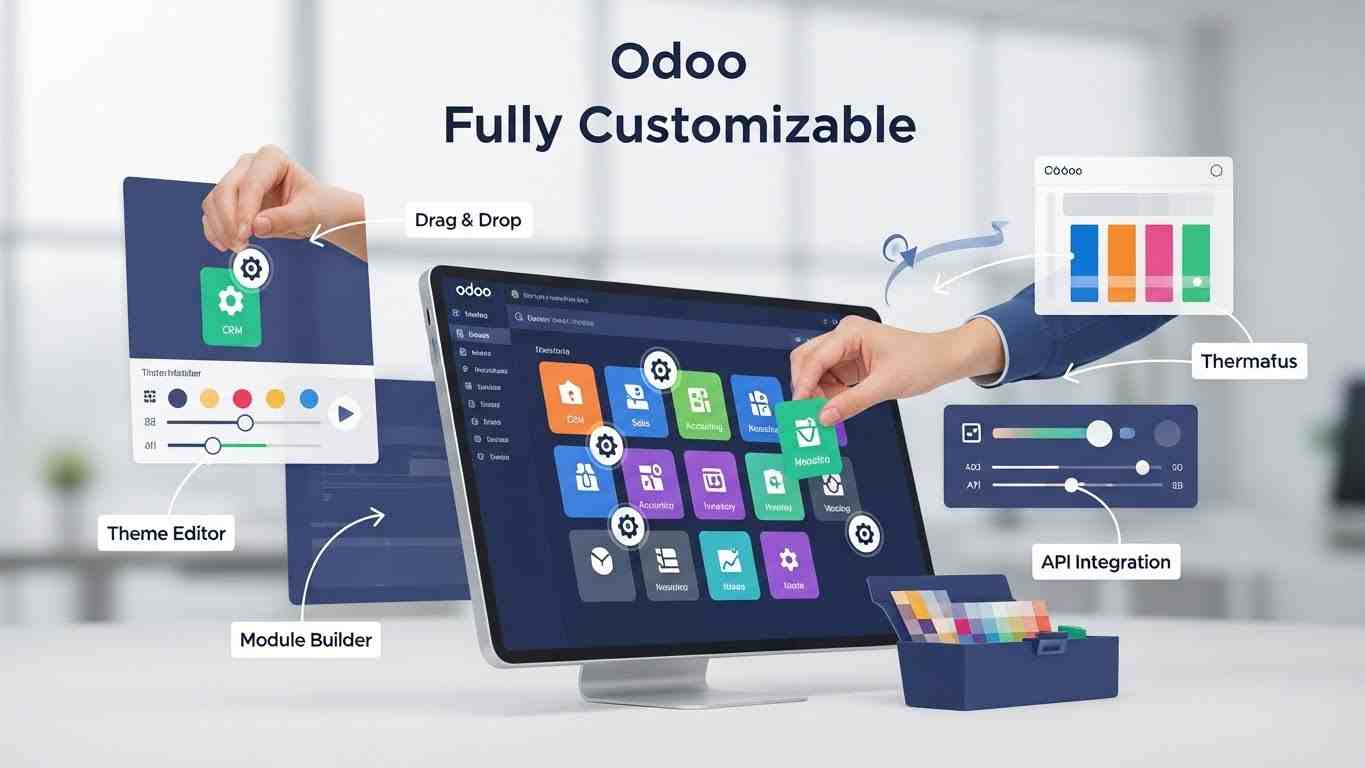
Through built-in configuration tools and developer-level customization options, companies can modify forms, automate approval steps, build custom dashboards, and extend functionality without disrupting the core system. This flexibility allows Odoo to support industries with very different operational models while maintaining a unified platform.
Custom Fields, Dashboards, and Approval Flows
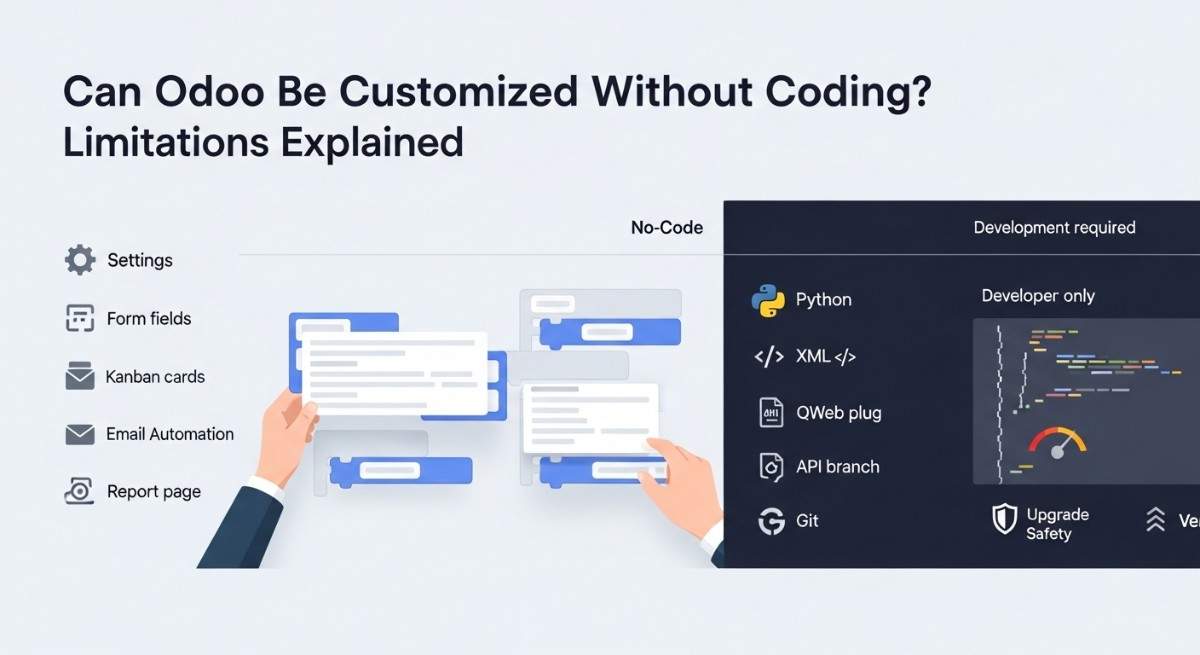
Using Odoo Studio, businesses can add custom fields to forms, create new workflow stages, and design dashboards that display the most relevant operational data. Approval flows can also be configured so that purchase requests, expenses, or project updates automatically move through defined authorization steps.
These adjustments help companies ensure their ERP system reflects their internal processes rather than forcing teams to adopt rigid external structures.
Python-Based Module Development
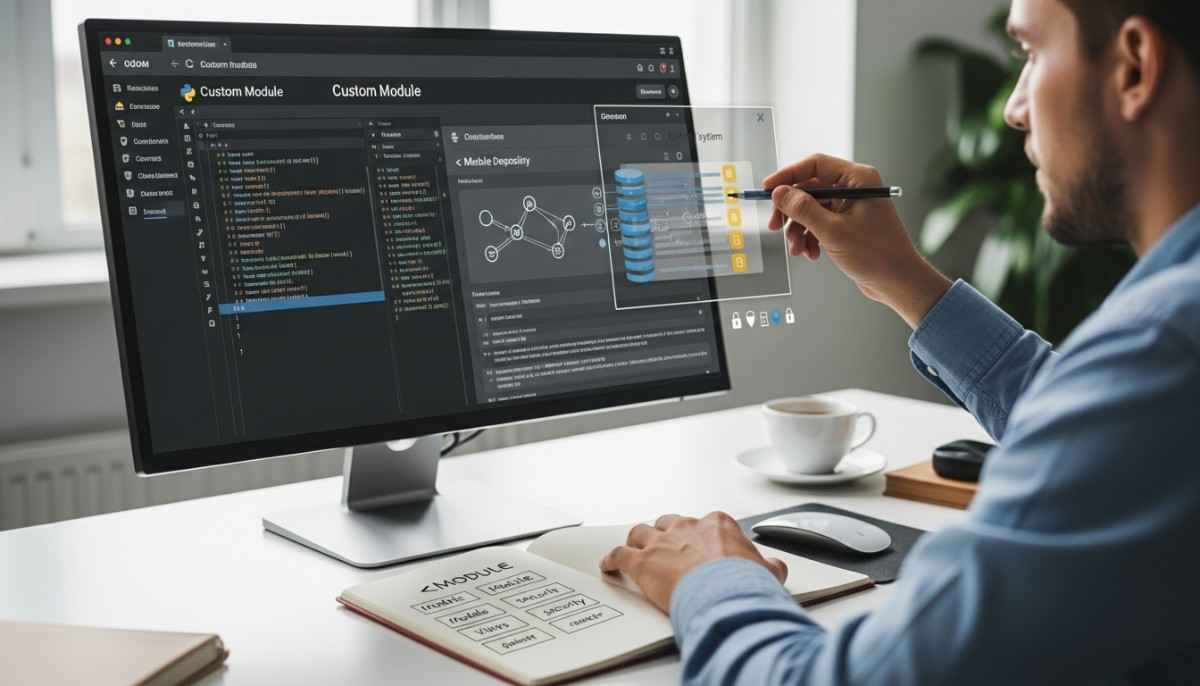
For businesses with more advanced requirements, Odoo allows full module development using Python and PostgreSQL. Developers can create entirely new applications, integrate third-party systems, or automate specialized workflows unique to the organization’s industry.
This developer-friendly architecture makes Odoo highly adaptable, allowing companies to build long-term ERP solutions without needing to replace their system as operational complexity grows.
Scalable ERP Growth for Expanding Businesses
One of the key advantages of Odoo customization is scalability. Companies can begin with a small number of modules and basic configurations, then expand the system as they grow by adding new workflows, automation rules, or industry-specific features.
Because customization does not require rebuilding the entire platform, businesses maintain operational continuity while gradually enhancing their ERP environment to match their evolving needs.
How Businesses Should Choose the Right Odoo Modules for Their Industry
Selecting the right modules is one of the most important steps in a successful Odoo ERP implementation. Because Odoo offers many integrated applications, businesses should focus first on the tools that support their core operations instead of installing everything at once. A structured selection approach ensures the system remains simple for users while still covering essential workflows.
By aligning module selection with business processes, companies can improve adoption rates, reduce setup complexity, and create a scalable ERP foundation that can expand as operations grow.
Core Modules Every Company Needs
Most businesses begin with a small set of foundational modules that manage daily operations. These typically include CRM for managing customer relationships, Sales for order processing, Accounting for financial tracking, and Inventory for stock management.
Starting with these core applications allows companies to establish a connected operational system before expanding into specialized areas such as manufacturing, HR, project management, or eCommerce.
Industry-Specific Module Selection Strategy
After implementing the core modules, businesses should choose additional applications based on their industry workflows. Manufacturing companies usually require production planning and procurement tools, retail businesses rely on Point of Sale systems and stock synchronization, while service companies prioritize project tracking and automated billing.
Selecting modules according to operational needs ensures that each department receives the functionality it actually uses, preventing unnecessary system complexity and improving user efficiency.
Implementation Best Practices for Long-Term Success
Successful ERP deployment requires more than just installing software. Companies should begin by mapping their workflows, defining reporting requirements, and training employees on how the system supports their daily tasks. Gradual rollout strategies often work better than launching all modules simultaneously, allowing teams to adapt step by step.
Regular system reviews and process improvements also help businesses continue optimizing their ERP environment as they expand. With the right planning and structured implementation, Odoo can become a long-term operational backbone that supports both current workflows and future growth.
Final Conclusion
Odoo ERP has become one of the most versatile business management platforms because it is designed to support different industries without forcing companies into rigid workflows. Whether a business operates in manufacturing, retail, construction, services, eCommerce, finance, healthcare, education, or nonprofit sectors, Odoo connects operations, data, and reporting into one unified system.
By integrating sales, inventory, accounting, human resources, projects, and customer management, the platform allows organizations to replace disconnected tools with a single operational environment. This centralized structure improves visibility, reduces manual work, and helps leadership make faster, more accurate business decisions.
The real strength of Odoo lies in its modular architecture and customization capabilities. Companies can begin with essential modules and expand gradually, adapting the system as their operations evolve. This flexibility ensures that the ERP continues supporting the business not just during implementation, but throughout its long-term growth.
For organizations evaluating ERP solutions, understanding how Odoo fits their industry workflows is the first step toward building a more efficient, scalable, and connected operational foundation.
FAQS :
Why do companies use Odoo?
Companies use Odoo because it connects sales, accounting, inventory, HR, and operations inside one system. Instead of managing multiple tools, businesses control their entire workflow from a single platform, which improves efficiency, reporting accuracy, and team coordination across different industries.
Why are businesses switching to Odoo ERP in 2026?
Businesses are switching to Odoo in 2026 because it offers modular flexibility, strong automation, and lower implementation costs compared to traditional ERP systems. Companies can start with essential modules and expand gradually, making it suitable for growing businesses and modern digital operations.
Which big companies use Odoo?
Many large and mid-size companies across manufacturing, retail, eCommerce, and services use Odoo ERP. Examples include Toyota subsidiaries, Danone divisions, and various global distributors, logistics firms, and technology companies that rely on Odoo to manage operations and reporting.
Why should I choose Odoo ERP for business?
You should choose Odoo ERP if you want a scalable system that supports multiple business functions in one platform. It helps automate workflows, track financial performance, manage inventory, and improve customer relationships while remaining flexible enough to adapt to different industry needs.
Can Odoo be used for project management?
Yes, Odoo includes built-in project management tools that allow businesses to assign tasks, track deadlines, monitor budgets, and record employee timesheets. This makes it suitable for construction firms, service companies, IT teams, and other project-based industries.
Which ERP is best for EPC companies?
For EPC companies, the best ERP is one that connects project planning, procurement, budgeting, and contractor management. Odoo is often chosen because it combines project tools, purchasing workflows, accounting, and reporting into one system, helping EPC firms maintain control over complex engineering projects.
How customizable is Odoo?
Odoo is highly customizable. Businesses can add custom fields, modify workflows, create approval rules, design dashboards, and develop new modules. This flexibility allows companies in different industries to adjust the system according to their real operational processes.
What is the difference between standard and custom Odoo?
Standard Odoo uses the official modules with minimal configuration and works well for common business workflows. Custom Odoo includes additional development, integrations, or workflow changes designed specifically for a company’s industry, reporting needs, or operational structure.
Why is ERP important in modern businesses?
ERP is important because modern businesses operate across multiple departments that must share accurate data. An ERP system connects operations, finance, inventory, HR, and customer information, allowing companies to reduce manual work, avoid errors, and make faster strategic decisions.
What does flexibility mean in an ERP system?
Flexibility in an ERP system means the software can adapt to different business workflows, industries, and growth stages. A flexible ERP like Odoo allows companies to install only the modules they need, customize processes, and expand functionality as their operations evolve.