
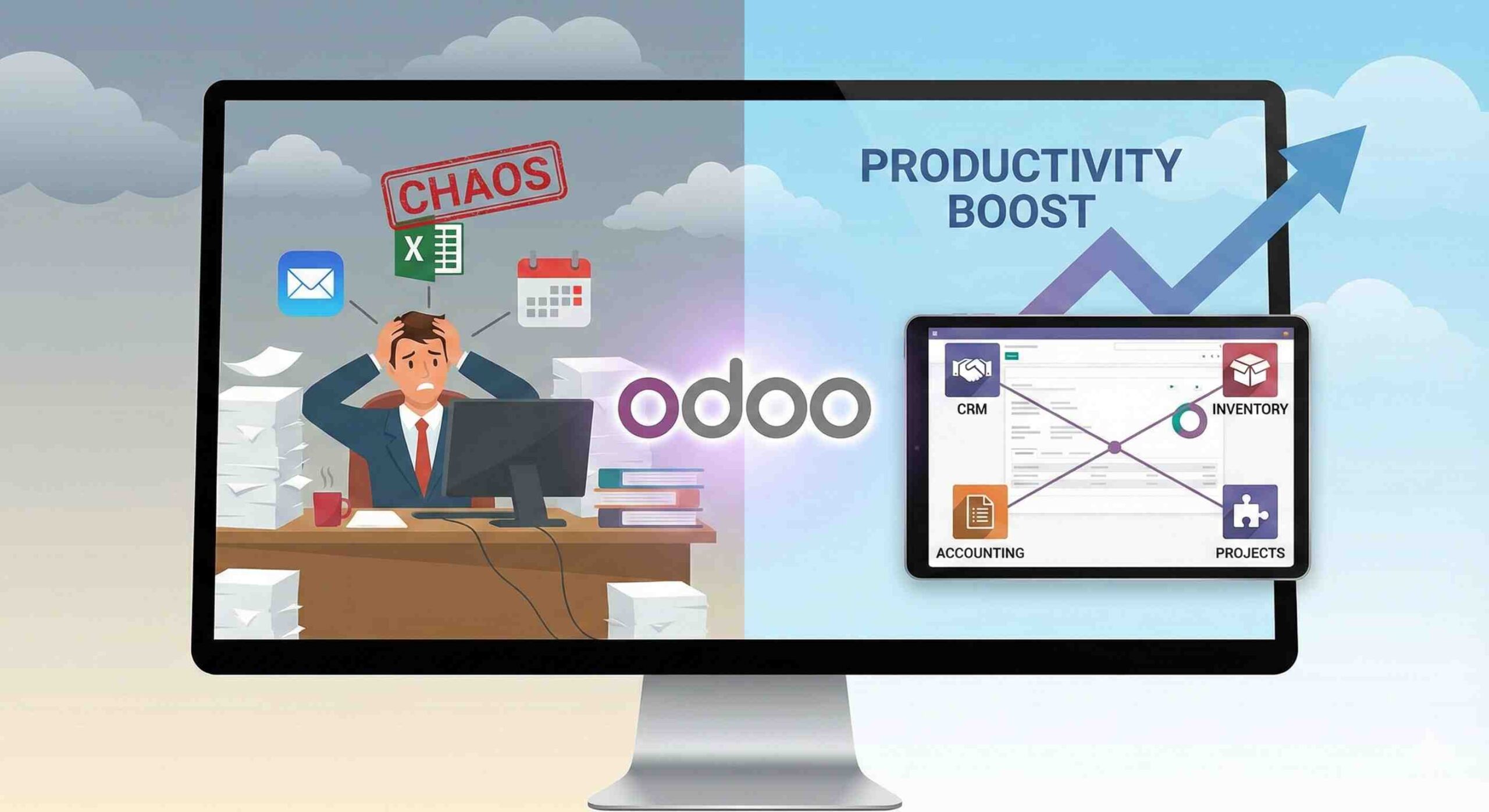
Every growing business starts with simple systems. At first, one Excel file is enough. One person handles sales. Another person manages accounts. Communication happens through WhatsApp and emails. Everything feels under control.
But as the business grows, things slowly become difficult. Orders increase. Customers increase. Employees increase. Suddenly, the same simple tools stop working.
Deadlines are missed. Customer records get lost. Inventory numbers do not match real stock. Payments are delayed. Employees complain about confusion. Managers do not know where the real problem is.
This is the real face of productivity issues in business. These problems do not appear in one day. They grow silently and slowly. And one day, the business owner realizes that too much time, money, and energy is being wasted every single day.
This is where Digital Transformation becomes a survival need, not just a business trend. Digital transformation simply means replacing slow manual work with smart automated systems so the business can run smoothly, accurately, and fast.
This is exactly the point where Odoo ERP, developed by Odoo S.A., becomes a powerful solution. Odoo is a complete ERP for business operations that connects all departments into one intelligent system.
This guide will explain how real productivity problems happen, why traditional tools fail, and how Odoo ERP implementation solves these problems step by step.
What Productivity Problems Look Like in Real Businesses
Most productivity problems do not look dangerous at the start. They look small and harmless. But together, they slowly destroy business performance.
The Silent Killers of Productivity
The biggest business performance problems usually come from:
- Data silos, where each department keeps its own records
- Communication gaps between sales, accounts, and operations
- Duplicate data entry, where the same information is typed again and again
- Manual approvals, which delay decisions
- No real-time reporting, so managers work on guesswork
For example, the sales team confirms an order. But the inventory team is not informed properly. The product goes out of stock. The customer gets delayed delivery. The finance team later finds incorrect invoice data. Everyone blames each other.
These problems are not because employees are careless. They happen because the system itself is broken.
Why Traditional Tools Fail (The “App Fatigue” Problem)
Most businesses try to fix productivity by adding more tools. They use one app for tasks, another for accounts, another for inventory, another for messaging, and another for reporting.
A typical business uses:
- Trello or Asana for tasks
- Excel for data
- QuickBooks for accounting
- Slack or WhatsApp for communication
- Separate inventory software
At first, this feels modern. But very soon, this fragmented stack creates serious friction.
Employees must switch between many apps. Data is copied again and again. Errors increase. Managers never see one complete picture.
This creates what experts call “App Fatigue”, too many tools, too much confusion.
Fragmented Tools vs Integrated ERP
| Fragmented Stack | Integrated ERP (Odoo) |
| Data scattered across apps | All data in one system |
| Manual updates everywhere | Automatic updates |
| No real-time visibility | Live dashboards |
| High error risk | Very low error risk |
| Slow decision-making | Fast decision-making |
| Heavy admin workload | Lightweight admin work |
This is exactly why workflow automation software and ERP systems exist, to remove this chaos.
What Makes Odoo ERP Different?
Odoo is not just another business app. It is a complete modular business system. This means you only activate the modules you need, and all modules stay connected in one system.
Some of Odoo’s core modules include:
- Sales
- CRM
- Inventory Management System
- Accounting
- HR
- Manufacturing
- Projects
- Marketing Automation
All these modules work on one single database. This means when something changes in one department, it updates everywhere automatically.
Why Odoo Is Easier Than Traditional ERPs
Old ERP systems are powerful but very difficult to use. They require heavy training and complex operations. Odoo is different.
Odoo focuses strongly on:
- Simple design
- Easy navigation
- Clean dashboards
- Mobile-friendly access
This makes day-to-day work easy for employees, even for non-technical staff.
How Odoo Solves Productivity Problems (Step by Step)
Odoo improves productivity by attacking the root cause: manual work, disconnected systems, and slow data flow.
Automation in Daily Operations
One of the strongest Odoo productivity tools is automation. For example:
- A confirmed sale automatically creates an invoice
- Inventory updates automatically after delivery
- Payroll runs automatically from attendance
- Purchase orders trigger vendor bills automatically
This removes repeated typing and reduces human errors.
One Source of Truth
Every department works on the same live data. This is called a “single source of truth.” No one works with outdated numbers. No one keeps private Excel files. Everything stays clean and shared.
This is what real process optimization software looks like in practice.
Department-Wise Productivity Improvements
Sales & CRM
Using Odoo CRM, the sales team can:
- Track every lead
- Automate follow-ups
- Send quotes in one click
- See customer history
This removes guesswork and increases conversion rates.
Inventory
With real-time inventory tracking:
- Stock updates automatically
- Low stock alerts appear instantly
- Barcode scanning speeds operations
- Manual stock counts reduce drastically
This removes delays and sudden stock-out problems.
HR & Recruitment
HR productivity increases through:
- Online leave requests
- Automated attendance
- Payroll automation
- Recruitment pipelines
Manual paperwork disappears completely.
Accounting & Finance
Finance teams benefit from:
- Automatic invoice posting
- Tax calculation
- Bank reconciliation
- Live profit and loss reports
This improves cash control and removes financial chaos.
Real Business Results After Odoo
Businesses that implement Odoo properly often achieve:
- Up to 40% reduction in administrative workload
- Faster order processing
- Better customer response time
- Fewer employee mistakes
- Stronger financial control
This is the real meaning of ERP productivity improvement. Productivity is not about working longer hours. It is about working smarter with better systems.
Industries That Benefit the Most
Odoo delivers powerful results in many industries, especially:
Manufacturing
Better production planning, material control, and quality tracking.
Retail & E-commerce
Live stock, fast order processing, and customer data tracking.
Professional Services
Project tracking, billing automation, and client management.
Common Mistakes During Odoo Adoption
Many businesses fail with ERP not because the software is bad, but because of poor implementation.
The biggest mistakes include:
- Over-customization, which makes the system heavy
- Lack of user training, which confuses employees
- No business process mapping before implementation
- Trying to activate all modules at once
These mistakes create frustration instead of productivity.
10. How to Start with Odoo the Right Way
Step 1: Audit Your Current Workflows
First, understand where time is wasted and where errors happen.
Step 2: Choose Expert Guidance or Partner
DIY may look cheaper, but wrong setup costs more in the long run.
Step 3: Use Phased Implementation
Start with core modules like Sales, CRM, Inventory, and Accounting. Add others later.
Final Conclusion
Every growing business faces a choice.
Remain stuck in manual chaos, or move towards automated growth.
Manual work slows businesses. It hides mistakes. It delays decisions. And it blocks real growth.
Odoo changes this completely by connecting departments, automating work, and giving real-time business visibility.
If your business feels busy but not productive, the problem is not your team. The problem is your system.
Now is the right time to identify your biggest time-wasters, replace them with automation, and experience real productivity growth with Odoo.
FAQS
My team works hard all day but work still piles up. Can Odoo really fix this?
Yes. This usually happens because your team is doing too much manual work. Odoo removes repeated tasks like re-entering data, manual follow-ups, and manual reporting. Once these tasks are automated, your team gets more work done in less time.
We already use Excel and accounting software. Why should we move to Odoo?
Excel and separate accounting tools do not connect your departments. Odoo connects sales, inventory, accounts, HR, and projects in one system. This removes confusion and gives you one clear picture of your full business.
Will Odoo be too difficult for my staff to learn?
No. Odoo is built to be simple and user-friendly. Most users learn basic operations within a few days. With proper training, even non-technical staff can use it easily.
Does Odoo actually reduce employee mistakes?
Yes. Since Odoo automates data flow, there is no need to type the same data again and again. This reduces human errors, wrong invoices, wrong stock entries, and payment mismatches.
Can Odoo help me track my business in real time?
Yes. Odoo gives live dashboards for sales, stock, payments, and employee performance. You can check your business condition at any time without waiting for reports.
Is Odoo good for small businesses or only big companies?
Odoo is perfect for small businesses, growing companies, and large enterprises. Small businesses can start with just one or two modules and expand slowly as they grow.
How does Odoo improve customer follow-ups and sales?
Odoo has a built-in CRM system that automatically reminds your sales team to follow up with customers. It also keeps full customer history in one place, so no lead is forgotten.
Will Odoo remove my need for multiple business apps?
Yes. Odoo can replace many tools like task managers, inventory software, accounting software, and HR tools. Instead of 5–10 apps, you use one integrated system.
What if my internet goes down? Will my business stop?
If you use cloud hosting, internet is required. But if you choose on-premise hosting, Odoo can run on your own server. Many businesses also set up backup internet for safety.
Is Odoo worth the investment for productivity?
Yes. Most businesses recover their ERP cost by saving:
- Employee time
- Admin workload
- Error losses
- Delayed payments
- Stock waste
Odoo becomes a long-term productivity engine, not just a software expense.
