What is Odoo?
Running a business today often means using many different tools, one for sales, another for accounting, another for inventory, and yet another for employee management. When these systems don’t talk to each other, teams waste time, data gets duplicated, and decisions become harder. This is exactly the problem that Odoo was created to solve.
Odoo is an all-in-one business management software that brings sales, CRM, accounting, inventory, manufacturing, HR, website, and many other business functions into a single connected platform. Instead of switching between multiple systems, companies can manage their entire workflow from one dashboard where information updates automatically in real time.
What makes Odoo especially interesting is that it is modular and flexible. Businesses can start with just one app, like CRM or accounting, and later add more modules as they grow. Because of this scalability, Odoo is used by startups, small businesses, manufacturers, retailers, and large enterprises across the world.
But how exactly does Odoo work? Why do so many companies switch to it? And what makes it different from traditional ERP systems? In this guide, we will break down everything you need to know about Odoo, how it connects business operations, and whether it is the right solution for your company.
What is Odoo ERP Software and How Does It Work?
Odoo is an ERP (Enterprise Resource Planning) software that helps businesses manage sales, accounting, inventory, HR, manufacturing, and customer data inside one connected system. Instead of using multiple separate tools, Odoo stores all business information in a single database so departments can share real-time data and automate workflows.
Odoo as an Open-Source ERP Platform
Odoo is an open-source ERP platform, which means businesses and developers can customize its features according to their needs. It offers a free Community version and a paid Enterprise version with advanced tools, cloud hosting, and official support.
Odoo’s Modular Business Application System
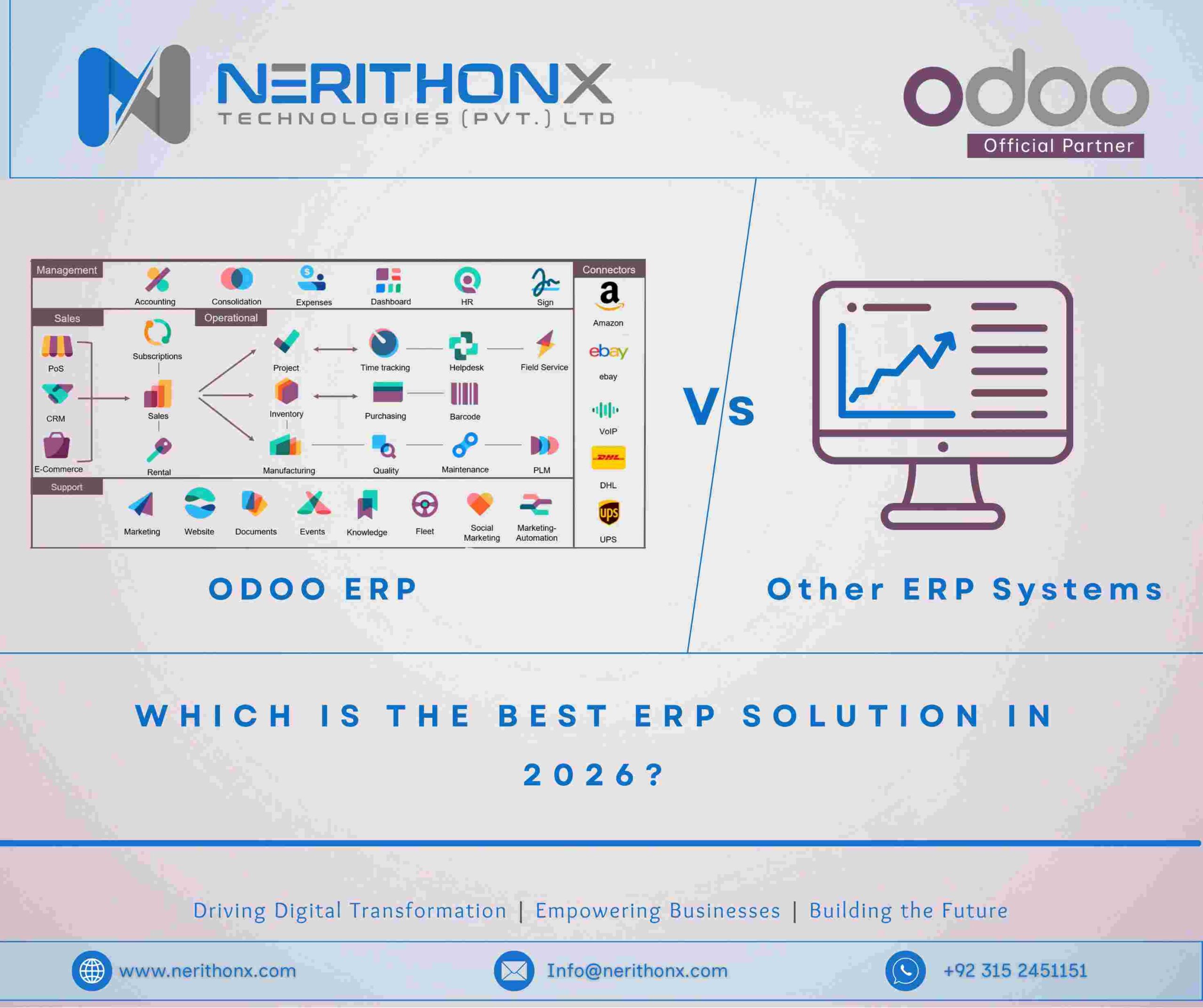
Odoo works through a modular app system. Companies can install only the modules they need, such as CRM, Sales, Accounting, or Inventory, and add more apps later. Each module connects with others, allowing the ERP system to grow as the business expands.
How Odoo Connects Business Processes Inside One Database
Odoo uses a centralized database where all departments share the same updated information. When a sales order is confirmed, inventory adjusts automatically, invoices are generated, and financial records update in real time. This automation reduces manual work and improves accuracy.
Difference Between Odoo ERP and Traditional Standalone Software
Traditional software manages tasks separately, requiring manual data transfer between systems. Odoo integrates all business functions into one platform, allowing automatic data flow, faster reporting, and easier process management.
Who Developed Odoo and What is Odoo’s History?
Odoo was developed by Odoo S.A., a software company based in Belgium. The platform was created to provide businesses with a flexible ERP system that can manage multiple operations such as sales, accounting, inventory, manufacturing, and customer management within one integrated solution.
Odoo S.A. Company Background
Odoo S.A. was founded by Fabien Pinckaers in 2005 with the goal of building an affordable and customizable business management system. The company focuses on creating open-source software that can be adapted for companies of all sizes, from startups to large enterprises. Today, Odoo operates globally with offices, partners, and developers supporting implementations in many countries.
Evolution from TinyERP to OpenERP to Odoo
The software originally launched as TinyERP, designed for small business resource planning. It was later renamed OpenERP to reflect its growing enterprise capabilities and open-source structure. As the platform expanded beyond traditional ERP functions into website building, eCommerce, and marketing tools, the name changed again to Odoo in 2014 to represent a broader all-in-one business application suite.
Global Adoption of Odoo ERP Across Industries
Over time, Odoo has been adopted by companies across manufacturing, retail, eCommerce, services, logistics, healthcare, and education sectors. Its modular design, customization options, and lower implementation cost compared to traditional ERP systems helped it gain strong global popularity among small and medium-sized businesses as well as large organizations.
What Are the Core Modules Available in Odoo?
Odoo provides a wide range of business modules that help companies manage different operations inside one connected ERP system. Each module handles a specific business function but can also integrate with other modules to automate workflows and share real-time data across departments.
Sales Management Module in Odoo
The Sales module helps businesses create quotations, confirm orders, manage pricing, and track customer purchases. Once a sale is confirmed, Odoo can automatically update inventory, generate invoices, and record financial entries, reducing manual work and improving order accuracy.
CRM (Customer Relationship Management) in Odoo
The CRM module allows companies to manage leads, track sales pipelines, schedule follow-ups, and monitor customer interactions. Sales teams can view opportunities, forecast revenue, and manage communication history in one dashboard, helping improve conversion rates and customer relationships.
Inventory and Warehouse Management in Odoo
Odoo’s Inventory module tracks stock levels, product locations, warehouse transfers, and delivery operations. Businesses can monitor real-time stock availability, automate reorder rules, manage multiple warehouses, and track product movements using barcode systems and automated logistics workflows.
Accounting and Financial Management in Odoo
The Accounting module manages invoices, payments, bank reconciliation, expenses, taxes, and financial reports. It supports automated journal entries, real-time profit tracking, and compliance-ready reporting. Integration with Sales, Purchase, and Inventory ensures financial data updates automatically when business transactions occur.
Manufacturing (MRP) Module in Odoo
The Manufacturing module helps companies plan production orders, manage bills of materials (BOM), track raw materials, schedule work centers, and monitor production progress. It supports quality checks, maintenance planning, and real-time production tracking to improve operational efficiency.
Purchase Management Module in Odoo
The Purchase module allows businesses to manage supplier quotations, purchase orders, vendor pricing, and delivery schedules. It connects with Inventory and Accounting to update stock automatically when goods arrive and record supplier invoices for financial processing.
Human Resources (HR) Module in Odoo
Odoo’s HR module manages employee records, attendance, payroll, recruitment, leave requests, and performance tracking. Companies can centralize workforce information and automate HR processes, reducing paperwork and improving staff management.
Website Builder and eCommerce in Odoo
Odoo also includes a Website and eCommerce module that lets businesses build websites, manage online stores, publish products, track online orders, and handle customer accounts. The online store connects directly with inventory, sales, and accounting, ensuring orders and payments update automatically inside the ERP system.
How Does Odoo Integrate Different Business Departments?
Odoo integrates business departments by connecting all modules inside one centralized ERP system. Instead of separate tools for sales, inventory, accounting, and HR, Odoo allows every department to work within the same platform where data updates automatically. This integration reduces manual entry, prevents duplicate records, and helps teams access the latest business information in real time.
Real-Time Data Synchronization Across Modules
Odoo synchronizes data instantly across all installed modules. When information changes in one module, the update is reflected everywhere else. For example, when a product quantity changes in the Inventory module, the Sales team immediately sees the updated stock level. This real-time synchronization helps businesses avoid overselling, stock errors, and outdated reports while ensuring every department works with accurate data.
Automated Workflow Between Sales, Inventory, and Accounting
Odoo automates workflows between key departments such as Sales, Inventory, and Accounting. When a sales order is confirmed, the system can automatically reserve stock, create a delivery order, generate an invoice, and record the accounting entry. This automation removes the need for manual coordination between teams and speeds up the entire order-to-payment process while reducing human error.
Centralized Dashboard and Reporting Features
Odoo provides centralized dashboards where managers can monitor sales performance, financial status, stock levels, and operational activity from one place. Reports pull data from multiple departments simultaneously, giving decision-makers a complete overview of business health. Because all information comes from the same database, reports remain consistent, reliable, and updated in real time.
What Are the Main Features of Odoo ERP?
Odoo ERP includes several core features that help businesses manage operations, automate workflows, and scale their systems as they grow. Its design focuses on flexibility, accessibility, and integration so companies can control multiple business functions from one platform without needing separate software tools.
Modular Architecture and Customization Flexibility
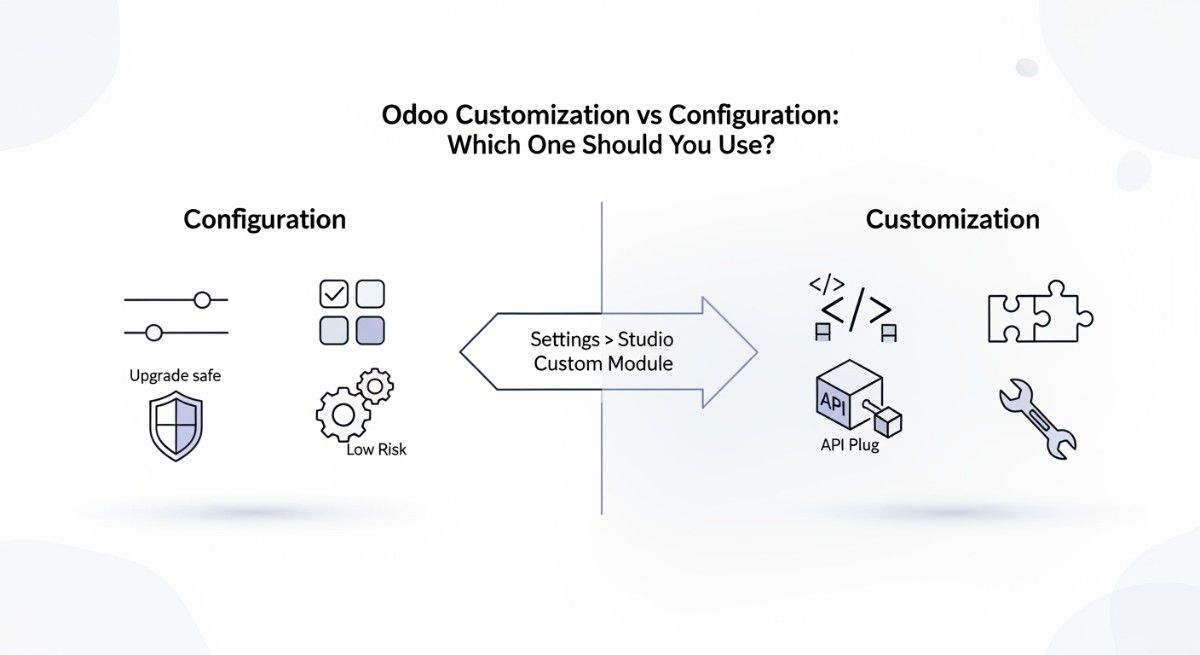
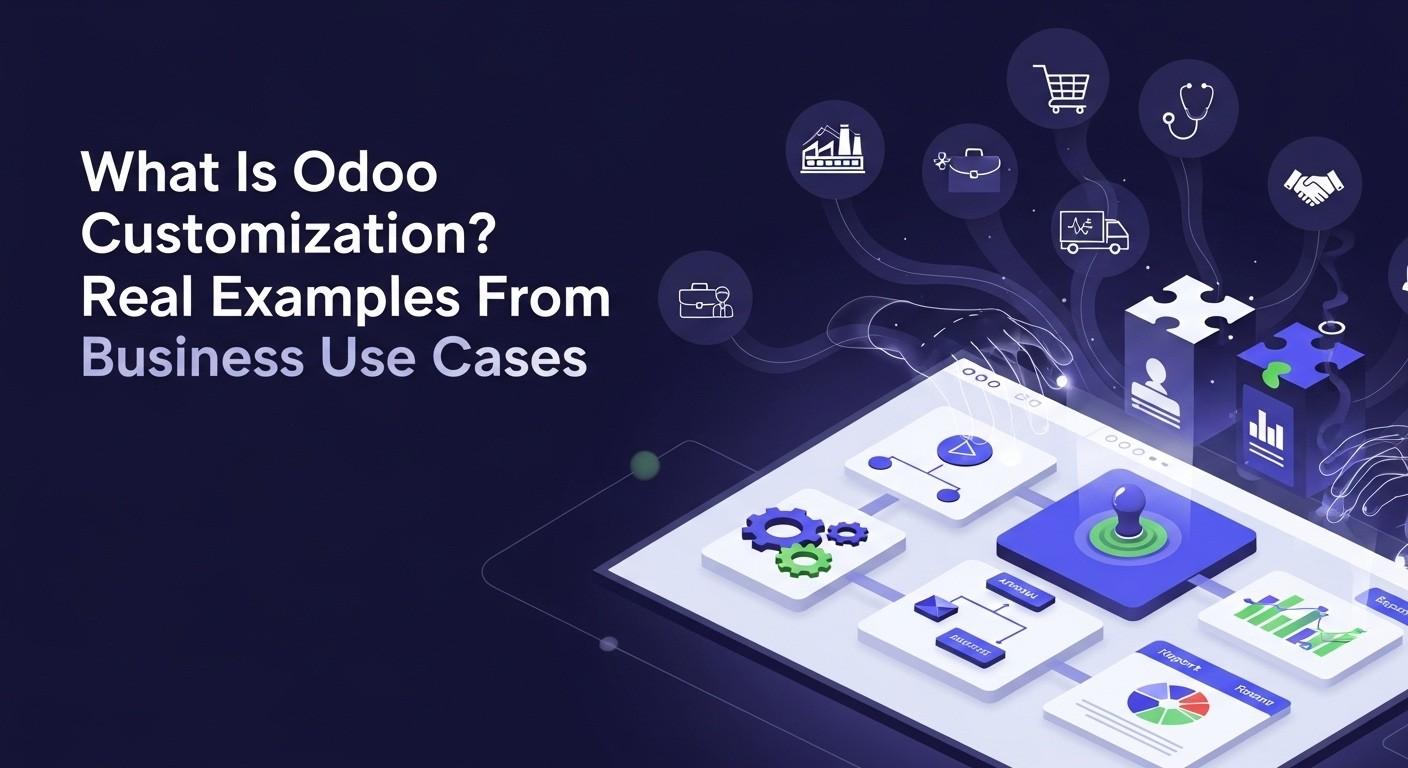
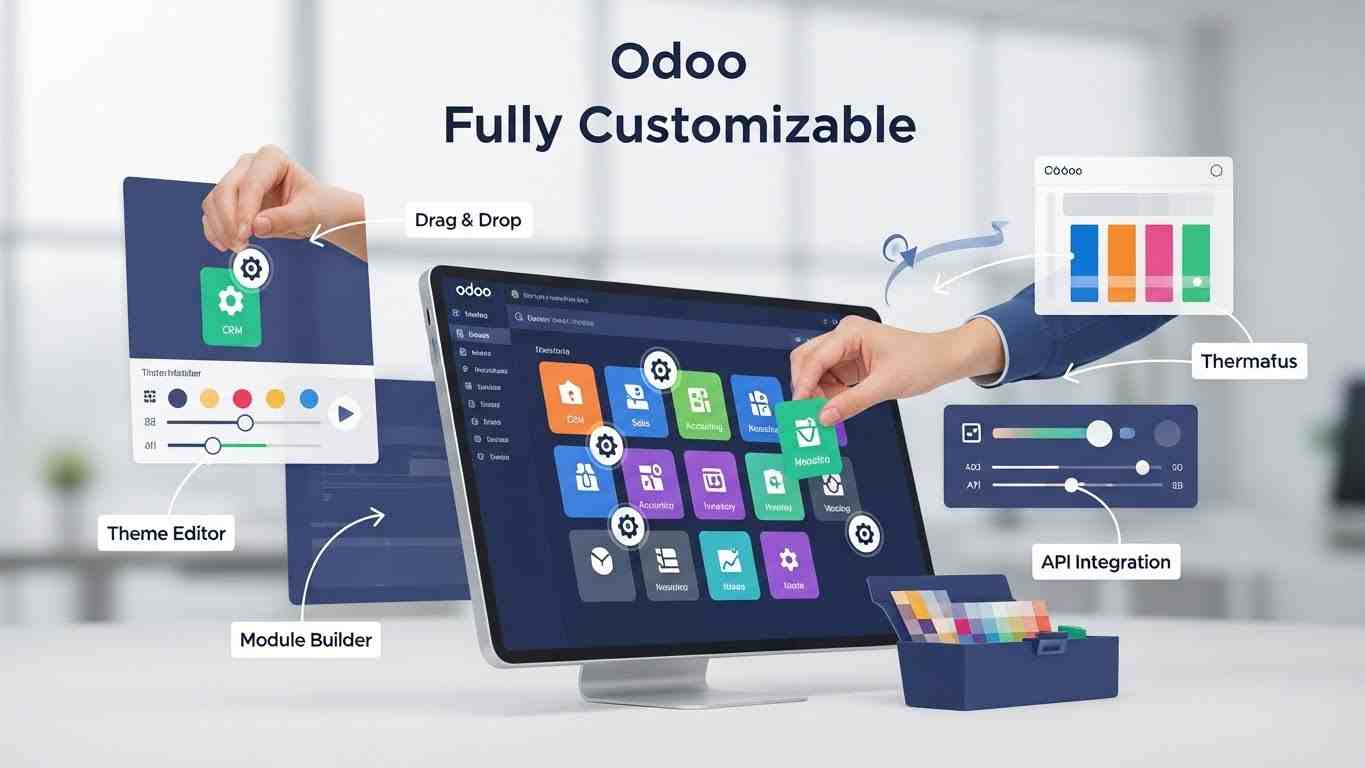
Odoo uses a modular architecture, allowing businesses to install only the applications they need, such as CRM, Sales, Accounting, Inventory, or Manufacturing. Companies can also customize workflows, reports, and user permissions based on their business structure. Because Odoo supports development extensions and configuration changes, it can adapt to both simple business setups and complex enterprise requirements.
Cloud Hosting vs On-Premise Deployment Options
Odoo can be deployed either on the cloud or on-premise servers. Cloud hosting allows businesses to access the system online without managing their own infrastructure, making setup faster and maintenance easier. On-premise deployment gives companies full control over their server environment, data storage, and security configuration, which is often preferred by organizations with strict compliance or internal IT policies.
User-Friendly Interface and Web-Based Access
Odoo provides a modern web-based interface that users can access through a browser on desktops, tablets, or mobile devices. The dashboard layout, menu structure, and navigation are designed to be simple so employees can learn the system quickly. Because it runs online, teams can log in from different locations while still working inside the same centralized platform.
Third-Party Integrations and API Support
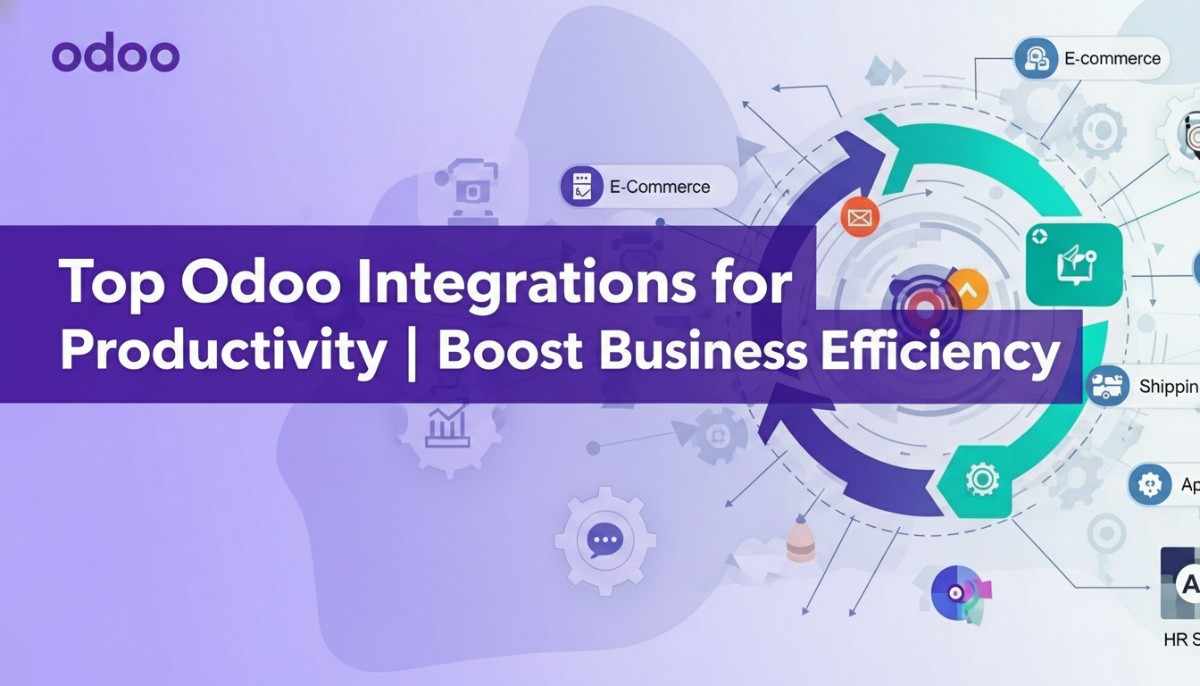
Odoo supports integration with third-party applications such as payment gateways, shipping services, accounting tools, marketing platforms, and external databases. It also provides API access for developers to connect custom software or automate data exchange between systems. This integration capability allows businesses to expand functionality while keeping Odoo as their central management system.
What is the Difference Between Odoo Community and Odoo Enterprise?
Odoo offers two main versions: Odoo Community and Odoo Enterprise. Both versions use the same core ERP platform, but they differ in available features, support level, and business scalability. The Community edition is free and open-source, while the Enterprise edition is a paid version that includes advanced tools, official support, and additional automation capabilities.
Features Included in Odoo Community Edition
Odoo Community provides the essential ERP modules needed to manage basic business operations. It includes applications such as CRM, Sales, Inventory, Manufacturing, Purchase management, and basic Accounting functionality. Because it is open-source, companies can customize the system through development and host it on their own servers. This version is commonly used by startups, small businesses, or companies with technical teams that can handle customization and maintenance themselves.
Advanced Tools Available in Odoo Enterprise Edition
Odoo Enterprise adds advanced business tools, a more polished user interface, and official vendor support. It includes full-featured Accounting, advanced reporting, document management, marketing automation, helpdesk systems, mobile applications, and built-in cloud hosting options. Enterprise users also receive regular upgrades, security updates, and access to Odoo’s official support services, making it suitable for organizations that require reliability and advanced automation.
Which Version is Suitable for Small vs Large Businesses
Small businesses or companies with limited budgets often start with Odoo Community because it allows them to implement ERP functions at a lower cost. Larger companies, fast-growing businesses, or organizations needing advanced accounting, automation, and professional support typically choose Odoo Enterprise. The best choice depends on the company’s budget, technical resources, customization needs, and long-term growth plans.
What Types of Businesses Use Odoo ERP?
Odoo ERP is used by many different types of businesses because its modular system can adapt to various industries and company sizes. Since companies can choose only the apps they need and expand later, Odoo works for startups, growing businesses, and large organizations that want to manage operations inside one connected platform.
Small Business Use Cases for Odoo
Small businesses use Odoo to manage daily operations such as customer tracking, sales orders, invoicing, inventory control, and employee records without investing in multiple software tools. Because the system can start with only a few modules and scale later, it helps small companies organize their processes early while keeping costs manageable.
Manufacturing Companies Using Odoo
Manufacturing companies use Odoo to plan production, manage bills of materials, track raw materials, schedule work centers, and monitor finished goods. The Manufacturing (MRP) module connects with inventory, purchasing, and accounting so production orders automatically update stock levels, supplier needs, and financial records. This integration improves production planning and reduces operational delays.
Retail and eCommerce Companies Using Odoo
Retail stores and eCommerce businesses use Odoo to manage products, stock levels, online orders, customer accounts, and payment processing in one system. The platform can connect physical store sales with online store transactions while updating inventory and accounting automatically. This helps retailers maintain accurate stock tracking and deliver faster order fulfillment.
Service-Based Companies Using Odoo
Service-based companies such as consulting firms, agencies, and maintenance providers use Odoo to manage projects, track timesheets, generate invoices, and maintain customer communication. The system helps service teams monitor project progress, control billing cycles, and maintain organized client records, improving both operational efficiency and customer service quality.
What Are the Benefits of Using Odoo for Business Management?
Odoo helps businesses manage operations more efficiently by combining multiple functions such as sales, accounting, inventory, HR, and manufacturing into one connected ERP system. This unified approach reduces manual work, improves data accuracy, and allows companies to control their processes from a single platform while supporting long-term growth.
Business Process Automation and Efficiency Improvement
Odoo automates many routine business processes that normally require manual coordination between departments. For example, confirming a sales order can automatically reserve stock, generate delivery instructions, and create an invoice. This automation reduces repetitive tasks, speeds up operations, and helps teams focus on higher-value work instead of manual data entry.
Cost Reduction Compared to Traditional ERP Systems
Traditional ERP systems often require expensive licenses, complex infrastructure, and multiple third-party tools. Odoo reduces these costs by offering an integrated platform where many business functions run inside one system. Its modular pricing structure allows companies to start with only the apps they need and expand later, helping control implementation and operational expenses.
Scalability as Business Grows
Odoo is designed to scale with business growth. Companies can begin with basic modules such as CRM or Sales and later add Accounting, Manufacturing, or HR as operations expand. Because all modules share the same database, new functionality can be added without replacing the existing system, making it easier for businesses to grow without changing software platforms.
Improved Decision Making Using Real-Time Analytics
Odoo provides real-time dashboards and reporting tools that collect data from multiple departments simultaneously. Managers can monitor sales performance, financial status, inventory levels, and operational trends from one interface. Access to accurate, up-to-date information allows businesses to make faster decisions, identify problems early, and plan future strategies with greater confidence.
What Are the Limitations or Challenges of Odoo ERP?
Although Odoo is a flexible and powerful ERP system, businesses may face some challenges during implementation and daily use. Like any enterprise software, success depends on proper setup, technical support, and user adoption. Understanding these limitations helps companies plan their ERP deployment more effectively and avoid common mistakes.
Implementation Complexity for Large Custom Projects
For small setups, Odoo can be installed quickly, but large organizations with complex workflows often require detailed configuration and customization. Businesses that need advanced automation, industry-specific processes, or integration with legacy systems may face longer implementation timelines. Proper planning, testing, and phased deployment are usually required to ensure the system works smoothly.
Need for Professional Odoo Developers or Partners
While Odoo is user-friendly at the basic level, deeper customization, module development, or system integration often requires experienced Odoo developers or certified implementation partners. Companies without internal technical teams may need external support for installation, migration, customization, and ongoing maintenance to keep the system stable and secure.
Training Requirements for Business Teams
Employees who are used to traditional standalone software or manual workflows may need time to learn the new ERP environment. Departments such as accounting, inventory, and production often require structured onboarding sessions to understand the system properly. Providing user training and internal documentation helps teams adopt Odoo faster and ensures the business receives full value from the platform.
How Does Odoo Compare With Other ERP Systems?
Odoo competes with several major ERP platforms such as SAP, Microsoft Dynamics 365, and Oracle NetSuite. While all ERP systems aim to manage business operations inside one platform, they differ in cost, flexibility, implementation complexity, and target business size. Odoo is often known for its modular structure and affordability, while other ERP systems are traditionally focused on large enterprise environments.
Odoo vs SAP ERP
SAP ERP is designed mainly for large enterprises that require highly structured processes, advanced compliance features, and deep industry-specific solutions. It offers strong scalability and complex financial controls but usually requires high licensing costs, long implementation timelines, and specialized consultants. Odoo, in comparison, provides a simpler setup, lower cost entry, and more flexible customization, making it easier for small and mid-sized businesses to adopt.
Odoo vs Microsoft Dynamics 365
Microsoft Dynamics 365 integrates closely with Microsoft tools such as Office 365, Azure, and Power BI, which makes it attractive for companies already using the Microsoft ecosystem. It offers strong CRM and enterprise-level reporting features but can become expensive when multiple modules and licenses are added. Odoo provides similar business applications inside one platform with a unified interface and modular pricing, which many companies find easier to scale gradually.
Odoo vs Oracle NetSuite
Oracle NetSuite is a fully cloud-based ERP designed primarily for mid-sized to large global businesses that need advanced financial management, international tax handling, and multi-subsidiary reporting. While NetSuite provides strong enterprise-level accounting and compliance tools, it generally involves higher subscription costs and structured implementation processes. Odoo offers more customization freedom and flexible deployment options, including both cloud and on-premise hosting.
Why Many SMEs Prefer Odoo
Many small and medium-sized businesses prefer Odoo because it combines multiple business functions into one customizable system with lower upfront costs. Its modular structure allows companies to start with essential apps and expand later, while its open-source foundation supports customization according to business needs. For organizations seeking an ERP that balances functionality, flexibility, and affordability, Odoo often becomes a practical choice.
Is Odoo the Right ERP Solution for Your Business?
Choosing the right ERP system depends on your company size, operational complexity, budget, and long-term growth plans. Odoo can be a strong option for many organizations because it combines multiple business applications into one platform, but it may not be the ideal solution in every situation. Evaluating your workflow needs and technical resources helps determine whether Odoo fits your business environment.
When Odoo is the Best Choice
Odoo is often the best choice for businesses that want an integrated system to manage sales, accounting, inventory, HR, manufacturing, and customer operations inside one platform. It works well for startups, small-to-medium companies, and growing organizations that need flexibility, modular expansion, and customization options. Companies that prefer step-by-step ERP adoption, where modules can be added gradually, usually benefit from Odoo’s scalable structure.
When Another ERP Might Be Better
Another ERP system may be more suitable for organizations with extremely complex global compliance requirements, highly specialized industry workflows, or strict enterprise-level governance policies that demand deeply standardized solutions. Large multinational corporations with very rigid reporting frameworks or highly customized legacy infrastructure sometimes choose enterprise-focused systems that are built specifically for those environments.
Key Factors to Evaluate Before Choosing Odoo
Before selecting Odoo, businesses should evaluate their operational processes, expected number of users, customization requirements, integration needs, and available technical support. It is also important to consider implementation budget, training resources, and long-term maintenance plans. When these factors align with Odoo’s modular and flexible design, the platform can become a powerful long-term ERP solution for managing business growth.
Conclusion
Odoo is more than just accounting or sales software — it is a complete ERP platform that connects all business operations inside one system. From managing customers and tracking inventory to handling production, finance, HR, and online sales, Odoo helps companies replace multiple disconnected tools with one centralized solution. This unified structure improves accuracy, saves time, and allows teams to work with real-time data instead of manual updates.
Because Odoo is modular and scalable, businesses can start small and expand the system as their needs grow. Whether a company runs a manufacturing plant, retail store, service agency, or online business, the platform can adapt to different workflows and industry requirements. Its flexibility, customization options, and integrated applications make it a practical ERP choice for organizations looking to streamline operations and improve long-term efficiency.
Understanding what Odoo is and how it works is the first step toward deciding whether an integrated ERP system is right for your business. With the right implementation approach, training, and module selection, Odoo can become the central platform that supports business growth, automation, and smarter decision-making in the future.