
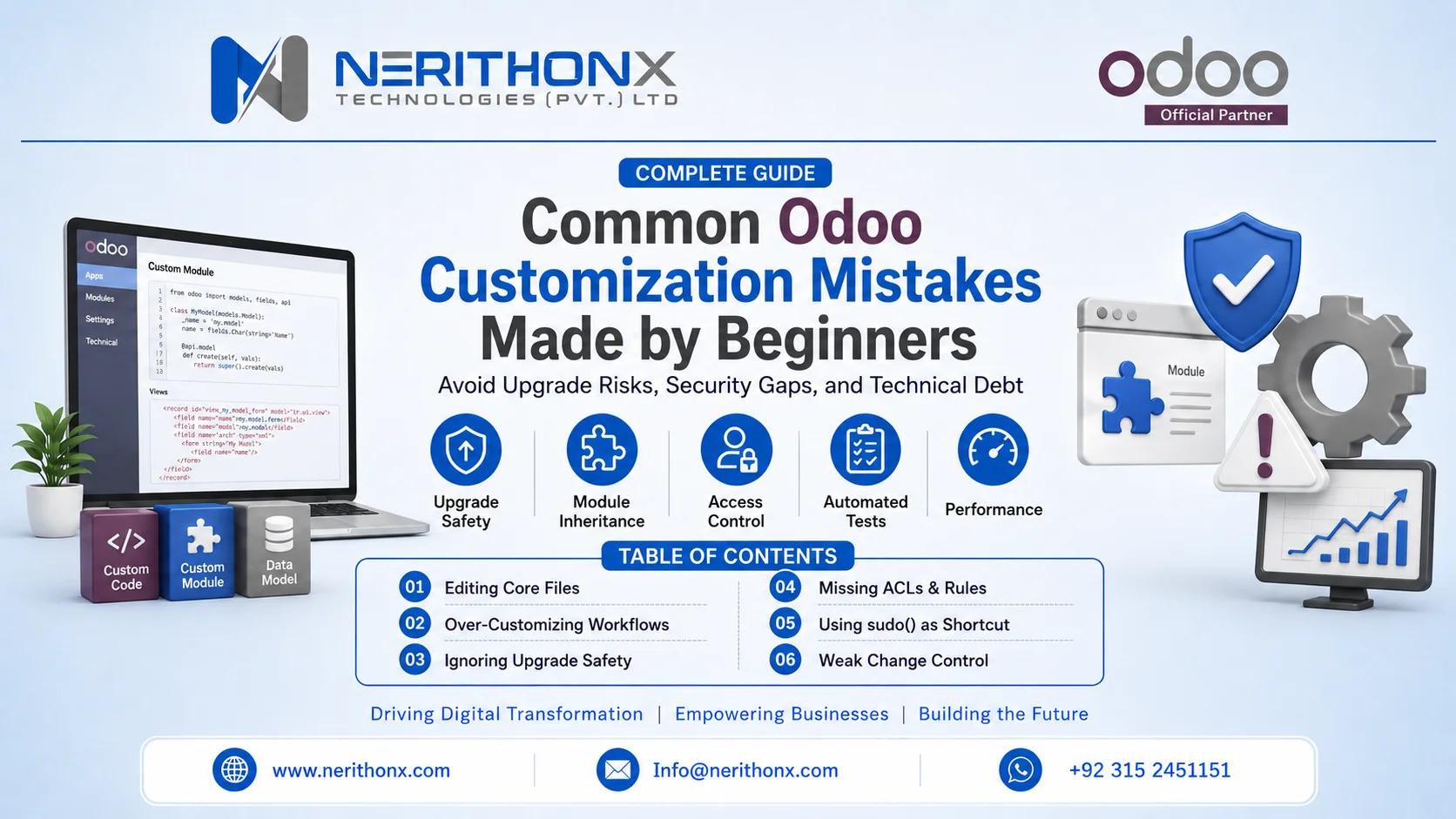
Odoo customization mistakes can turn a small business improvement into upgrade pain, security risk, and long-term technical debt. Custom Odoo work stays safe when you treat Odoo like a modular product, not a pile of files to edit.
Table of contents
-
- Editing core files instead of extending with modules
-
- Over-customizing to copy old tools
-
- Ignoring upgrade safety and undocumented internals
-
- Missing ACLs and record rules
-
- Using sudo() as a quick fix
-
- Building a mega module and messy dependencies
-
- Skipping tests and relying on manual clicks
-
- Performance traps: N+1 queries, heavy onchange, bad XPath
-
- Poor data migration and dirty imports
-
- Weak change control: no staging, no version control, no docs
-
- A simple decision framework and review rubric
Mistake 1: Editing core files instead of using inheritance
Symptom
Your change works today, but it disappears after an update.
Beginners often edit built-in files to “fix it fast,” then lose everything during the next patch.
Why it happens
This happens because core edits feel simpler than learning modules and inheritance.
Odoo is modular, which means it wants extensions in add-ons, not inside base code. See how Odoo customization works internally if the structure feels confusing.
Risk
Core edits create upgrade conflicts and long downtime.
I once inherited a system where a single edited core view blocked an upgrade for weeks because every merge re-broke the same screens.
Safe fix
Create a custom module and extend models or views with inheritance.
Use model inheritance and view inheritance instead of editing originals, and follow how to develop custom Odoo modules. For the official pattern, use the Odoo inheritance documentation.
Upgrade-safe checklist
-
- Put all changes in a separate custom module.
-
- Add proper dependencies in the manifest.
-
- Avoid copying full views when a small inherited change works.
-
- Keep a migration note for each change.
Mistake 2: Over-customizing to copy old tools and habits
Symptom
You keep adding fields and screens, but users still struggle.
This usually means the system tries to behave like a spreadsheet or a legacy ERP.
Why it happens
This happens because teams fear change and try to copy what they already know.
Odoo already has strong flows, so extra “comfort” customizations often add clutter and confusion.
Risk
Over-customization slows the system and raises maintenance cost.
In one rollout, a team forced a legacy approval chain into Odoo, and every new feature request turned into more custom rules and more bugs.
Safe fix
Start with standard features and customize only for real gaps.
Use examples to guide scope, like Odoo customization examples for real businesses, and keep a clear baseline with the Odoo customization guide.
Upgrade-safe checklist
-
- Write the real business goal in one sentence.
-
- Try configuration first, then customization.
-
- Remove “nice-to-have” changes that do not move the goal.
-
- Re-check scope after user training.
Mistake 3: Ignoring upgrade safety and undocumented internals
Symptom
A customization works in one version, then fails in the next.
This often happens when code relies on internal methods, hardcoded field names, or fragile view paths.
Why it happens
This happens because beginners copy snippets without checking what is stable.
Odoo changes internals across versions, so “works now” does not mean “upgrade-safe.”
Risk
You get stuck on an old version because rewrites cost too much.
That lock-in becomes technical debt, which keeps compounding over time, as described in the SEI definition and practice of technical debt.
Safe fix
Use documented APIs, stable extension points, and clean module boundaries.
If you need a deeper map, use the complete guide to Odoo customization.
Upgrade-safe checklist
-
- Prefer Odoo public APIs and documented patterns.
-
- Avoid hardcoded XML IDs when you can reference them safely.
-
- Keep custom logic small and well-named.
-
- Write upgrade notes per feature.
Mistake 4: Missing ACLs and record rules for new models
Symptom
Users see data they should not see, or they get random access errors.
This usually means you forgot access control lists or record rules.
Why it happens
This happens because beginners focus on features and forget security files.
In Odoo, you must define access rights for every model you add.
Risk
Bad permissions can leak sensitive data like pricing, margins, or payroll.
I once found a custom model with no rules, and any internal user could read records that should have been limited to a small team.
Safe fix
Define ir.model.access.csv, groups, and record rules from day one.
Follow the official security basics in Odoo security access rights (ir.model.access.csv).
Upgrade-safe checklist
-
- Add ACLs for every custom model.
-
- Add record rules for multi-company or team-based limits.
-
- Test with low-permission users, not admin.
-
- Review security in code review, every time.
Mistake 5: Using sudo() as a permanent shortcut
Symptom
Things “work” only because the code runs as admin.
This often looks like sudo() sprinkled everywhere.
Why it happens
This happens because sudo() feels like the fastest way to fix access errors.
But it bypasses record rules, which breaks trust and governance.
Risk
You can expose data and break audit trails.
You also hide real permission problems, so you keep adding more sudo() later.
Safe fix
Fix the rule, not the symptom.
Define the right access rights, and use sudo() only in controlled, justified cases.
Upgrade-safe checklist
-
- Never use sudo() by default.
-
- Add comments when you must use it.
-
- Add tests for permission scenarios.
-
- Re-check security after adding integrations.
Mistake 6: Building a mega module with tangled dependencies
Symptom
One small change breaks many unrelated features.
This happens when everything lives inside one huge module.
Why it happens
This happens because beginners try to “keep it simple” by putting all custom work in one place.
Odoo works best when you ship small modules with clear boundaries.
Risk
You lose maintainability and slow down every change.
Debugging also becomes harder because you cannot isolate what changed.
Safe fix
Split by business feature and keep dependencies minimal.
Use planning help like top Odoo modules to customize and keep standards from Odoo development best practices.
Upgrade-safe checklist
-
- One feature set per module when possible.
-
- Keep manifests clean and documented.
-
- Avoid circular dependencies.
-
- Version modules and tag releases.
Mistake 7: Skipping automated tests and relying on manual clicks
Symptom
Small changes cause surprise bugs in sales, invoicing, or stock.
This happens because nobody runs repeatable checks.
Why it happens
This happens because tests feel slow at the start.
But tests pay you back every time you change code.
Risk
You ship regressions and lose trust fast.
I have seen teams spend days re-testing manually after every change because they never built even basic regression tests.
Safe fix
Add unit tests for key methods and regression tests for key flows.
Treat testing as part of secure delivery, aligned with the NIST Secure Software Development Framework (SSDF).
Upgrade-safe checklist
-
- Test key flows: quote to invoice, purchase to receipt, stock moves.
-
- Add tests when you fix bugs, not later.
-
- Run tests in CI on every merge.
-
- Keep a simple regression checklist for users.
Mistake 8: Performance traps: N+1 queries, heavy onchange, bad XPath
Symptom
Pages load slowly, and users blame Odoo.
Most performance issues come from custom code, not from standard modules.
Why it happens
This happens because it is easy to write code that looks correct but runs too often.
N+1 queries happen when you loop over records and query the database each time.
Risk
Slow screens reduce adoption and increase support tickets.
In one project, a custom computed field triggered heavy recalculations on every list view load.
Safe fix
Profile queries, reduce loops, and keep view changes precise.
Use the ORM well, avoid heavy onchange, and keep XPath changes small and stable.
Upgrade-safe checklist
-
- Avoid loops that hit the database inside each iteration.
-
- Use batch operations and read groups when possible.
-
- Keep XPath targeted, not broad.
-
- Test with real data volume in staging.
Mistake 9: Poor data migration and dirty imports
Symptom
Users see duplicates, wrong stock, or messy contacts after go-live.
This often starts with dirty source data.
Why it happens
This happens because teams treat migration as “just import a file.”
Data needs cleaning, mapping, and validation.
Risk
Bad data breaks trust and creates endless cleanup.
I have also seen finance teams lose confidence because opening balances did not match after rushed imports.
Safe fix
Clean, deduplicate, and validate before final import.
Do test imports early, then lock mapping rules.
Upgrade-safe checklist
-
- Define a single source of truth per field.
-
- Validate totals for finance and stock.
-
- Keep migration scripts repeatable.
-
- Freeze data changes near go-live.
Mistake 10: Weak change control: no staging, no version control, no docs
Symptom
Production becomes the test environment.
This leads to emergency fixes and unstable releases.
Why it happens
This happens because teams rush to “just ship the feature.”
Without staging and version control, you cannot track what changed.
Risk
You lose rollback options and create hidden bugs.
I once saw a hotfix applied directly on production, and nobody could explain which file changed later.
Safe fix
Use version control, code review, and a staging environment that matches production.
Document what you changed and why.
Upgrade-safe checklist
-
- Never change production directly.
-
- Use pull requests and code reviews.
-
- Keep release notes per module.
-
- Mirror production data shape in staging.
Configure vs customize decision framework
Configuration should come first because it keeps upgrades smooth.
Use this simple order: configure, then extend, then integrate, then replace.
-
- Configure when Odoo already supports the flow with settings and standard features.
-
- Customize when the business rule is real, stable, and needed for core work.
-
- Integrate when another system must stay the source of truth.
-
- Replace only when Odoo cannot meet the need with safe extensions.
If you are unsure about feature limits, read Odoo Enterprise vs Community.
Anti-pattern to safe pattern mapping
| Anti-pattern | Safe pattern |
| Edit core files | Inherit with a custom module |
| Copy full views | Minimal inherited view changes |
| Hardcode internals | Use documented APIs |
| Use sudo() everywhere | Fix ACLs and record rules |
| One mega module | Small modules by feature |
| No tests | Automated tests + regression list |
| Import dirty data | Clean, validate, repeat imports |
| No staging | Staging + version control + reviews |
For a practical baseline, also read customize Odoo without breaking core functionality and Odoo development best practices.
How to review a customization request in 5 minutes
A good customization request stays small, testable, and upgrade-safe.
Use this rubric before you approve any change:
-
- Goal: What problem does this solve in one sentence?
-
- Standard first: Can standard Odoo do it with config or a small workflow change?
-
- Data impact: Which models and fields change, and who owns the data?
-
- Security: What groups need access, and what record rules apply?
-
- Upgrade safety: Does it rely on internal code or fragile view paths?
-
- Testing: What is the one test that proves it works?
-
- Rollback: How do we undo it if it breaks?
Checklist: Before you customize
You avoid most beginner mistakes when you slow down for 15 minutes.
Use this checklist before writing code:
-
- Confirm the business goal and success metric.
-
- Try configuration first.
-
- Choose the smallest module scope that solves the need.
-
- Define security groups, ACLs, and record rules early.
-
- Plan tests for key flows.
-
- Write a short spec and acceptance steps.
-
- Decide where the change lives: model, view, report, integration.
Odoo Customization Mistakes Checklist
Checklist: Before you upgrade
Upgrades stay smooth when you treat them like a planned release.
Use this checklist before moving versions:
-
- Clone production to staging.
-
- Run automated tests and a regression checklist.
-
- Review all custom modules and dependencies.
-
- Search for hardcoded internals and fragile XPath.
-
- Re-check permissions and record rules.
-
- Benchmark performance on real data volume.
-
- Document what changed and what to watch after go-live.
Conclusion
Beginner Odoo customization stays safe when you respect modular design and ship changes like a product team. If you want an expert review of your custom modules, security rules, and upgrade risk, explore Odoo customization services and see why hire a professional Odoo partner.
FAQs (Frequently Asked Questions)
What is the biggest beginner mistake in Odoo customization?
Editing core files is the biggest mistake because upgrades overwrite your changes.
What is the safest way to customize Odoo?
Create a custom module and extend features with model and view inheritance.
When should I configure instead of customize?
You should configure when standard Odoo can meet the need with settings, flows, or minor process changes.
Why do customizations break during upgrades?
Customizations break when they rely on undocumented internals, hardcoded fields, or fragile view changes.
Do I need ACLs and record rules for every new model?
Yes, you need access rights for every model, and most business data also needs record rules.
Is using sudo() always bad?
No, but it becomes dangerous when you use it as a default instead of fixing permissions.
How do I reduce technical debt in Odoo?
Keep modules small, document decisions, use tests, and avoid custom work that duplicates standard features.
What are common Odoo performance mistakes in custom code?
The most common ones are N+1 queries, heavy onchange, and broad XPath changes.
How should I test Odoo customizations?
Add automated tests for key logic and run a short regression checklist on staging before release.
When should I hire an Odoo customization expert?
You should hire one when your changes touch security, accounting, inventory flows, integrations, or upgrade planning.



