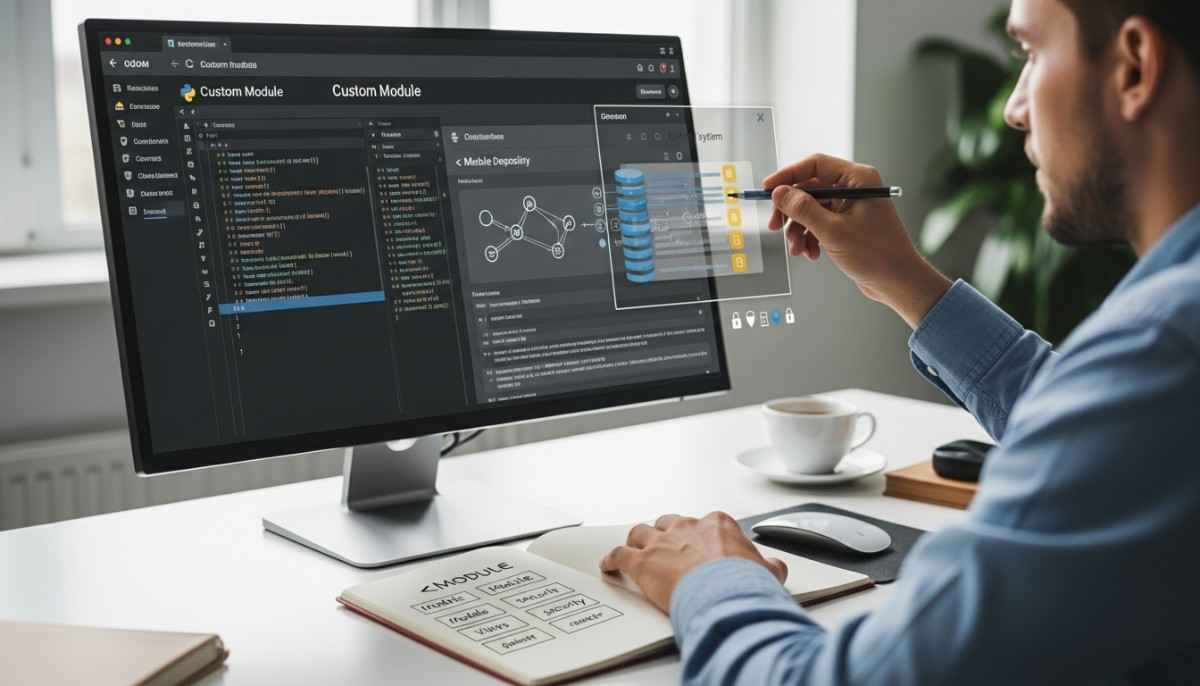
Odoo customization works by adding your changes in a separate custom module so Odoo can load them on top of standard apps. The safe workflow is simple: set up a dev copy, scaffold a module, extend models in Python, adjust views in XML with inheritance, add access rules, then test, upgrade, and deploy. This guide shows how modules, models, and views connect, and how you ship changes without touching core code.
In this post, you will learn:
- What “customization” means in Odoo, in technical terms
- How Odoo loads modules, dependencies, and data files
- How to extend models with _inherit and add business logic
- How to change screens with XML view inheritance and XPath
- How to secure your changes with ACLs and record rules
- How to test, upgrade, and deploy safely (Odoo.sh and on-prem)
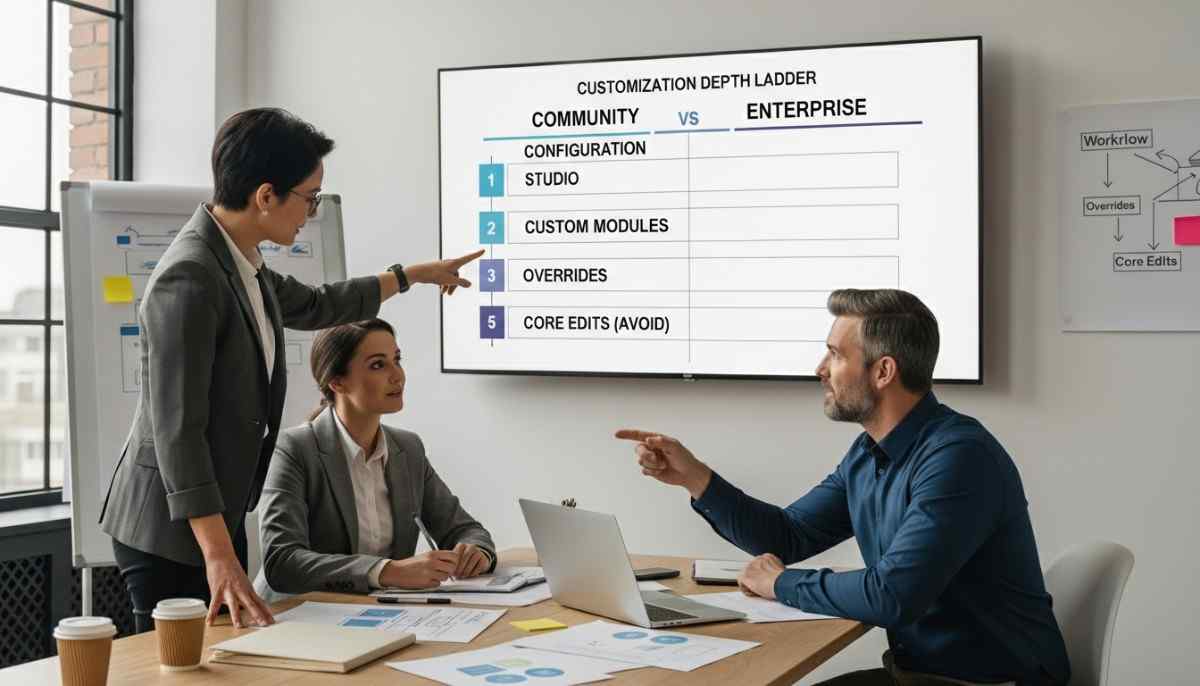
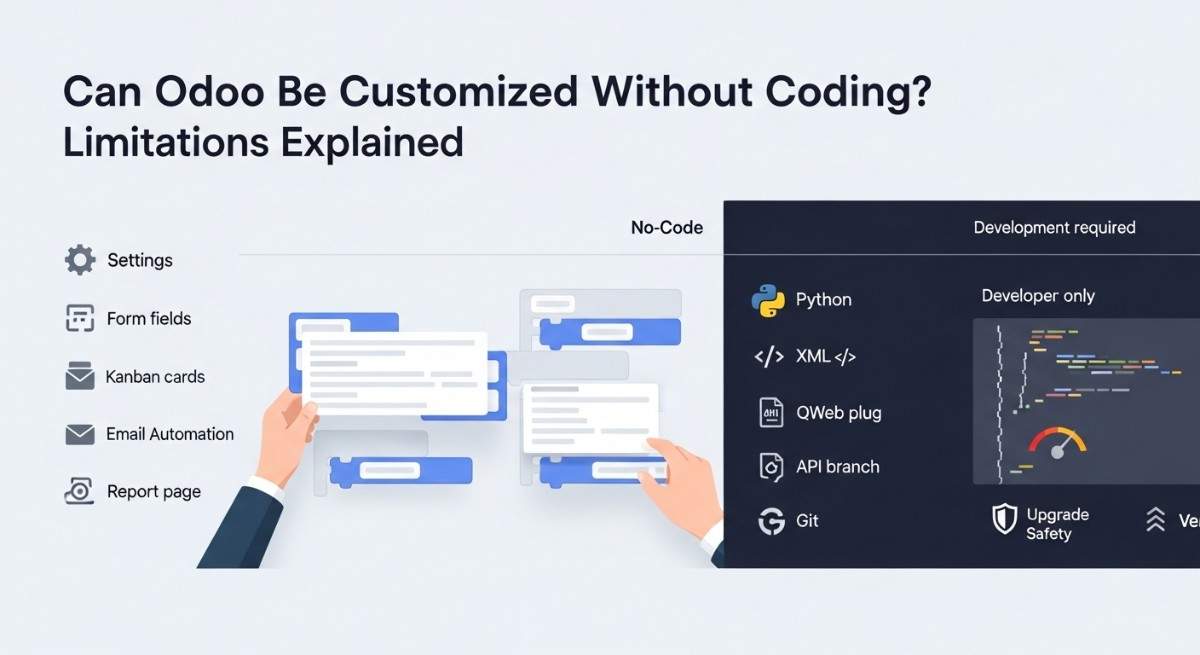
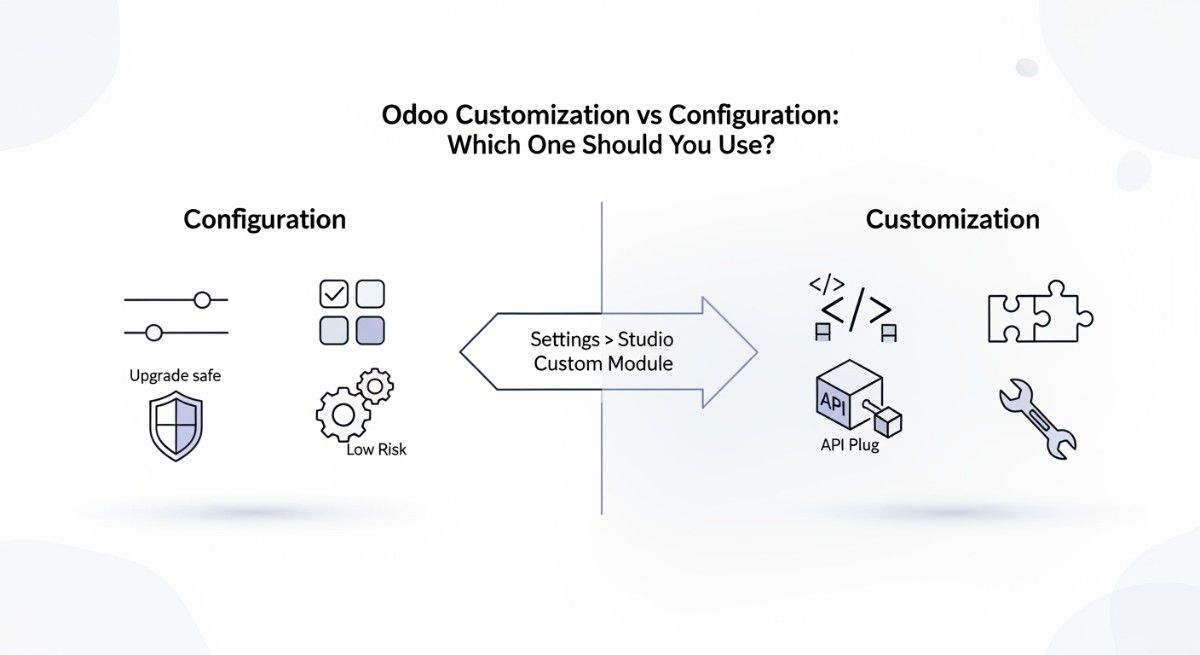
Odoo Customization methods decision
The best customization method depends on how much logic you need and how often you upgrade.
Configuration is best when you can solve it in settings
Configuration works when you only need built-in options like price lists, routes, taxes, or approval settings. You should pick configuration first because it is fast and upgrade-friendly.
Odoo Studio is best for small UI changes without code
Odoo Studio works when you need quick UI edits like adding a field, changing a form layout, or simple automation. You should use it when you do not need complex Python logic and you can accept limits of a no-code layer. (Studio is documented as a no-code customization toolbox.)
A custom module is best for real business logic and long-term control
A custom module works when you need validations, new workflows, integrations, or anything that must be versioned and tested like normal software. You should pick a module when you want clean Git history, repeatable deployments, and safer upgrades.
Quick decision checklist
- Use Configuration if it is already a setting.
- Use Studio if it is mostly UI and simple rules.
- Use a Custom module if you need Python logic, complex security, integration, or stable upgrades.
If you want a deeper decision guide, read what Odoo ERP customization really means and your Odoo customization guide.
How Odoo Loads Modules, Dependencies, and Data Files
Odoo applies customizations by loading modules and layering their changes on top of each other.
Modules are isolated packages that Odoo can install and upgrade
A module is a folder with a manifest file, Python code, and data files like XML and CSV. Odoo treats it like a plug-in, so you can install it, upgrade it, or remove it without editing core apps.
Odoo loads dependencies first, then loads your data files in order
Odoo reads depends in your manifest to decide load order, then it loads files from data and demo. This is why view changes and security rules must be listed in the manifest, or Odoo will never see them.
If you want a plain-language map of modules, read Odoo ERP modules explained.
Step-by-step customization workflow
This workflow is the same idea in Odoo 17 and 18, and Odoo’s own dev tutorials teach the same building blocks.
Step 1: Set up a safe dev environment (local or staging)
A safe setup means you can break things without breaking production.
Use a separate database and run Odoo in developer mode so you can see technical details and debug faster.
Minimum checklist
- A copy of your production database (or a clean test DB)
- Odoo source code for your version
- A clear addons_path that includes your custom addons folder
- Logs turned on
If you plan to deploy to Odoo.sh, use their Git-based flow from the start because your module will ship through the repository.
You can also get Odoo consulting when your customization touches accounting, inventory, or user permissions
Step 2: Scaffold a module and understand the module tree
Scaffolding creates the basic module structure so you do not forget key files.
Example command:
./odoo-bin scaffold nx_partner_verify ./custom-addons
A typical minimal tree looks like this:
nx_partner_verify/
__init__.py
__manifest__.py
models/
__init__.py
res_partner.py
views/
res_partner_views.xml
security/
ir.model.access.csv
security.xml
Step 3: Update __manifest__.py and dependencies
The manifest tells Odoo what the module is, what it depends on, and which files to load.
Minimal example:
{
“name”: “Partner Verification”,
“version”: “1.0.0”,
“depends”: [“base”],
“data”: [
“security/security.xml”,
“security/ir.model.access.csv”,
“views/res_partner_views.xml”,
],
“installable”: True,
}
Step 4: Extend an existing model using _inherit
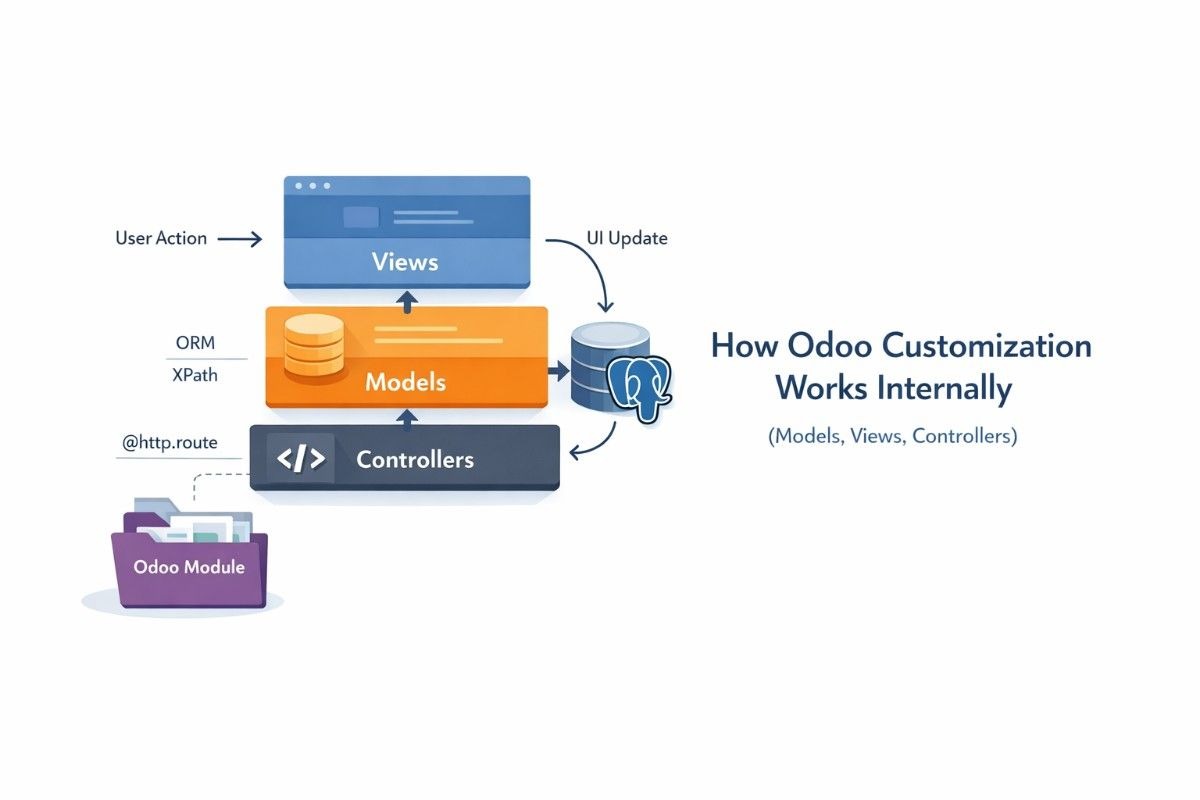
_inherit lets you add fields or methods to an existing model without replacing it.
Example (extend Contacts):
from odoo import models, fields, api
from odoo.exceptions import ValidationError
class ResPartner(models.Model):
_inherit = “res.partner”
x_national_id = fields.Char(string=”National ID”)
x_is_verified = fields.Boolean(string=”Verified”, default=False)
Step 5: Add fields and business logic (compute, constraints, onchange, hooks)
Business logic belongs in Python because it is testable and repeatable.
Here are the safest “common tools”:
- @api.constrains for rules that must always hold
- @api.onchange for UI help (not a real server guarantee)
- create() and write() overrides for deeper lifecycle logic
Example constraint:
@api.constrains(“x_national_id”)
def _check_national_id(self):
for partner in self:
if partner.x_national_id and len(partner.x_national_id) < 6:
raise ValidationError(“National ID looks too short.”)
Step 6: Update UI with XML view inheritance and XPath
View inheritance changes screens by targeting parts of a parent view and inserting or editing nodes with XPath.
Example XML (add fields to the Contact form):
<odoo>
<record id=”res_partner_form_inherit_verify” model=”ir.ui.view”>
<field name=”name”>res.partner.form.inherit.verify</field>
<field name=”model”>res.partner</field>
<field name=”inherit_id” ref=”base.view_partner_form”/>
<field name=”arch” type=”xml”>
<xpath expr=”//field[@name=’email’]” position=”after”>
<field name=”x_national_id”/>
<field name=”x_is_verified”/>
</xpath>
</field>
</record>
</odoo>
Step 7: Add actions and menus (brief but complete)
Actions and menus decide how users open your views.
You need an ir.actions.act_window and an ir.ui.menu if you create a new screen, but you often do not need them when you only extend an existing screen.
Your deeper module guide can cover more patterns: How to develop custom Odoo modules.
Step 8: Add security (groups, ACL CSV, record rules)
Security is not optional because Odoo checks access on the server, even if the UI looks open.
A good mental model is “roles and permissions,” which matches well-known RBAC research used in many enterprise systems. (This is why Odoo groups and access rules matter.)
Group (XML)
<odoo>
<record id=”group_partner_verify_manager” model=”res.groups”>
<field name=”name”>Partner Verify Manager</field>
</record>
</odoo>
ACL (CSV)
id,name,model_id:id,group_id:id,perm_read,perm_write,perm_create,perm_unlink
access_res_partner_verify_mgr,res.partner verify,base.model_res_partner,group_partner_verify_manager,1,1,1,0
Record rule (optional, XML)
<odoo>
<record id=”rule_partner_verify_mgr” model=”ir.rule”>
<field name=”name”>Partners: verify managers can edit</field>
<field name=”model_id” ref=”base.model_res_partner”/>
<field name=”groups” eval=”[(4, ref(‘nx_partner_verify.group_partner_verify_manager’))]”/>
<field name=”domain_force”>[(1,’=’,1)]</field>
</record>
</odoo>
Step 9: Install, upgrade, and test the module
Installing loads your manifest and data files into the database.
Upgrading re-runs the manifest data loading and updates Python code, which is why you must use the upgrade command during development.
Common upgrade command:
./odoo-bin -d mydb -u nx_partner_verify –stop-after-init
Odoo’s dev docs explain that access rights and other data files are usually loaded through the manifest.
Step 10: Deploy safely (Odoo.sh and on-prem notes)
Safe deployment means you ship changes like software, not like a one-time click.
- Odoo.sh: push to Git, let Odoo.sh build, then test on staging before production (their “first module” flow shows this clearly).
- On-prem: deploy the module folder, restart Odoo, then upgrade the module.
A useful safety benchmark is to follow secure development practices like the NIST SSDF, because it pushes you to plan, review, test, and control releases.
If you want process-level guidance, your Odoo development best practices post is the right companion.
One end-to-end example thread (small but complete)
A good first customization is “extend Contacts, add a field, show it on the form, validate it, and secure who can change it.”
1) Extend the model (Python)
You already saw the _inherit example for res.partner.
This creates new fields and constraints.
2) Show it on the screen (XML view inheritance)
You already saw the XPath insert example after the email field.
This keeps the base view intact and layers your changes on top.
3) Secure it (group + ACL)
The group and ACL examples allow only your manager group to write.
This is the step many beginners miss, and it causes “Access Error” later.
Troubleshooting playbook for customization
Most Odoo customization bugs come from load order, wrong IDs, or missing access rules.
XPath not matching
XPath fails when your expression does not match the final parent view tree.
Fix it by checking the parent view’s real structure in developer mode and by targeting stable nodes.
Missing external ID
External ID errors happen when you reference a view, asset, action, or record that does not exist in your database for that version.
Fix it by verifying the ref=”module.xml_id” value, verifying dependencies, and testing on a clean database.
Access errors after adding models or fields
Access errors usually mean you forgot ir.model.access.csv or used the wrong group.
Fix it by confirming the user’s groups, confirming the model ID, and re-upgrading the module.
Module upgrade not applying changes
Upgrades fail when your module is not in the real addons_path or the server did not restart.
Fix it by checking your config, restarting Odoo, and running -u your_module again.
Inheritance order issues
Inheritance order issues happen when multiple modules inherit the same view and your module loads too early.
Fix it by adding the right depends and by using more stable XPath targets.
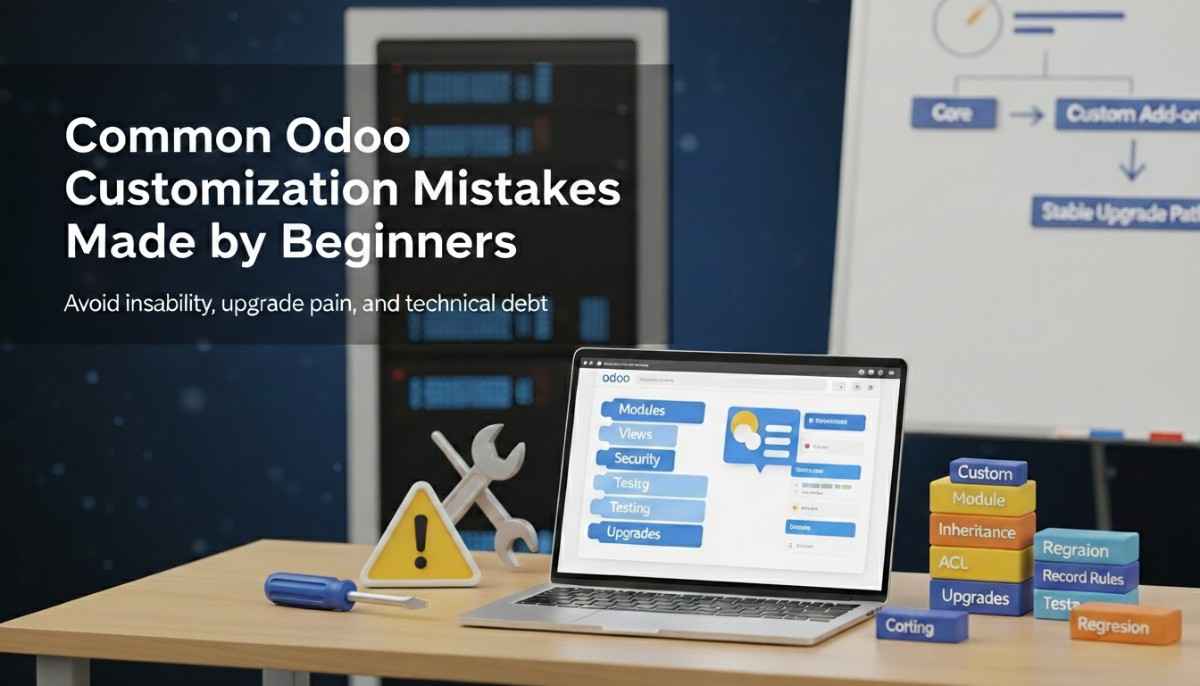
Upgrade-safe and maintainable customization checklist
Upgrade-safe customization means your module can survive updates with fewer surprises.
- Extend, do not edit core files
- Keep modules small and focused
- Declare clean dependencies in __manifest__.py
- Put views and security in manifest data
- Use Git and a staging database
- Add basic tests for key rules
- Document what you changed and why
For a broader view of “what to customize first,” see top Odoo modules to customize and your complete guide to Odoo customization.
Key Takeaways for Customizing Odoo
- Odoo customization is safest when you ship changes as a custom module and use inheritance.
- Models (Python) hold data and logic, and views (XML) control UI through XPath.
- Security (ACLs and record rules) is part of development, not an afterthought.
- A stable workflow is: dev setup, scaffold, manifest, model, view, security, test, upgrade, deploy.
For deeper module building patterns, pair this guide with Odoo development best practices.
FAQs (Frequently Asked Questions)
What is the safest way to customize Odoo without changing core code?
The safest way is to write a custom module that extends standard models and views using inheritance.
This keeps your changes separate, so upgrades can replace core files without deleting your work.
This approach also makes your work testable and repeatable.
You can install the same module in dev, staging, and production with the same results.
When should I use Odoo Studio vs a custom module?
You should use Studio for small UI changes when you do not need deep logic.
You should use a custom module when you need Python validations, workflows, integrations, or long-term control.
Studio can be fast, but mixing Studio fields with heavy custom code can make upgrades harder.
A module gives you version control, review, and safer deployment.
Can I customize Odoo Community Edition the same way as Enterprise?
You can customize both editions with custom modules, because the module system is core to Odoo.
Some Enterprise features, like Studio, are not always available the same way, so your “no-code” options may differ.
When you plan a project, decide what must be code and what can be configured.
This is also where edition choice matters, so your Odoo Enterprise vs Community comparison helps.
What does _inherit do in Odoo, and when should I use it?
_inherit extends an existing model by adding fields or methods without creating a new table name.
You should use it when you want to change or extend standard apps like Contacts, Sales, or Inventory.
If you want a brand new business object, you often use _name.
If you want to change an existing one, _inherit is the normal tool.
How does Odoo view inheritance work with XPath?
View inheritance applies “extension views” on top of a parent view, and XPath tells Odoo where to change the XML tree.
You should use XPath to insert fields, move blocks, change attributes, or remove nodes.
XPath issues are common because the final view is a merged result of many modules.
You fix this by inspecting the final architecture in developer mode and using stable selectors.
Where do I add custom fields so they show up in the UI?
You add fields in Python on the model, then you add them to a view using XML inheritance.
The UI cannot show a field that does not exist in the model.
You also need to list your view XML file in the manifest data.
If you forget that, Odoo will never load your view change.
Why do I get “Access Error” after adding a model or field?
Access errors happen because Odoo checks permissions on the server, not just in the UI.
You fix it by adding the right ACL entries in ir.model.access.csv and the right record rules when needed.
A useful way to think about it is role-based access control.
Groups are like roles, and ACLs and rules define what each role can do.
How do I upgrade my custom module safely during an Odoo update?
You upgrade safely by keeping all changes inside your module and by testing on a staging database first.
You then upgrade the module with -u module_name after you deploy the new code.
If you use Odoo.sh, follow their Git flow and promote changes from staging to production.
This reduces risk and matches good secure development practice like NIST SSDF.
What are the most common XPath mistakes in Odoo customizations?
The most common mistake is targeting a node that does not exist in the final merged view.
Another common mistake is inheriting the wrong parent view ID.
You avoid this by checking the real view structure in developer mode and by using stable paths.
You also avoid it by declaring correct dependencies so your module loads at the right time.
What is the basic module folder structure every customization should follow?
A basic module needs a manifest, Python files, and data files for views and security.
A simple and common structure is: models/, views/, and security/.
You should keep your module small and focused. This makes upgrades and debugging much easier.