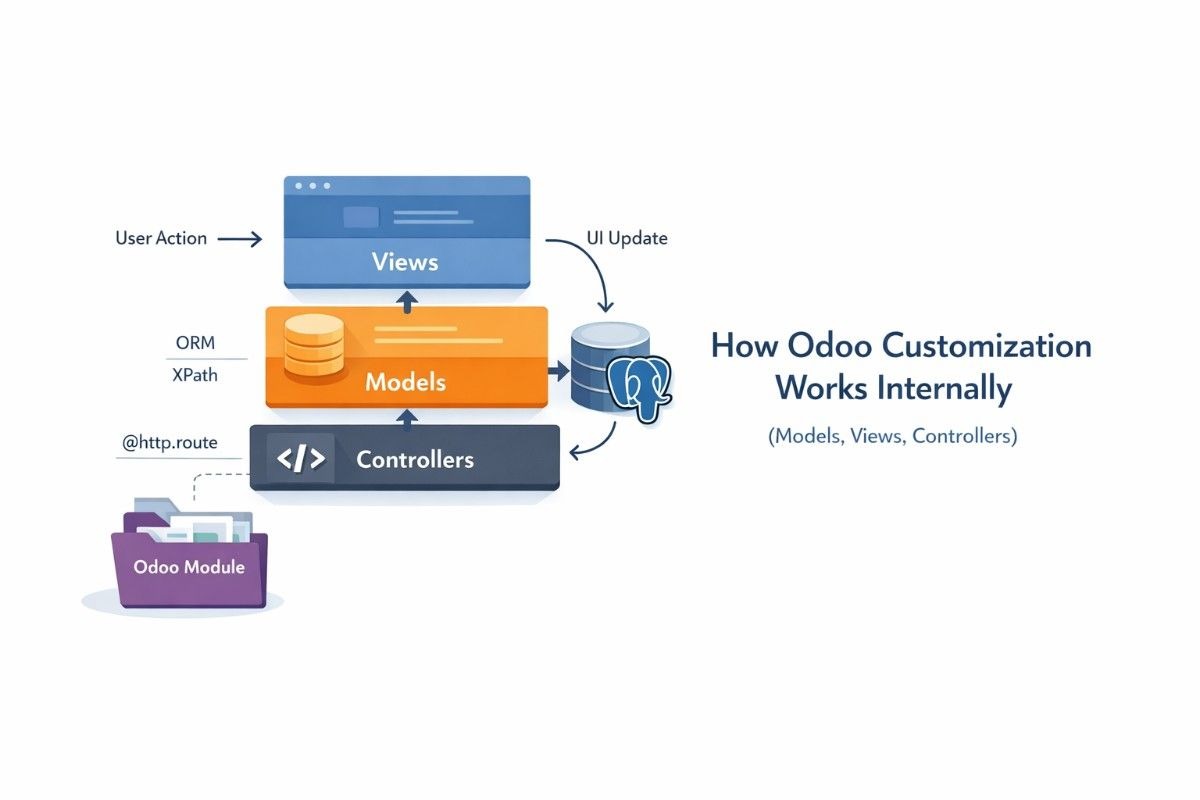
Odoo customization with Python means you add a separate module that extends Odoo, instead of changing Odoo’s core files. Odoo then loads your module, runs your Python logic, updates the database, and merges your screens into the final user interface. In my over a decade working with Odoo projects, this “module first” mindset has been the easiest way to stay fast and still stay upgrade-safe.
What Odoo customization with Python really means
Odoo customization means you ship your changes as add-ons, so Odoo can install, upgrade, or remove them cleanly. If you are new to the platform, start with what Odoo ERP is so the word “ERP” does not feel abstract.
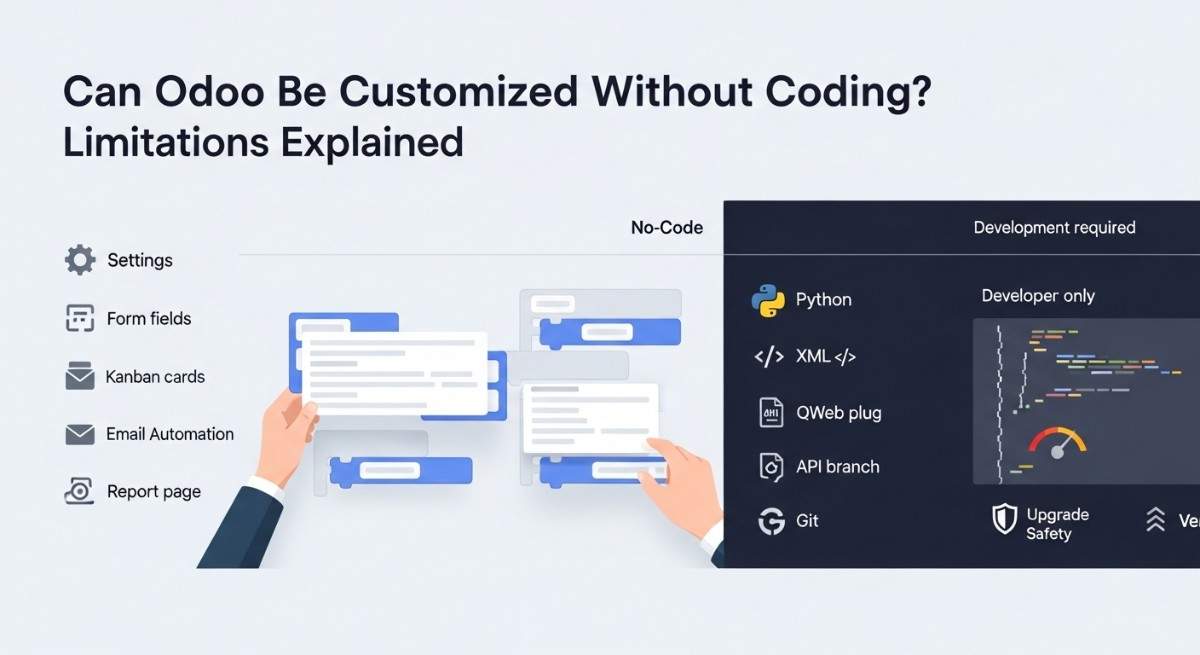
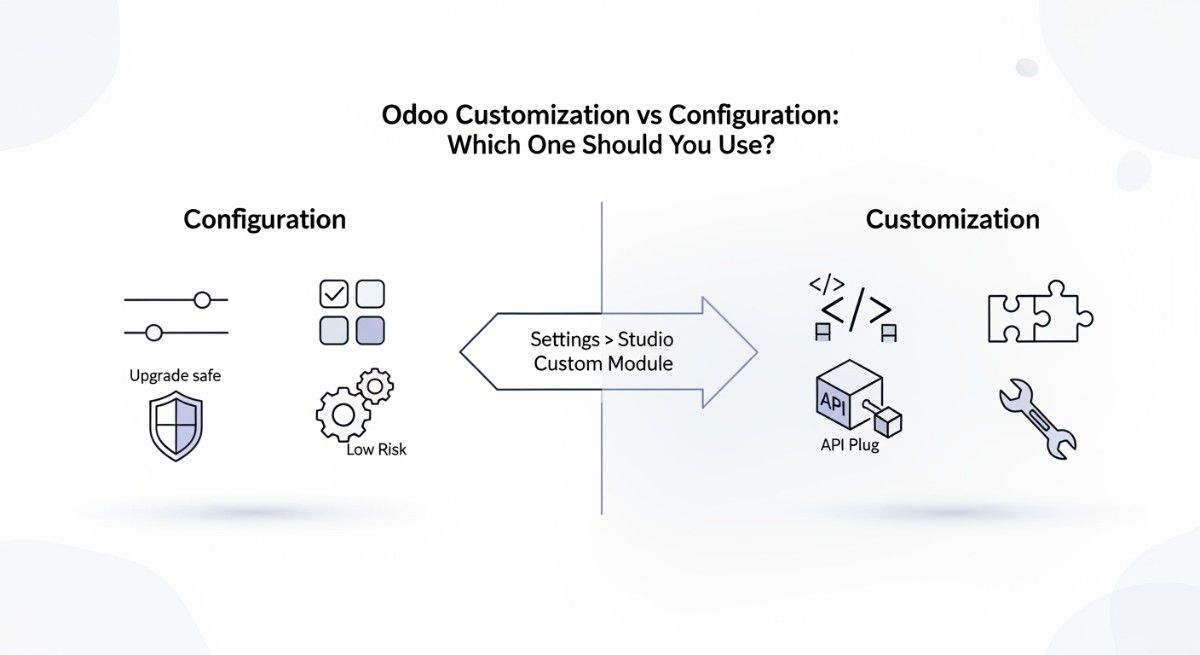
Customization is not the same thing as clicking settings, because customization adds or changes behavior using code. If you want quick business context before we go deep, scan real Odoo customization examples and then come back.
Odoo stays stable when you extend it, not when you edit it. That is the core promise behind customize Odoo without breaking core.
Module anatomy and load order
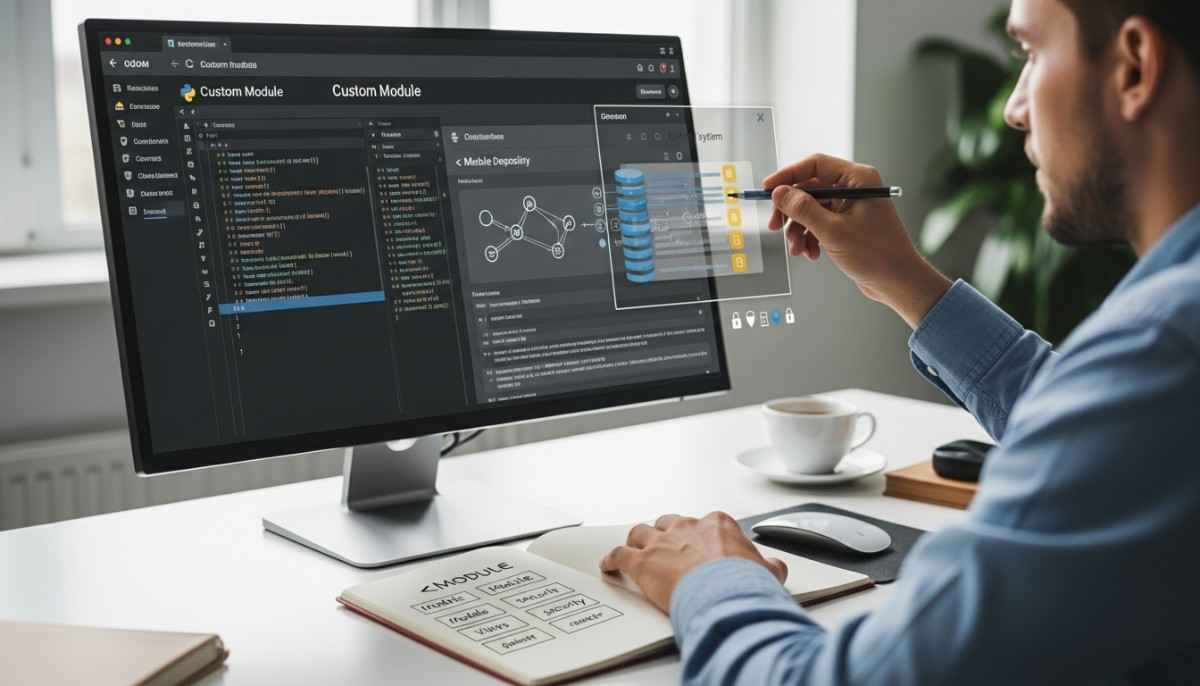
A custom module is a folder with a few expected files, and Odoo treats it like a small app inside the bigger app. Odoo’s manifest file concept is documented in its developer docs.
A module starts with __manifest__.py, and that file tells Odoo what your module is and what it needs. The depends list matters because Odoo loads dependencies first, then your module.
A module also uses __init__.py files, so Python imports your model code at the right time. If you want the big picture before you build, read how Odoo modules work.
Here is a tiny, readable manifest example:
# __manifest__.py
{
“name”: “NX Partner Extra Fields”,
“depends”: [“base”],
“data”: [
“security/ir.model.access.csv”,
“views/res_partner_views.xml”,
],
}
If you want a step-by-step build path, use how to develop custom Odoo modules and keep this article as your “why it works” map.
The ORM mental model in plain words
Odoo’s ORM means you write Python objects, and Odoo turns them into database work for you. Odoo describes its ORM as model classes that you create by inheriting base model types like Model, TransientModel, or AbstractModel.
A recordset is just “one or more rows” wrapped in a Python object. When you call create, write, or search, the ORM builds queries and applies rules so your code stays consistent.
Inheritance is the main hook, and _inherit is the tool you use most. This is a tiny example that adds a field and extends behavior:
from odoo import models, fields
class ResPartner(models.Model):
_inherit = “res.partner”
x_ref_code = fields.Char(string=”Reference Code”)
When you override a method, you almost always call super() so you keep the original behavior and add your own. That “chain” is why clean overrides survive longer than quick hacks.
Database and schema updates
Odoo updates the database schema when you add fields, because it maps Python field definitions to PostgreSQL tables and columns. That is why a module upgrade can create columns, indexes, or constraints without you writing raw SQL in most cases.
You will notice schema work during install or upgrade, because logs often mention creating or updating tables. If you want the underlying database idea, PostgreSQL explains how table changes work in PostgreSQL docs on ALTER TABLE.
An upgrade matters because Odoo needs a moment to re-scan your Python definitions and sync them. Conceptually, “upgrade the module” means “re-apply the module’s metadata, models, and data files to the database.”
XML view merging and the final UI
Odoo builds the final screen by merging many XML views into one result. This is why you can add a field to a form without copying the full form view.
You usually inherit a view and use xpath to place your change in the right spot. You can see this pattern across Odoo resources, including official guidance on how modules and data files load.
Here is a tiny example that injects a field into a form:
<record id=”res_partner_form_inherit_nx” model=”ir.ui.view”>
<field name=”name”>res.partner.form.inherit.nx</field>
<field name=”model”>res.partner</field>
<field name=”inherit_id” ref=”base.view_partner_form”/>
<field name=”arch” type=”xml”>
<xpath expr=”//field[@name=’name’]” position=”after”>
<field name=”x_ref_code”/>
</xpath>
</field>
</record>
The “final view” is the end result after Odoo applies all inherited layers in order. When two modules touch the same area, load order and view priority decide what wins.
Security behind the scenes
Odoo security works in layers, and each layer answers a different question. Odoo’s own tutorial shows the convention of keeping security files in a module’s security folder and loading them from the manifest.
Access rights (ACLs) decide whether a group can read, write, create, or delete a model. Record rules decide which records a user can see or touch, even if they have ACL access.
Role-based access control is a real research topic, and Odoo’s “groups + permissions” fits that mindset well.
If you want a formal foundation for the idea of roles, read The NIST Model for Role-Based Access Control (RBAC).
Here is a tiny ACL example:
id,name,model_id:id,group_id:id,perm_read,perm_write,perm_create,perm_unlink
access_nx_model,nx.model,model_nx_model,base.group_user,1,1,1,0
If you want a team to build this safely end to end, this is where Odoo customization services help most, because security mistakes often look fine until real users hit them.
Upgrade-safe patterns, tests, and data migrations
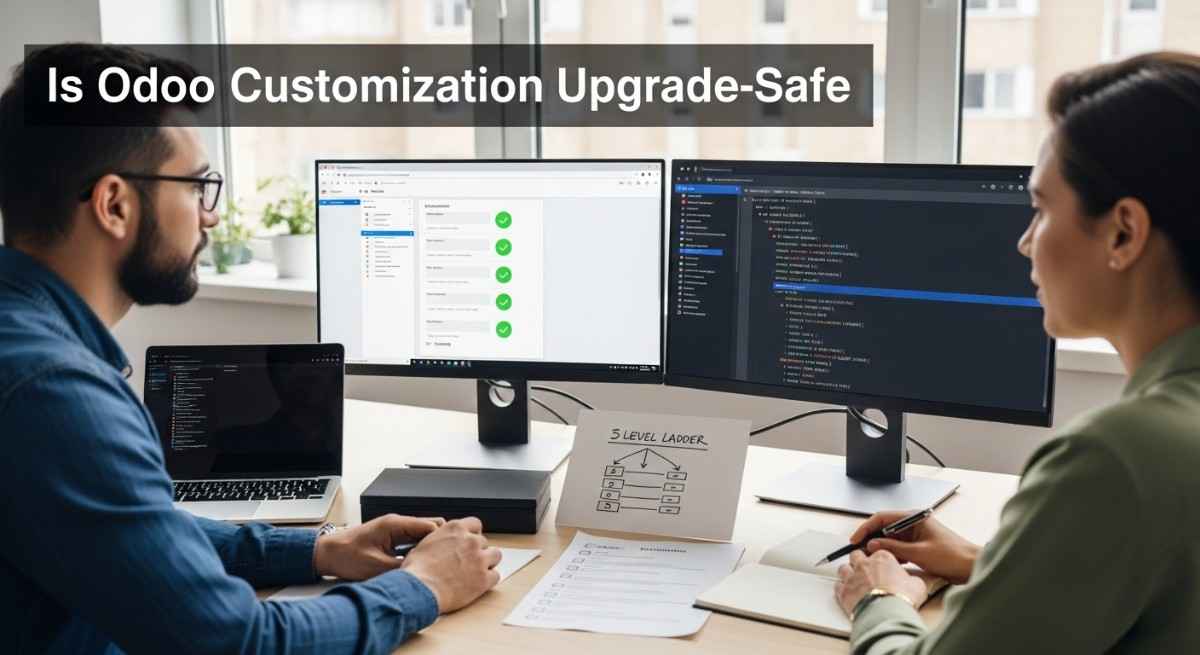
Upgrade-safe customization means you treat your module like a product you will maintain, not a one-time patch. That is why naming, clean inheritance, and small changes beat big rewrites.
You get more reliable results when you follow Odoo development best practices and keep your overrides narrow. You also avoid “monkey patches,” which are direct runtime edits that hide in unexpected places.
Data migration is part of real life, because businesses do not stand still. When you must change existing data, you do it in a controlled upgrade step, and you test it on a copy of production first.
Performance, debugging, and deployment lifecycle
You can debug most customization issues by watching what Odoo loads, what it upgrades, and what it logs. When something breaks, you usually see one of these clues: a missing field error, a view validation error, an access error, or slow searches.
Performance issues often come from heavy searches, missing indexes, or loops over large recordsets. The fix usually starts with smaller queries, fewer round trips, and clearer domains.
Deployment stays calm when you use a simple flow: develop, test, upgrade modules, then deploy. If you want the non-technical side of rolling out Odoo cleanly, follow an Odoo implementation guide and treat staging like a real gate.
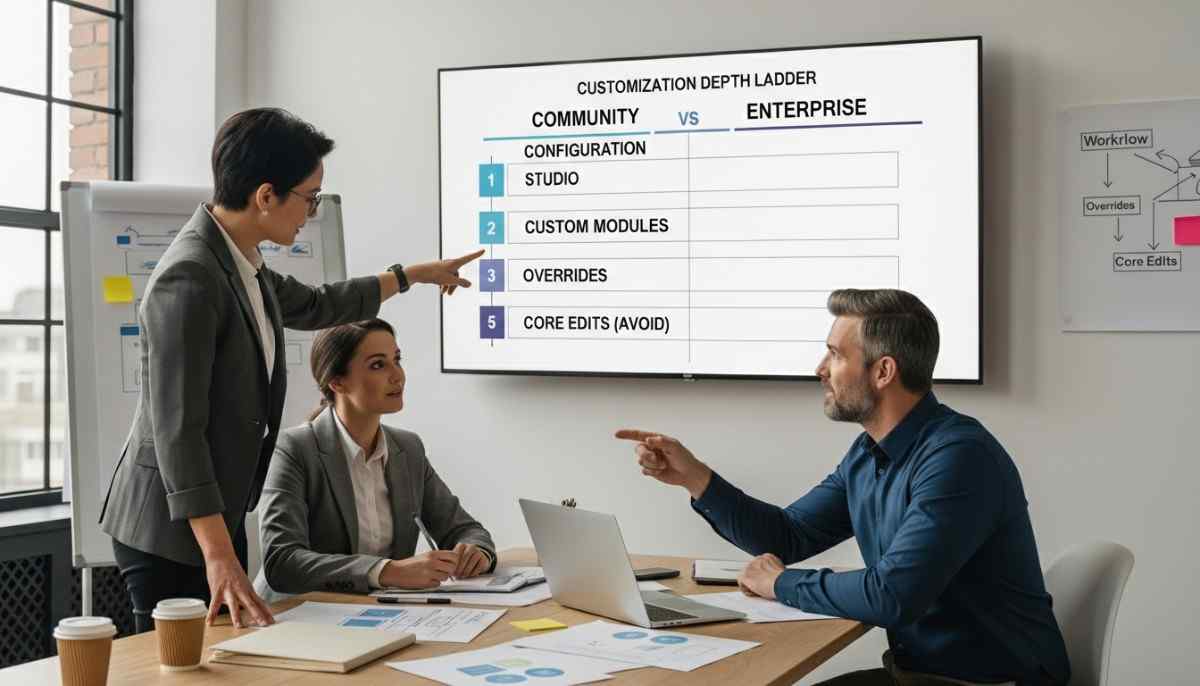
Edition also affects your plan, because features and upgrade paths differ. If you are deciding, read Odoo Enterprise vs Community before you lock the roadmap.
Behind the scenes timeline
This is what happens behind the scenes when you install or upgrade a module in Odoo.
- Manifest: Odoo reads __manifest__.py to learn dependencies and what files to load.
- Python import: Odoo imports your models so it can register fields and methods.
- ORM registry: Odoo builds or updates the model registry so your code becomes “live” in the system.
- SQL sync: Odoo syncs model fields to PostgreSQL tables and columns during install or upgrade.
- XML load and merge: Odoo loads data files, then merges inherited views into the final UI.
- Security load: Odoo loads ACLs and record rules so users get correct access.
- UI result: Users see new menus, fields, and actions, without touching core code.
If you want a more detailed walkthrough in one place, keep the technical overview of Odoo customization open while you build.
Common mistakes and how to avoid them
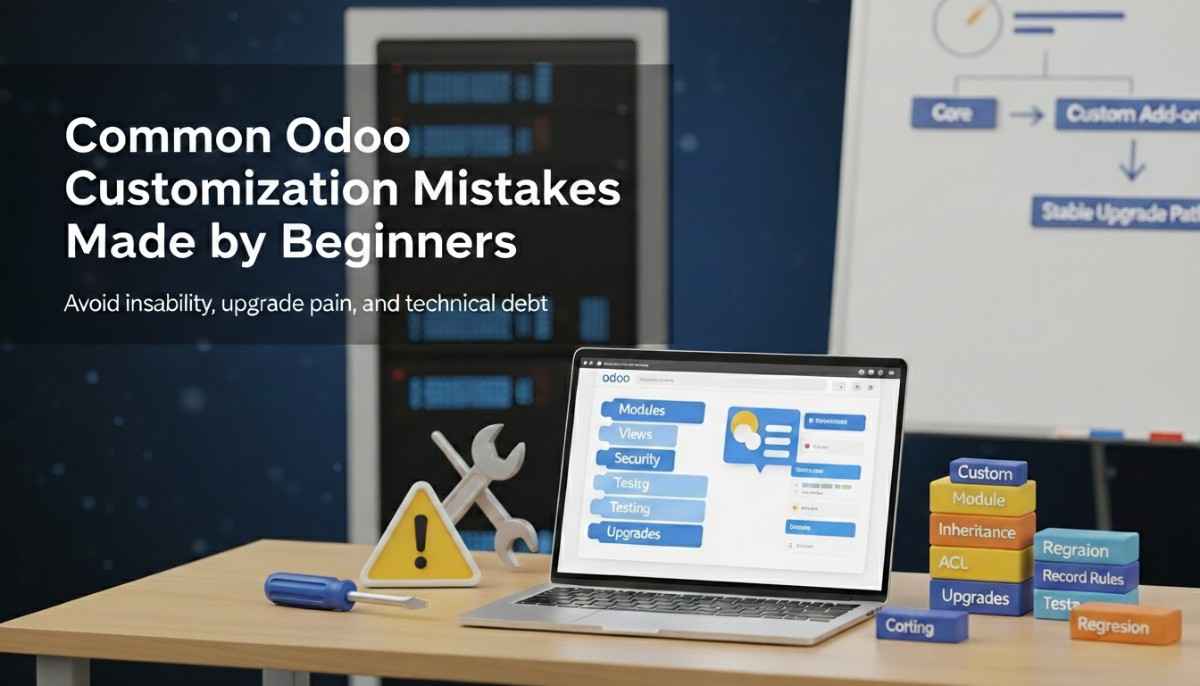
The most common mistake is editing core files, because upgrades will overwrite your changes. You avoid this by building everything as a module, and by following Odoo ERP customization explained.
Another common mistake is forgetting the upgrade step, so the database never learns about your new field. You avoid this by treating every model change as “code plus upgrade,” not just “code plus restart.”
Many teams also skip access rules until the end, and that creates last-minute blockers. You avoid that by writing ACLs and record rules early, then testing with real user groups.
Teams also customize too much at once, and they lose control of cause and effect. You avoid that by picking the right targets first, like the items in top Odoo modules to customize.
Checklist
This checklist keeps your customization clean from the first day to the first upgrade.
- Pre-dev: Define the business flow, and confirm the goal fits an ERP change, using Odoo ERP implementation explained.
- Dev: Scaffold a module, add models, add views, and keep changes small.
- Test: Test with different users, especially restricted users, and confirm record rules.
- Upgrade: Upgrade the module, validate schema changes, and confirm view merges.
- Deploy: Deploy to production, then smoke test key flows and logs.
If you want a broader learning path, follow Odoo customization guide and keep complete guide to Odoo customization as your reference shelf.
If you want to go beyond customization and connect systems the right way, read Odoo integrations that boost productivity and plan integrations as part of your module design.
FAQs
What does “customizing Odoo with Python” actually mean?
Customizing Odoo with Python means you create a custom module that adds or changes business logic. You extend existing models and methods using inheritance instead of editing core files. Odoo then loads your module and applies it during install or upgrade.
Do customizations change Odoo core files?
Good customizations do not change core files. You place your changes in separate add-ons so Odoo can upgrade safely. This approach also makes it easier to enable or disable features.
What is manifest.py and why does Odoo need it?
__manifest__.py is the module metadata file that tells Odoo what your module is and what it depends on. Odoo uses it to load XML, security files, and other data in the right order. Without it, Odoo does not know your folder is a real module.
What is _inherit and how is it different from _name?
_inherit means “extend an existing model,” so you add fields or override methods on a model that already exists. _name means “create a new model,” so Odoo creates a new table or structure for it. Many modules use both when they build new models and extend old ones.
How does Odoo create database columns when I add fields?
Odoo reads your Python field definitions and maps them to PostgreSQL tables and columns. During a module install or upgrade, Odoo syncs the schema so the database matches your code. That is why you see table update messages in logs.
Why do I need to upgrade a module after changing Python code?
You upgrade a module so Odoo re-loads its metadata, data files, and model definitions. A restart loads Python, but an upgrade applies schema and data changes to the database. When you add fields or change XML, the upgrade step is the safe trigger.
How does XML view inheritance with xpath work?
View inheritance lets you “patch” a view without copying the full view. You point to the original view with inherit_id, then use xpath to place, replace, or remove parts. Odoo merges all inherited layers into one final view.
Where do access rights and record rules live?
Access rights usually live in security/ir.model.access.csv inside your module. Record rules usually live in XML files inside the module’s security folder. The manifest loads them so Odoo can apply them during install or upgrade.
What breaks during upgrades, and how do I avoid it?
Customizations break when they rely on internal details that changed, like view structures, method signatures, or removed fields. You avoid this by keeping overrides small, using standard inheritance, and testing upgrades on staging first. You also keep documentation for every change.
What is the fastest way to debug a broken customization?
The fastest way is to read the error trace, then check what module and file the error points to. Next, confirm the module is upgraded and the view or field exists in the database. Finally, reproduce the issue with a minimal user and a minimal test case.