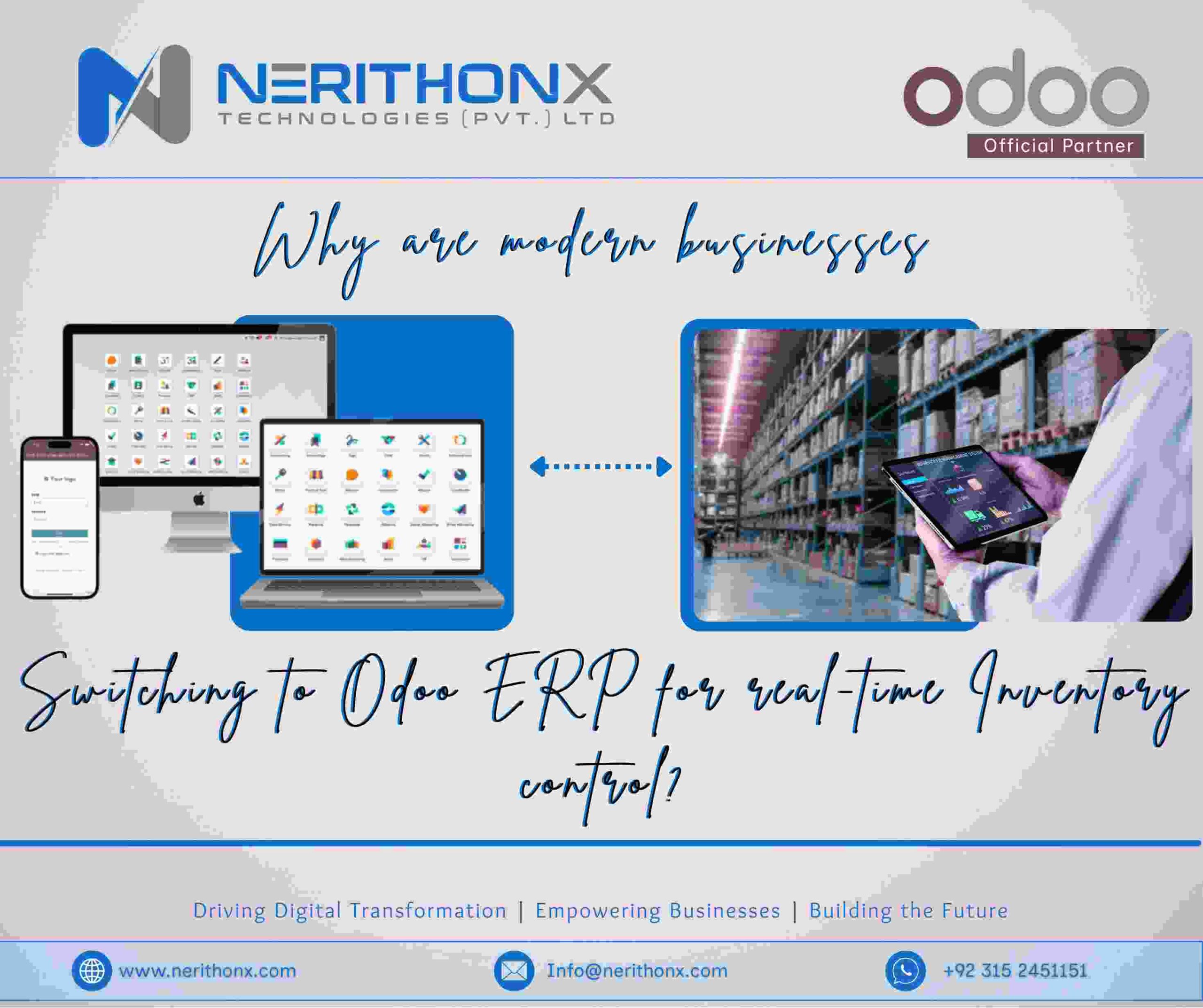
Inventory is the backbone of many businesses. Whether a company sells products online, manages a warehouse, runs a construction project, or provides services, inventory mistakes can quickly lead to losses. In today’s fast-moving business environment, companies can no longer rely on spreadsheets or outdated software. This is why many modern businesses are switching to Odoo ERP for real-time inventory control.
Odoo ERP provides businesses with live inventory visibility, automated workflows, and accurate stock data across all operations. Instead of guessing stock levels, companies can see exactly what they have, where it is, and when they need to reorder.
What Is Odoo ERP and How Does It Support Inventory Management?
Odoo ERP as an Enterprise Resource Planning System
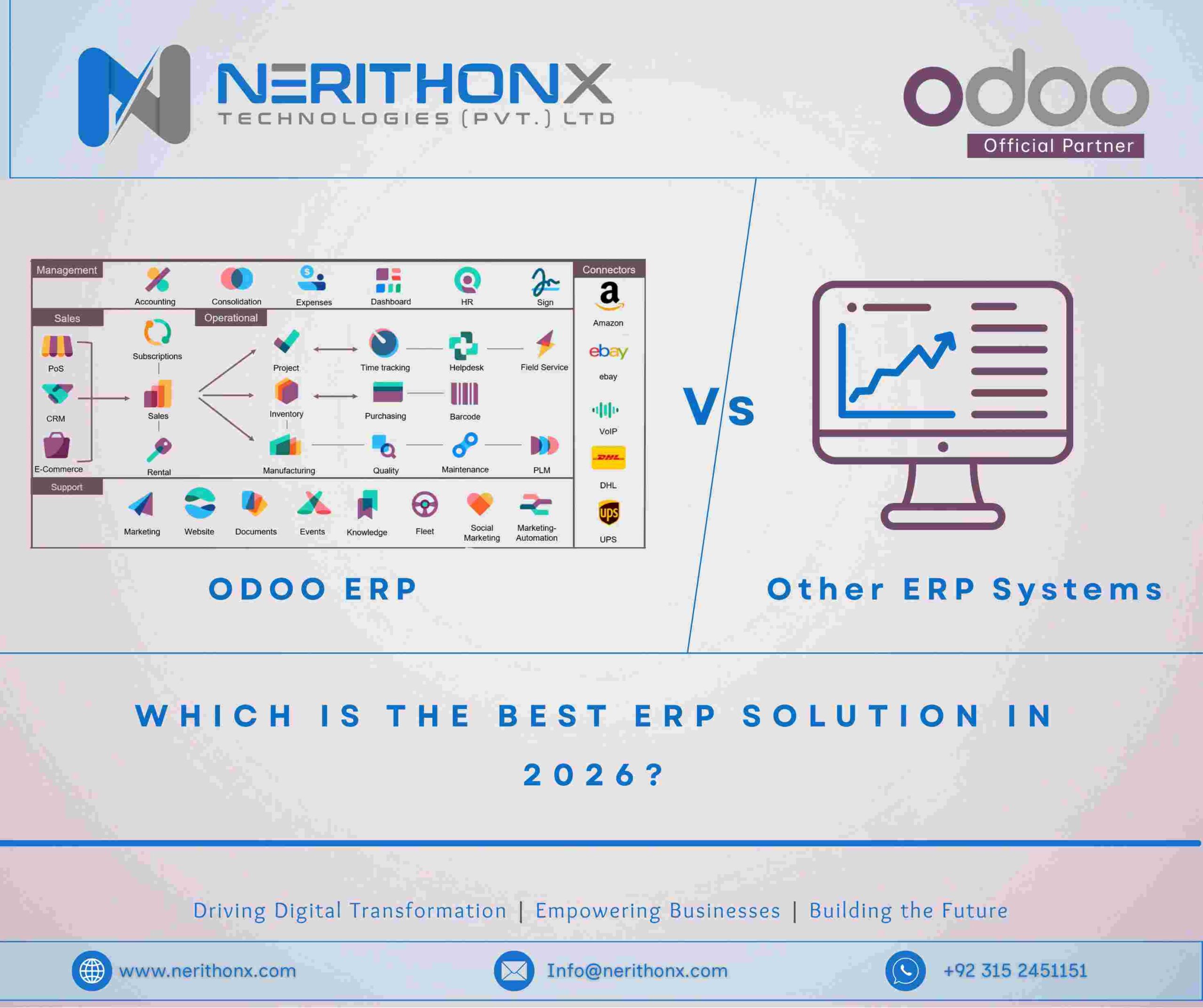
Odoo ERP is an Enterprise Resource Planning system developed by Odoo S.A. It combines multiple business functions such as sales, purchases, accounting, inventory, manufacturing, and CRM into one integrated platform. This integration is one of the main reasons businesses trust Odoo ERP.
Unlike traditional inventory software, Odoo ERP connects inventory with every department. When a sale is confirmed, inventory updates automatically. When a purchase order is received, stock levels change in real time. This eliminates delays and data mismatches.
Overview of the Odoo Inventory Module
The Odoo Inventory Module is designed to manage stock movements efficiently. It supports real-time tracking of products, warehouses, and locations. Businesses can manage barcodes, serial numbers, batch tracking, and inventory valuation methods without complexity.
This module is not limited to large companies. Small and medium businesses also use Odoo to gain professional-level inventory control without heavy costs.
Why Real-Time Inventory Control Is Critical for Modern Businesses
Problems with Traditional Inventory Management Systems
Traditional inventory systems often depend on manual updates or delayed synchronization. Many businesses still use spreadsheets, disconnected tools, or standalone inventory software. These systems create problems such as inaccurate stock data, delayed updates, and human errors.
When inventory data is not updated instantly, businesses may sell products they do not have or order stock they already own. This creates customer dissatisfaction and unnecessary expenses.
Impact of Inventory Errors on Business Operations
Inventory errors affect multiple areas of a business. Incorrect stock levels cause delays in order fulfillment, damage customer trust, and disrupt supply chain management. Overstocking ties up cash, while stockouts result in lost sales.
Real-time inventory control ensures that decision-makers always have accurate information. This is where Odoo ERP becomes a strong solution.
How Odoo ERP Enables Real-Time Inventory Tracking
Live Stock Updates Through Odoo Inventory Module
Odoo ERP provides real-time stock updates across all operations. Every inventory movement is recorded instantly. When products move from one location to another, the system reflects changes immediately.
Sales orders, purchase orders, and internal transfers are all connected. This real-time data processing helps businesses make faster and better decisions.
Barcode Scanning and Warehouse Automation
Odoo ERP supports barcode scanning and RFID systems, which significantly improve warehouse operations. Warehouse staff can scan products during receiving, picking, packing, and shipping.
This automation reduces manual data entry and minimizes human error. It also speeds up inventory operations, making warehouses more efficient.
Multi-Warehouse and Multi-Location Inventory Control
Many businesses operate more than one warehouse or storage location. Odoo ERP supports multi-warehouse and multi-location inventory control, allowing businesses to track stock across different sites.
This feature is especially useful for growing businesses and companies with distributed operations.
Odoo ERP Inventory Features That Businesses Depend On
Automated Stock Replenishment
Odoo ERP offers automated stock replenishment rules. Businesses can define minimum and maximum stock levels. When stock falls below a certain point, Odoo automatically creates purchase orders or manufacturing orders.
This automation helps prevent stockouts and ensures smooth inventory operations.
Inventory Valuation Methods in Odoo ERP
Odoo ERP supports standard inventory valuation methods such as FIFO and LIFO. Businesses can choose the method that matches their accounting and regulatory requirements.
Accurate inventory valuation improves financial reporting and helps businesses understand their true costs.
Inventory Dashboards and Reporting
Odoo provides clear and customizable inventory dashboards. These dashboards show stock levels, inventory turnover, and key performance indicators.
Managers can analyze inventory data without technical knowledge, making inventory control more transparent.
How Odoo ERP Improves Inventory Accuracy and Visibility
Data Synchronization Across Sales, Purchase, and Warehouse
One of the biggest strengths of Odoo ERP is data synchronization. Inventory data is automatically shared across sales, purchases, accounting, and warehouse management.
This unified system eliminates duplicate entries and ensures consistent data across the organization.
Reducing Human Errors with Automation
Manual inventory processes are prone to errors. Odoo ERP reduces human involvement by automating inventory workflows. Automated processes increase accuracy and reduce operational risks.
Why Odoo ERP Fits Small, Medium, and Large Businesses
Scalability of Odoo ERP
Odoo ERP is highly scalable. Small businesses can start with basic inventory features and expand as they grow. Large enterprises can customize Odoo to handle complex inventory and supply chain operations.
This scalability makes Odoo suitable for businesses at every stage.
Odoo Community vs Odoo Enterprise for Inventory
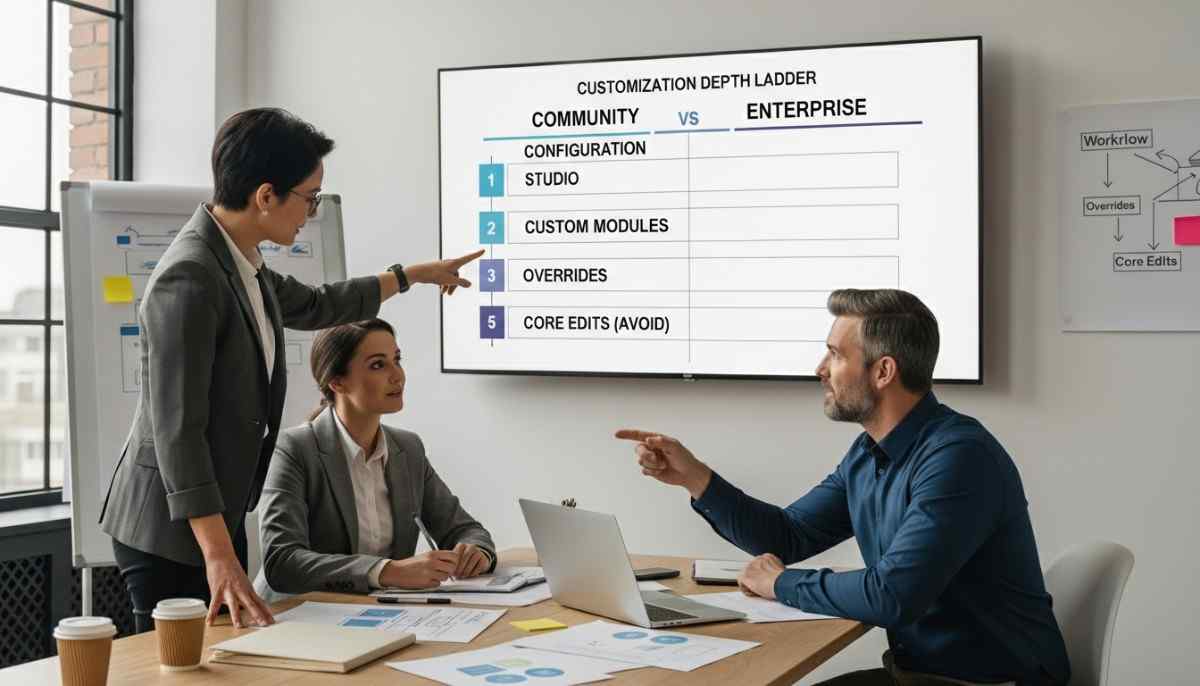
Odoo offers both Community Edition and Enterprise Edition. The Community version provides essential inventory features, while the Enterprise version includes advanced tools such as barcode scanning, forecasting, and automation.
Businesses can choose the edition that fits their needs and budget.
Odoo ERP vs NetSuite and SAP for Real-Time Inventory Control
As businesses grow, many start with large ERP systems like NetSuite ERP or SAP ERP. While these platforms are powerful, many companies later move to Odoo ERP due to cost, flexibility, and real-time usability issues. Understanding this comparison helps explain why the shift toward Odoo is accelerating.
Why Businesses Reconsider NetSuite and SAP
NetSuite and SAP are enterprise-grade systems designed for complex global operations. However, for many modern businesses, these systems become difficult to manage. High licensing costs, long implementation timelines, and limited flexibility push companies to look for alternatives that are easier to adapt and scale.
Odoo ERP fills this gap by offering real-time inventory control without heavy complexity.
Comparison Table: Odoo ERP vs NetSuite vs SAP (Inventory Control Focus)
| Feature / Aspect | Odoo ERP | NetSuite ERP | SAP ERP |
| Real-Time Inventory Updates | Yes, fully real-time across all modules | Yes, but often delayed by system complexity | Yes, but requires advanced configuration |
| Inventory Module Flexibility | Highly modular and customizable | Limited customization without high cost | Customization requires SAP consultants |
| Implementation Time | Short to medium | Medium to long | Long and complex |
| Cost Structure | Affordable, modular pricing | High subscription cost | Very high licensing and maintenance cost |
| Ease of Use | User-friendly interface | Steeper learning curve | Complex user interface |
| Multi-Warehouse Management | Built-in and easy to configure | Available but complex | Available but configuration-heavy |
| Barcode & Automation Support | Native barcode and RFID support | Supported via add-ons | Supported with extra modules |
| Inventory Forecasting | Built-in forecasting tools | Advanced but costly | Advanced but complex |
| Scalability | Scales from small to large businesses | Best for mid-to-large enterprises | Designed mainly for large enterprises |
| Custom Development | Easy with Odoo framework | Limited flexibility | Highly restricted and expensive |
| Community & Ecosystem | Strong open-source community | Closed ecosystem | Closed enterprise ecosystem |
Why Businesses Move from NetSuite to Odoo ERP
Many businesses find that NetSuite ERP becomes expensive as operations grow. Each additional feature, user, or customization increases costs. While NetSuite provides strong inventory management, it often lacks flexibility for unique workflows.
Odoo ERP offers similar real-time inventory capabilities but allows businesses to adapt processes without excessive cost or vendor dependency.
Why Businesses Move from SAP to Odoo ERP
SAP ERP is powerful but complex. Smaller teams struggle with its heavy structure and long training requirements. Inventory updates may be real-time, but configuring workflows often requires certified SAP consultants.
Odoo ERP simplifies inventory control by offering automation and real-time visibility without overwhelming users. This makes Odoo attractive for companies that want enterprise-level control without enterprise-level complexity.
The Core Reason Odoo ERP Wins for Inventory Control
The main reason businesses move away from NetSuite and SAP is balance. Odoo ERP provides:
- Real-time inventory accuracy
- Lower operational and implementation costs
- Faster system adoption by teams
- Easier customization as business needs change
This balance makes Odoo ERP a practical choice for modern businesses that value speed, clarity, and control.
Real-World Use Cases of Odoo ERP Inventory Control
Retail and E-commerce Inventory Management
Retailers and e-commerce businesses use Odoo ERP to manage real-time stock across online and offline channels. This prevents overselling and improves customer satisfaction.
Manufacturing and Distribution Warehouses
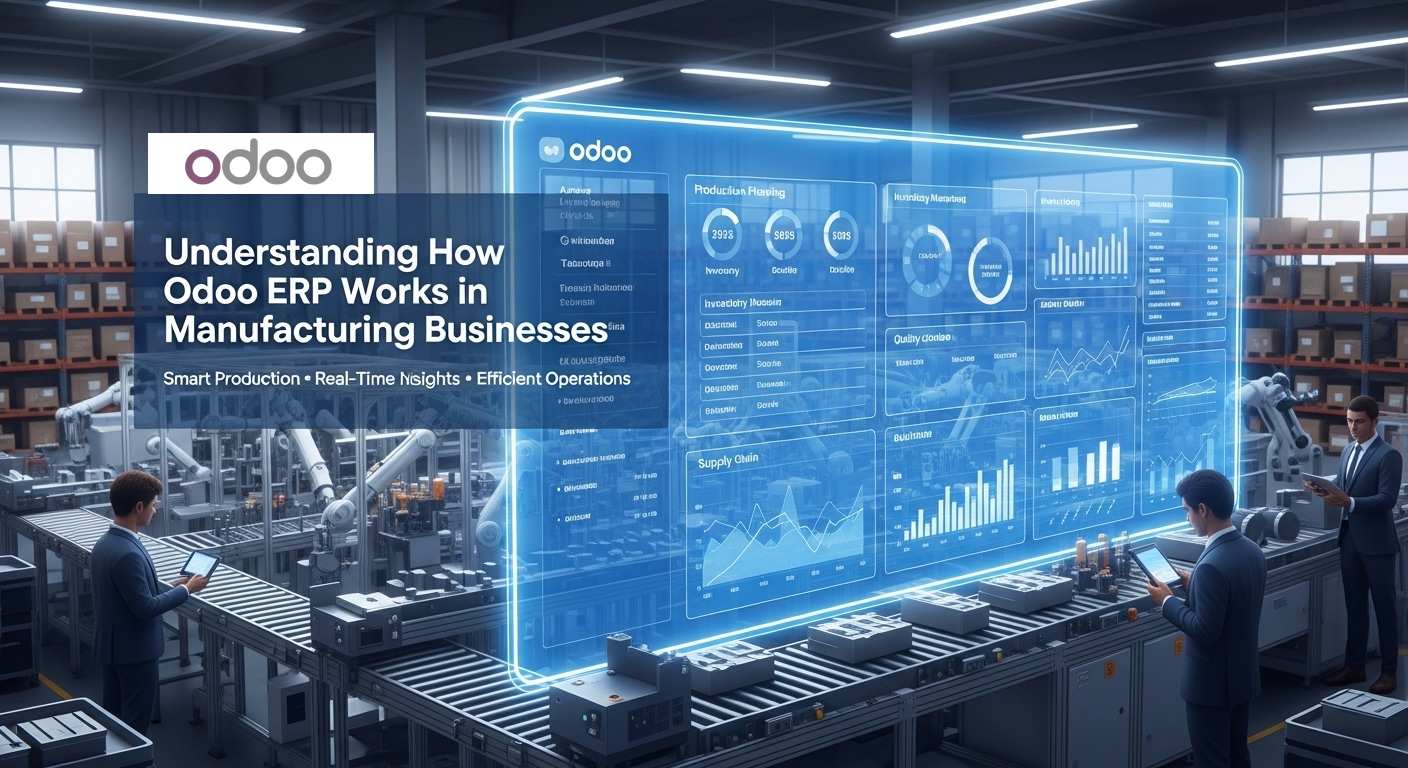
Manufacturing companies rely on Odoo ERP to manage raw materials, work-in-progress, and finished goods. Distribution warehouses benefit from real-time visibility and automation.
Construction and Service-Based Businesses
Construction and service businesses use Odoo ERP to track materials, tools, and consumables. This ensures proper planning and cost control.
Enhance Odoo ERP Functionality with NerithonX Technologies’ App
H3: Introducing the “Sale Product Category Lock” App
To make inventory and sales management even more efficient, NerithonX Technologies (Pvt.) Ltd has developed an Odoo app called “Sale Product Category Lock”. This app allows businesses to lock specific product categories in the sales module, preventing accidental sales or mismanagement of restricted items.
By integrating this app with your Odoo ERP system, businesses can:
- Maintain strict control over sensitive or high-value product categories
- Prevent errors during order processing
- Improve compliance with internal policies
The app is already published on the Odoo App Store, making it easy for companies to download and integrate. It complements Odoo’s real-time inventory tracking by adding another layer of control, especially useful for businesses managing multiple warehouses or high-volume sales operations.
Why this matters: For companies looking to streamline operations and prevent stock or sales errors, adding the “Sale Product Category Lock” app is a practical enhancement to the Odoo ERP system.
How Odoo ERP Supports Inventory Forecasting and Planning
Demand Forecasting Using Historical Data
Odoo ERP uses historical sales and inventory data to support demand forecasting. Businesses can plan inventory based on real demand patterns.
Preventing Overstocking and Stockouts
With accurate forecasts and real-time data, businesses can maintain optimal stock levels. This reduces waste and improves profitability.
Is Odoo ERP the Right Choice for Real-Time Inventory Control?
Key Benefits Summary
Odoo ERP provides real-time inventory visibility, automation, accuracy, and scalability. It reduces errors, improves efficiency, and supports business growth.
When Businesses Should Switch to Odoo ERP
Businesses should consider switching to Odoo ERP when inventory errors increase, operations become complex, or growth demands better control. Odoo ERP offers a modern solution for real-time inventory management.
Final Thought
Modern businesses switch to Odoo ERP for real-time inventory control because it solves real problems with accuracy, automation, and visibility. By combining inventory with the entire business ecosystem, Odoo ERP helps companies operate smarter, faster, and more confidently in today’s competitive market.
FAQS :
Is Odoo ERP really better than NetSuite or SAP for inventory management?
Many businesses say yes, especially small and medium companies. Odoo ERP offers real-time inventory control with easier customization and much lower cost compared to NetSuite and SAP. It also takes less time to implement and is easier for teams to use daily.
Can Odoo ERP handle real-time inventory for multiple warehouses?
Yes, Odoo ERP supports multi-warehouse and multi-location inventory management. Stock levels update in real time across all warehouses, making it easier to track inventory movement and avoid stock mismatches.
Do I need technical knowledge to manage inventory in Odoo ERP?
No, basic inventory tasks in Odoo ERP do not require technical skills. The interface is user-friendly, and most inventory operations like receiving, transferring, and shipping stock can be done with simple steps. Advanced customization may require technical help.
Is Odoo ERP suitable for small businesses or only large companies?
Odoo ERP is suitable for both. Small businesses often start with the Community edition for basic inventory control, while growing and large companies use the Enterprise edition for advanced automation, forecasting, and barcode-based inventory management.
How accurate is real-time inventory data in Odoo ERP?
Odoo ERP provides highly accurate real-time inventory data when processes are followed correctly. Because inventory is automatically synced with sales, purchases, and warehouse operations, businesses experience fewer errors compared to manual or standalone inventory systems.
How to install Odoo ERP software on Ubuntu?
To install Odoo ERP on Ubuntu, you first need a Linux server (usually Ubuntu 20.04 or 22.04). Odoo requires Python, PostgreSQL, and some system libraries. Most businesses install Odoo using the official Odoo packages or GitHub source code. After installation, Odoo runs on a web browser using a local IP and port. For production use, companies usually take help from an Odoo developer to ensure security and performance.
How to start developing Odoo ERP?
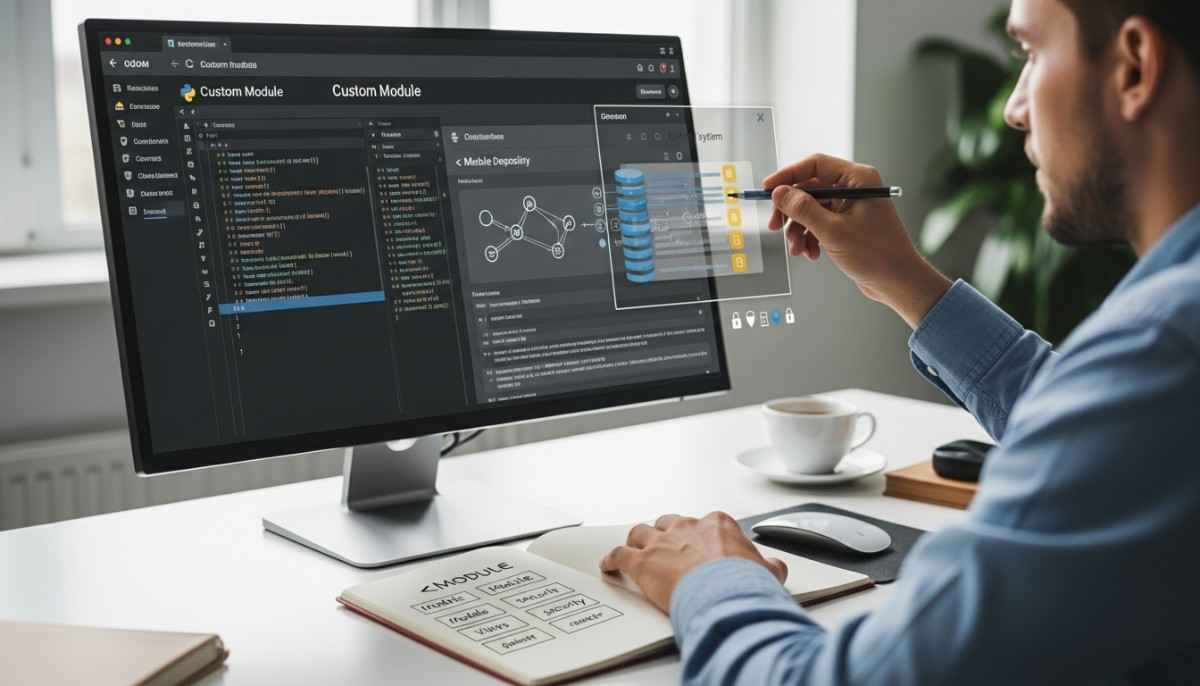
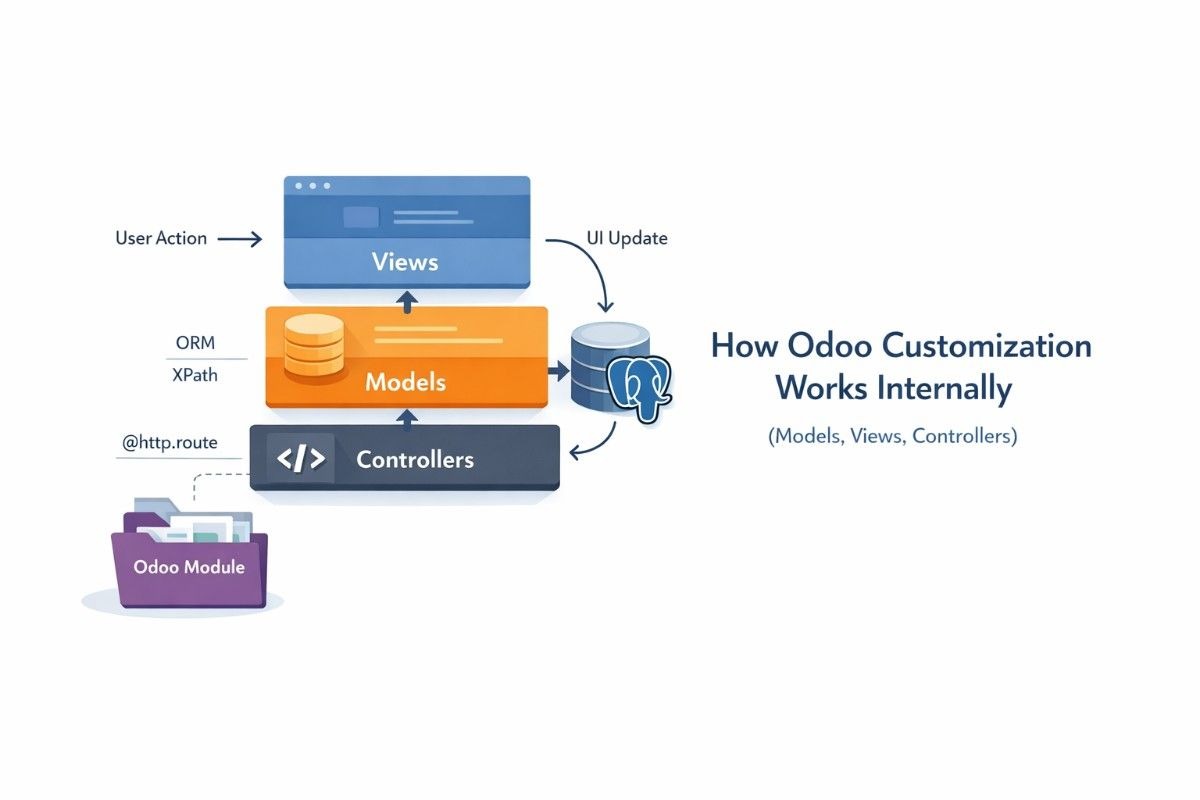
To start developing Odoo ERP, you should understand Python programming, PostgreSQL, and basic Odoo module structure. Developers usually install Odoo in developer mode on Ubuntu, create custom modules, and use Odoo’s ORM for database operations. Beginners often start by customizing existing modules before building new ones. Odoo’s documentation and community forums are commonly used learning resources.
Which is better, SAP or Odoo?
SAP is better for very large enterprises with complex global operations, while Odoo is better for small to medium businesses that need flexibility, faster implementation, and lower cost. Odoo is easier to use, quicker to customize, and more affordable. This is why many growing businesses move from SAP to Odoo when they want simpler real-time inventory and business management.
Is Odoo free or paid?
Odoo has both free and paid versions. The Odoo Community Edition is free and open-source, but it has limited features. The Odoo Enterprise Edition is paid and includes advanced features like barcode scanning, inventory forecasting, automation, and official support. Businesses choose based on their needs and budget.
Does Odoo need coding?
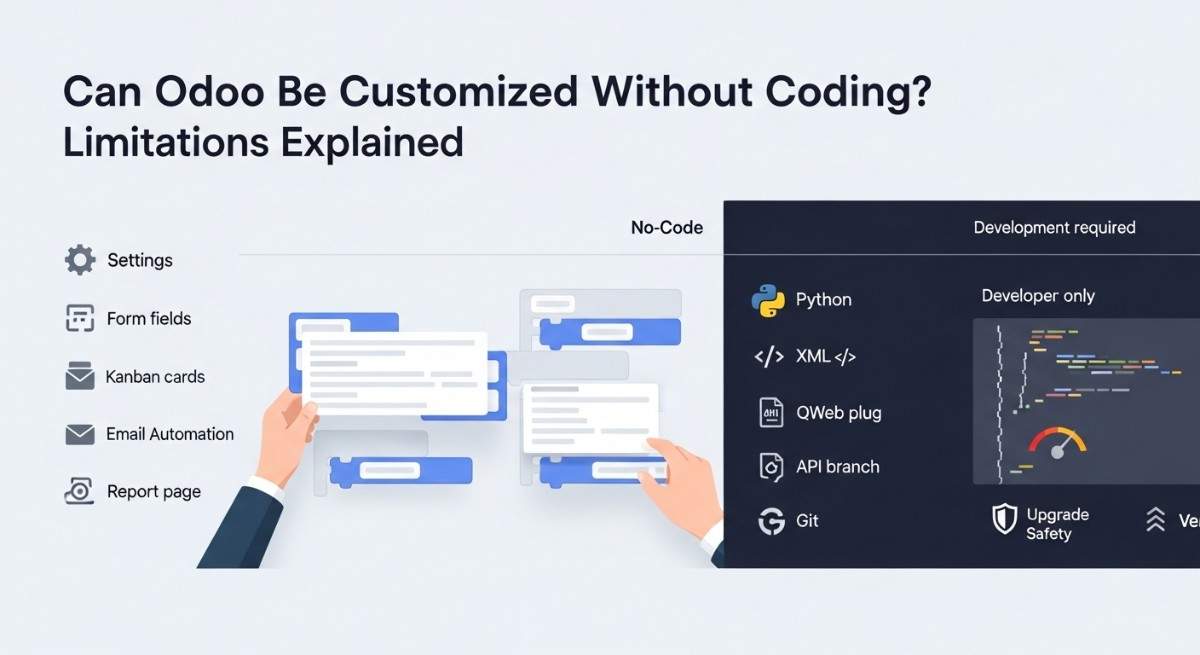
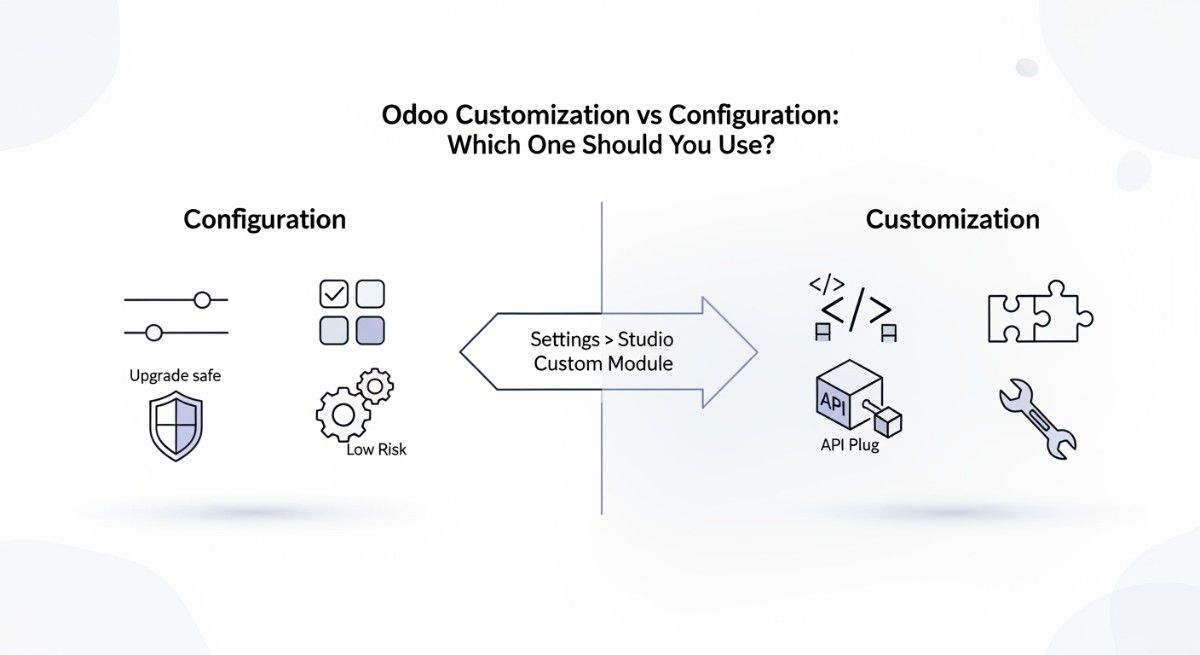
Odoo does not always need coding. Many features can be used and configured without writing any code, especially for inventory, sales, and accounting. However, coding is required when businesses want custom workflows, new modules, or deep integrations. In those cases, Python and Odoo development knowledge is needed.