Many retail businesses still manage sales, stock, cash, discounts, customer records, and daily reports through separate systems, Excel sheets, manual registers, or disconnected POS software.
At the start, this may feel manageable.
A cashier makes the bill. The store manager updates stock later. Finance checks cash at the end of the day. Inventory teams review stock separately. Management waits for reports.
But when the business grows, these methods create serious problems.
Stock mismatches start happening. Billing errors increase. Cashier confusion becomes common. Discounts are not controlled properly. Reports are delayed. Management cannot clearly see what is selling, what is in stock, and how the store is performing.
This is where Odoo POS System becomes important.
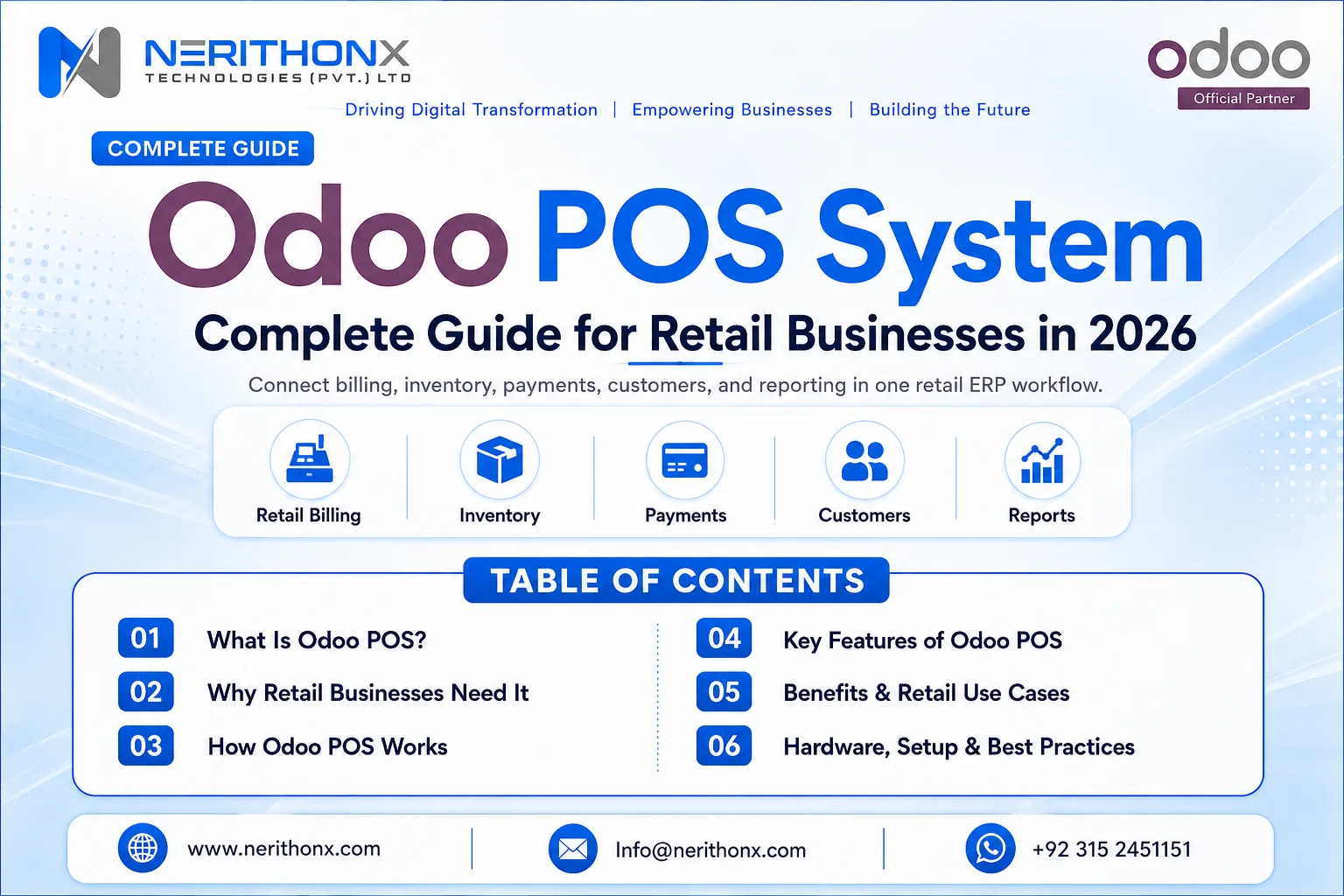
In 2026, retail businesses need connected store operations. Odoo POS helps connect billing, inventory, customers, payments, accounting, and reporting in one ERP system.
However, Odoo POS works best when store workflows are properly planned, product data is clean, users are trained, and inventory and accounting configuration is done correctly.
What Is Odoo POS System?
Odoo POS System is a Point of Sale solution inside Odoo ERP that helps retail businesses manage in-store sales, billing, products, customers, payments, receipts, returns, discounts, and daily cashier operations.
Odoo describes Point of Sale as a browser-based solution designed for shops and restaurants, with support for operation during temporary network outages depending on setup. (Odoo)
Odoo POS can connect with:
- Inventory
- Accounting
- Sales
- CRM
- Purchase
- Loyalty programs
- Barcode operations
- Product categories
- Customer records
- Reporting dashboards
- Multi-store operations depending on setup
The exact features depend on Odoo version, edition, configuration, hardware, payment methods, and business requirements.
For example, a small clothing shop may only need billing, products, customers, and daily closing. A supermarket may need barcode scanning, receipt printers, weighing scales, multiple cashiers, discounts, stock control, and detailed reports.
Why Retail Businesses Need Odoo POS in 2026
Retail businesses now need faster billing, accurate stock, better cashier control, connected accounting, improved customer experience, and real-time reporting.
A POS system should not only print receipts. It should support the complete store workflow.
Odoo POS can help retail businesses with:
- Faster checkout process
- Better stock visibility
- Reduced manual billing errors
- Easier cashier session management
- Improved customer records
- Better discount and pricing control
- Connected inventory and sales
- Easier daily closing
- Better financial reporting
- More scalable retail operations
These results depend on business process, configuration, hardware, and user training.
Manual POS or Disconnected POS vs Odoo POS System
Area | Manual or Disconnected POS | Odoo POS System |
Billing Process | Sales are recorded separately | Billing is connected with ERP workflows |
Inventory Update | Stock may be updated manually | POS sales can update inventory depending on setup |
Accounting Connection | Finance enters sales separately | POS can connect with accounting workflows |
Cashier Control | Hard to track cashier sessions | Cashier sessions and closing can be managed |
Customer Records | Customer history may be missing | Customer records can connect with POS sales |
Discounts and Pricing | Discounts may be uncontrolled | Discounts and pricelists can be configured |
Sales Reporting | Reports may be delayed | Reports can be available in Odoo |
Multi-Store Management | Branch data may remain separate | Store-wise visibility can be improved |
Stock Visibility | Stock is often checked manually | Inventory can be connected with POS operations |
Management Control | Management depends on manual updates | Managers can review sales, cash, and stock reports |
A disconnected POS may only record sales.
Odoo POS helps connect sales with inventory, accounting, customers, and business reporting.
How Odoo POS System Works
The general workflow is simple:
- Customer selects products in the store
- Cashier scans or selects products in Odoo POS
- Customer, discount, tax, and payment method are selected if required
- Receipt is generated
- Sale is recorded in Odoo
- Inventory is updated depending on configuration
- Accounting entries or invoices are handled depending on setup
- Management can review sales, cash, stock, and performance reports
This workflow may vary depending on store setup, products, payment methods, taxes, barcode configuration, accounting settings, and inventory rules.
For example, some stores may use only cash payments. Others may use card, bank transfer, mobile wallet, or mixed payment methods. Some businesses may issue customer invoices, while others may only print POS receipts.
That is why POS workflow planning is very important before go-live.
Key Features of Odoo POS System
Fast Retail Billing
Odoo POS helps cashiers process sales quickly using product search, product categories, barcode scanning, customer selection, and payment options depending on setup.
For busy retail stores, fast billing is important because long checkout delays can affect customer experience.
A properly configured POS screen can help cashiers find products faster, apply correct prices, select customers, and complete payment smoothly.
Product and Barcode Management
Product data is the foundation of any POS system.
Retail businesses should properly manage:
- Product names
- SKUs
- Barcodes
- Variants
- Prices
- Categories
- Units of measure
Odoo Barcode allows users to assign barcodes to products and packaging and track inventory movements using those barcodes. It can also trigger certain inventory processes through scanner use. (Odoo)
For example, supermarkets and pharmacies usually need barcode scanning for faster checkout. Fashion stores need product variants such as size and color. Electronics stores may need SKU-level tracking and warranty-related planning.
Inventory Integration
Inventory integration is one of the most important benefits of Odoo POS.
If POS sales are not connected with inventory, businesses may face stock mismatches, overselling, wrong purchase planning, and delayed customer service.
Odoo Inventory is both an inventory application and a warehouse management system, supporting areas such as lead times, replenishment, routes, and warehouse operations. (Odoo)
When POS and inventory are configured properly, sales can be connected with stock movements. This helps management understand what is available, what is selling fast, and what needs reordering.
Customer Management
Odoo POS can help businesses connect customer information with sales.
This is useful for:
- Customer purchase history
- Loyalty programs
- Follow-ups
- Repeat customer service
- Customer-specific pricing where configured
For example, a clothing store can track repeat customers and purchase history. A cosmetics store can understand which product categories customers buy frequently.
Payment Method Management
Retail businesses need clear payment control.
Odoo POS can support payment methods depending on configuration, such as:
- Cash
- Bank
- Card
- Online payment reference
- Other business-specific payment methods
Payment workflows should be configured carefully so finance teams can review daily sales, cashier closing, and payment reconciliation properly.
Discounts, Pricelists, and Promotions
Retail businesses often use discounts, promotional pricing, seasonal offers, and customer-specific pricing.
Odoo POS can support pricing and discount workflows depending on configuration.
However, discount control should be planned carefully. Not every cashier should have unlimited discount access unless the business wants that policy.
Proper discount rules help reduce misuse and improve management control.
Cashier Sessions and Daily Closing
Cashier session management is very important for retail control.
A good POS setup should help manage:
- Opening cash
- Cashier session
- Sales during the session
- Payment methods
- Closing cash
- End-of-day review
This helps store managers compare expected cash with actual cash and review cashier activity.
Receipts, Returns, and Refunds
Receipts, returns, and refunds should be configured according to business policy and accounting workflow.
Retail businesses should decide:
- Who can process returns?
- Can cashiers refund directly?
- Is manager approval required?
- How should returned stock be handled?
- How should refunds appear in reports?
A clear return and refund workflow reduces confusion between cashier, warehouse, and finance teams.
Reporting and Dashboards
Odoo POS reports can help management review:
- Total sales
- Product performance
- Cashier performance
- Payment methods
- Store activity
- Sales trends
- Daily closing reports
This gives business owners better visibility than manual registers or disconnected billing software.
Benefits of Odoo POS System for Retail Businesses
Odoo POS System can help retail businesses with:
- Faster billing
- Better stock control
- Reduced manual work
- Improved cashier accountability
- Better customer experience
- Connected sales and inventory
- Easier accounting workflow
- Better discount control
- Improved daily closing
- Real-time business reporting
- Better multi-store visibility
- More scalable retail operations
These benefits depend on the quality of implementation, clean product data, proper store workflows, compatible hardware, and trained users.
Odoo POS Use Cases for Retail Businesses
For Grocery and Supermarket Stores
Grocery and supermarket stores usually need speed and accuracy.
Odoo POS can support:
- Fast barcode billing
- Product categories
- Stock movement tracking
- Daily cash closing
- Sales performance reports
For supermarkets, barcode scanning and product category setup are very important.
For Fashion and Clothing Stores
Fashion stores usually deal with product variants such as sizes, colors, designs, and collections.
Odoo POS can support:
- Product variants
- Sizes and colors
- Discount management
- Customer purchase history
- Return handling
This helps store teams manage sales more accurately and understand which products are moving faster.
For Electronics Stores
Electronics stores need strong SKU tracking and customer purchase records.
Odoo POS can support:
- SKU tracking
- Serial number planning where required
- Customer purchase record
- Warranty-related process planning
- Stock visibility
This helps sales and support teams when customers return for warranty, service, or repeat purchases.
For Cosmetics and Beauty Stores
Cosmetics and beauty stores often run promotions, bundles, and customer-focused campaigns.
Odoo POS can support:
- Product categories
- Promotional offers
- Customer buying history
- Fast-moving product reports
- Reorder planning
This helps businesses understand product demand and plan stock more carefully.
For Multi-Branch Retail Businesses
Multi-branch retail businesses need better visibility across stores.
Odoo POS can support:
- Store-wise sales visibility
- Location-based stock control
- Branch performance reports
- Cashier session tracking
- Centralized product management
This helps management compare branches and make better operational decisions.
Odoo POS and Inventory Management
Inventory is one of the most important parts of retail POS.
If POS sales are not connected with inventory, businesses may face stock mismatches, overselling, wrong purchase planning, and delayed customer service.
Before POS go-live, businesses should review:
- Product SKUs
- Barcodes
- Warehouses
- Stock locations
- Product categories
- Reordering rules
- Stock adjustments
- Returns
- Delivery or store transfers
- Inventory reports
Clean product data and proper warehouse configuration are essential before POS go-live.
For example, if product barcodes are missing or duplicated, cashiers may scan the wrong product. If stock quantities are incorrect, management may make wrong purchase decisions.
Odoo POS and Accounting
Odoo POS can support finance teams by connecting daily sales, payments, taxes, invoices, and cash closing with accounting workflows depending on configuration.
Odoo Accounting documentation states that Odoo automatically creates underlying journal entries for accounting transactions, including customer invoices, vendor bills, and point-of-sale orders. (Odoo)
Important accounting areas include:
- Cash payments
- Bank or card payments
- Customer invoices
- Daily sales entries
- Payment method reconciliation
- Discounts
- Taxes
- Refunds
- Cash closing review
Accounting workflows should be configured according to business process and reviewed by the finance team.
This section should not be handled casually. POS, payments, taxes, and cash closing must be reviewed properly before go-live.
Odoo POS and Customer Experience
A good POS system is not only for billing.
It also improves customer experience through faster checkout, clear receipts, accurate pricing, customer records, loyalty possibilities, and better support.
Odoo POS can support better customer experience through:
- Faster checkout
- Accurate pricing
- Customer purchase history
- Loyalty possibilities
- Easy return process
- Better support for repeat customers
- Improved store professionalism
When customers receive correct bills, clear receipts, and faster service, the store looks more professional.
Odoo POS Hardware Requirements
Retail businesses may need POS hardware depending on store setup.
Possible hardware includes:
- Barcode scanner
- Receipt printer
- Cash drawer
- POS screen or tablet
- Customer display where required
- Weighing scale where required
- Network or internet setup
- Payment terminal depending on payment provider and country
Odoo’s POS hardware and network documentation mentions options such as connecting printers, scales, scanners, customer displays, and local hardware communication through supported setups. (Odoo)
Hardware compatibility should be checked before implementation.
The required hardware depends on store type, Odoo version, configuration, and business workflow.
Common Challenges in Odoo POS Implementation
Odoo POS can bring strong value, but poor planning can create problems.
Common challenges include:
- Poor product data
- Missing SKUs or barcodes
- Incorrect stock quantities
- Wrong product categories
- Weak pricing structure
- Unclear discount policy
- Payment method confusion
- Cashier session mistakes
- Return and refund workflow confusion
- Accounting configuration issues
- Hardware compatibility issues
- Poor internet or network planning
- Lack of cashier training
- Weak testing before go-live
Most POS problems happen because store workflows are not mapped properly before implementation.
A POS system can support retail operations, but it cannot replace proper cashier discipline, inventory control, finance review, and user training.
How to Prepare Your Business for Odoo POS Implementation
Before starting Odoo POS implementation, businesses should prepare properly.
Use this practical checklist:
- Review your current retail workflow
- Clean product names, SKUs, barcodes, categories, and prices
- Verify stock quantities
- Define stores, warehouses, and stock locations
- Decide payment methods
- Define cashier roles and user access
- Set discount and return policies
- Configure taxes and accounting workflow
- Check hardware requirements
- Test barcode scanning and receipt printing
- Test sample sales, returns, and daily closing
- Train cashiers, store managers, inventory users, and finance users
- Go live step by step
- Monitor reports, stock, cash, and user activity after go-live
This preparation reduces errors and helps the POS system work better in daily store operations.
Best Practices for Successful Odoo POS Setup
For a successful Odoo POS setup, businesses should follow these best practices:
- Keep product data clean
- Use unique SKUs and barcodes
- Train cashiers properly
- Define clear return rules
- Keep payment methods organized
- Review daily closing reports
- Connect POS with inventory and accounting
- Test hardware before go-live
- Avoid unnecessary customization at the start
- Monitor sales and stock reports regularly
- Keep finance team involved
- Work with an experienced Odoo implementation partner
POS implementation is not only a software task. It is a retail workflow project.
The goal is to make billing, stock, cash, customers, accounting, and reporting work together properly.
Odoo POS System for Pakistani Retail Businesses
Many Pakistani retail businesses still manage sales through manual registers, basic billing software, Excel stock sheets, and separate accounting systems.
This creates problems between sales, inventory, finance, and management.
For businesses in Pakistan, especially in Peshawar and Islamabad, Odoo POS can help improve:
- Billing speed
- Stock visibility
- Cashier control
- Daily sales reporting
- Customer records
- Inventory planning
- Accounting workflow
- Branch management
- Team productivity
- Business visibility
Pakistani SMEs do not need to automate every retail process on day one.
They can start with product setup, barcode billing, inventory updates, daily closing, and sales reporting. After that, they can move toward advanced accounting, loyalty, multi-branch control, dashboards, and integrations.
Is Odoo POS Suitable for SMEs?
Yes, Odoo POS can be useful for SMEs when implemented step by step.
Small and medium retail businesses do not need to automate every process on day one.
They can start with:
- Product setup
- Barcode billing
- Basic POS sales
- Cash payment workflow
- Inventory update
- Daily closing
- Sales reporting
- Customer records
- Basic accounting connection
This allows SMEs to improve store operations without making the system too complex.
The best approach is to start with the workflows that create the most manual work or daily errors.
Why Choose NerithonX Technologies for Odoo POS Implementation?
NerithonX Technologies (Pvt.) Ltd. helps businesses in Pakistan implement, customize, integrate, migrate, and support Odoo ERP systems.
The team focuses on real business workflows, not just software installation.
As an Official Odoo Partner, NerithonX Technologies supports businesses with:
- Odoo ERP implementation in Pakistan
- Odoo POS implementation
- Odoo Inventory and Accounting setup
- Odoo customization and integration
- Retail automation and reporting
- POS workflow planning
- POS hardware and store workflow guidance
- User training and post-go-live support
- Practical support for businesses in Peshawar, Islamabad, and across Pakistan
With 7+ years of experience, 20+ Odoo experts, and 19+ businesses transformed, NerithonX Technologies helps retail businesses build more connected and scalable store operations using Odoo ERP.
Final Thoughts
Odoo POS System in 2026 is not only about billing customers.
It is about helping retail businesses connect sales, inventory, payments, customers, accounting, and reporting in one system.
For retail businesses, the real value comes from proper workflow planning, clean product data, trained cashiers, correct inventory setup, finance review, and ongoing support.
If your retail business wants to improve billing, stock control, cashier management, daily reporting, or implement a scalable Odoo POS system, NerithonX Technologies can help you plan and implement the right retail ERP solution for long-term growth.

Want to improve retail billing, inventory control, cashier management, and daily reporting? Contact NerithonX Technologies for Odoo POS implementation, retail automation, training, and long-term ERP support.
FAQ
1. What is Odoo POS System?
Odoo POS System is a Point of Sale solution inside Odoo ERP that helps retail businesses manage billing, products, customers, payments, receipts, returns, discounts, cashier sessions, and reporting.
2. Why do retail businesses need Odoo POS in 2026?
Retail businesses need Odoo POS to improve billing speed, stock visibility, cashier control, daily closing, customer records, accounting workflow, and management reporting.
3. Can Odoo POS connect with inventory?
Yes, Odoo POS can connect with Odoo Inventory so POS sales can support stock updates, product availability, warehouse control, and inventory reporting depending on configuration.
4. Can Odoo POS connect with accounting?
Yes, Odoo POS can connect with Odoo Accounting for daily sales, payments, invoices, taxes, refunds, and cash closing workflows depending on setup.
5. Is Odoo POS useful for small retail stores?
Yes, small retail stores can start with product setup, barcode billing, basic sales, cash payments, inventory updates, daily closing, and sales reporting.
6. What hardware is needed for Odoo POS?
Common POS hardware may include a barcode scanner, receipt printer, cash drawer, POS screen or tablet, customer display, weighing scale, network setup, and payment terminal depending on the store workflow.
7. What are the common challenges in Odoo POS implementation?
Common challenges include poor product data, missing barcodes, incorrect stock, unclear discounts, payment confusion, cashier mistakes, accounting setup issues, hardware problems, and lack of training.
8. Why choose NerithonX Technologies for Odoo POS implementation?
NerithonX Technologies helps Pakistani retail businesses implement, customize, integrate, and support Odoo POS with proper workflows, inventory setup, accounting connection, training, reporting, and long-term support.