
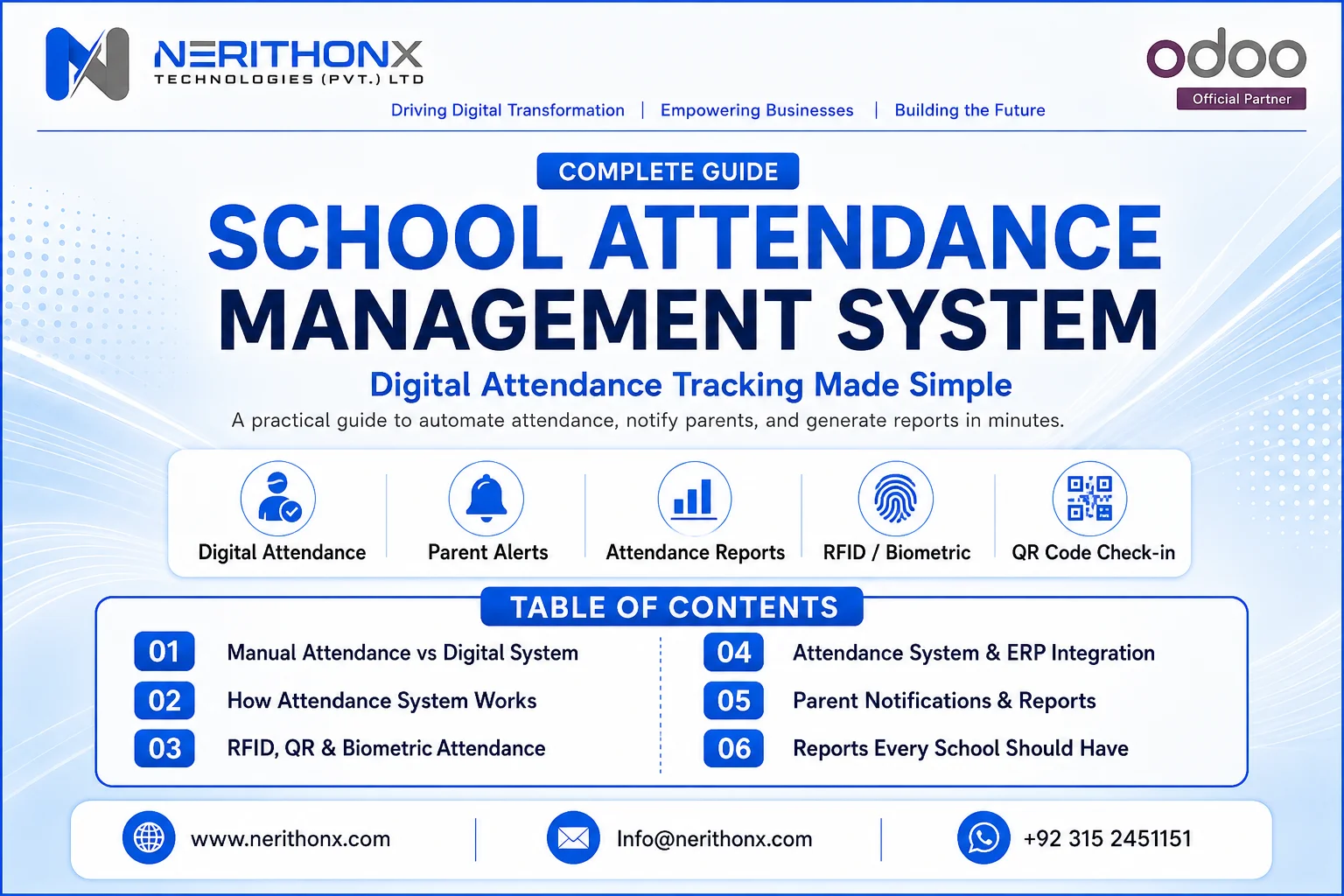
Managing attendance is one of the most important daily tasks in every school. But for many schools, attendance is still handled through paper registers, Excel sheets, WhatsApp messages, and manual reports.
This creates many problems.
Teachers spend extra time calling names. Admin staff manually prepare reports. Parents receive late updates. Principals do not get real-time visibility. In multi-branch schools, attendance tracking becomes even harder.
A school attendance management system solves these problems by making attendance digital, faster, more accurate, and easier to manage.
It helps schools record student attendance, track late arrivals, send parent notifications, generate reports, and connect attendance data with other school operations such as fees, timetable, exams, HR, transport, and dashboards.
For modern schools, attendance is no longer just a daily register. It is part of a complete digital school management process.
What Is a School Attendance Management System?
A school attendance management system is software that helps schools record, track, manage, and report student attendance digitally.
Instead of using paper registers or manual Excel files, teachers and administrators can mark attendance through a web system, mobile app, RFID card, biometric device, QR code, or other digital method.
A student attendance management system can track:
Student presence
Student absence
Late arrival
Early leave
Subject-wise attendance
Class-wise attendance
Monthly attendance
Attendance percentage
Leave records
Parent notifications
Attendance reports
Some schools also use the same system for teacher and staff attendance. In that case, the attendance system may connect with HR, payroll, leave management, and staff reporting.
The main goal is simple: make attendance accurate, fast, transparent, and easy to access.
Why Schools Need a Digital Attendance System
Manual attendance may work for very small schools, but it becomes difficult as the school grows.
A teacher may record attendance in a register, then the admin team may enter the same data again into Excel or another system. This double work wastes time and increases mistakes.
A digital attendance system helps schools solve common problems such as manual errors, missing records, delayed parent updates, and poor reporting.
Schools need digital attendance because it helps them:
Reduce manual work
Save teacher time
Track absences quickly
Improve student safety
Send parent alerts faster
Generate reports in minutes
Control attendance across branches
Maintain cleaner records
Support better management decisions
For example, if a student is absent for three days in a row, the system can highlight this trend. The school can then contact the parent earlier instead of waiting until the end of the month.
This is especially useful for schools with multiple campuses, large class sizes, transport operations, or strict reporting requirements.
How a School Attendance Management System Works
A school attendance management system follows a simple workflow.
First, the school enters student data into the system. This includes student name, class, section, roll number, parent contact details, and admission information.
Next, the school configures classes, sections, timetables, attendance rules, and user access. Teachers get access only to the classes they manage. Admin staff get access to reports and dashboards. Principals get management-level visibility.
After setup, attendance can be marked daily.
Depending on the school’s process, attendance may be marked by:
Teacher through web portal
Teacher through mobile app
Student RFID card
Biometric device
QR code scan
Face recognition system
Manual attendance entry by admin
Once attendance is marked, the system updates dashboards and reports. If parent notifications are enabled, the system can send SMS, email, WhatsApp, or mobile app alerts.
The system can also connect attendance with ERP or school management modules. For example, attendance data can be linked with timetable, exams, fees, transport, HR, payroll, and parent portal.

Key Features of a School Attendance Management System
A good school attendance software should not only record present and absent students. It should support the full attendance workflow of the school.
Student and Staff Attendance Tracking
The system should track daily student attendance by class, section, subject, and session.
It should also allow attendance officers or teachers to update late arrivals, approved leaves, half-days, and early exits.
For staff attendance, the system can track teacher check-in, check-out, working hours, leaves, and late arrivals. Odoo’s own Attendances application, for example, works as a time clock for employees and supports check-in/check-out, manager visibility, reports, and attendance insights.
RFID, Biometric, QR, and Mobile Attendance
Different schools need different attendance methods.
Some schools prefer RFID cards because they are fast and simple. Some prefer biometric attendance for staff. Some use QR codes for quick scanning. Others prefer mobile app attendance because teachers can mark attendance directly from the classroom.
A flexible attendance management software should allow schools to choose the method that fits their budget, privacy rules, student age group, internet availability, and campus size.
Parent Notifications and Attendance Reports
Parent communication is one of the most useful features.
When a student is absent or late, the system can send an automatic notification to the parent. This improves transparency and helps parents stay informed.
The system should also generate reports such as daily attendance, monthly attendance, student-wise attendance, class-wise attendance, low attendance alerts, and late arrival reports.
Odoo documentation highlights how attendance reports can help managers identify attendance issues and trends before they become bigger problems.
Multi-Campus and Role-Based Access
Large schools and education groups often manage multiple branches.
A digital attendance system should support branch-wise reporting, campus-wise dashboards, and role-based access.
For example:
Teachers should access only their assigned classes.
Parents should access only their child’s attendance.
Branch admins should access their campus records.
Head office should view all branches.
Management should see dashboards and reports.
Role-based access is important because attendance data is sensitive. Odoo documentation explains that access rights define what content and applications users can access and edit, and limiting permissions helps prevent users from modifying or deleting records they should not access.

Benefits of School Attendance Management Software
A school attendance management system gives practical benefits to teachers, parents, administrators, and school management.
It saves teacher time because attendance can be marked quickly.
It reduces manual errors because data is stored digitally.
It improves transparency because parents can receive timely notifications.
It helps principals identify frequent absences and late arrivals.
It improves student safety because the school can know who is present, absent, or late.
It reduces paperwork because reports are generated automatically.
It supports better decisions because management can see attendance trends by student, class, branch, or month.
For growing schools, it also supports multi-branch control. Head office does not need to wait for branch staff to send manual attendance files. Management can open dashboards and view updated attendance information.
Manual Attendance vs Digital Attendance System
Area | Manual Attendance | Digital Attendance System |
Speed | Slow roll call and manual entry | Faster attendance marking |
Accuracy | Higher chance of mistakes | More accurate digital records |
Parent Updates | Usually delayed | Automatic alerts possible |
Reports | Manual Excel work | Reports generated quickly |
Security | Registers can be lost or edited | Role-based access and audit trail |
Data Access | Limited to physical files | Available to authorized users |
Multi-Branch Control | Difficult to manage | Branch-wise reporting possible |
Admin Workload | High | Reduced through automation |
Manual attendance is not always wrong, but it becomes difficult when the school grows. A digital attendance system gives better control, cleaner records, and faster communication.

Types of Attendance Technologies Used in Schools
Schools can use different technologies for attendance. Each option has benefits and limitations.
RFID Cards
Students tap their RFID card on a reader. It is fast and easy, but cards can be lost, damaged, or shared.
Biometric Attendance
Students or staff use fingerprint or face recognition. It can reduce proxy attendance, but schools must carefully review privacy, consent, and local legal requirements before using biometric data.
Face Recognition
Face recognition can automate attendance, but it involves sensitive biometric processing and should be used only after a proper privacy review.
QR Code Attendance
Students scan a QR code or teachers scan student QR IDs. It is affordable and simple, but schools should prevent misuse by controlling code validity and access.
Mobile App Attendance
Teachers mark attendance through a mobile app. This is useful for classrooms, field trips, transport, and remote attendance needs.
Web-Based Manual Marking
Teachers mark attendance through a browser. This is simple and works well for schools that want digital records without extra hardware.
Hybrid Attendance System
Many schools use a mixed approach. For example, teachers mark student attendance manually in the app, while staff attendance uses biometric or RFID devices.
The best option depends on school size, budget, student age group, privacy rules, internet availability, and local laws.
School Attendance Management System and ERP Integration
Attendance should not stay separate from the rest of the school system.
When attendance is isolated, schools still need manual work to connect it with other departments. This creates duplicate records and reporting gaps.
A strong school attendance management system should integrate with:
Student information system
Fees and accounts
Timetable
Exams and results
HR and payroll for staff
Transport management
Parent portal
Mobile app
Dashboards
Management reports
For example, if a student has low attendance, the system can show this in the student profile. If a teacher is absent, the timetable or substitute teacher process can be updated. If transport attendance is required, the school can track whether the student boarded the vehicle.
This is where ERP integration becomes powerful.
NerithonX Technologies can help schools design, customize, and integrate attendance workflows inside Odoo ERP or a tailored school management system, depending on the school’s needs.

Odoo-Based School Attendance Management System
Odoo is flexible and modular. It includes many business applications, and its official Apps Store also has a School Management category, showing that education-related workflows can be extended through modules and customization.
However, schools should understand one important point.
Odoo does not automatically provide every school attendance feature out of the box for every institution. A school attendance workflow usually needs proper configuration, customization, integration, and user training.
With the right implementation, an Odoo-based school attendance management system can connect attendance with students, classes, teachers, parent communication, reports, dashboards, HR, and other school operations.
For staff attendance, Odoo’s Attendances app already supports employee check-in/check-out, kiosk mode, backend attendance, automatic check-out, dashboard views, filters, groups, approvers, and attendance log details.
For student attendance, schools may use custom Odoo modules, Odoo Apps Store modules, or a tailored school ERP solution.
NerithonX Technologies helps educational institutions with Odoo implementation, customization, integration, migration, training, support, and business automation.
Privacy and Data Security in School Attendance Systems
Attendance data is sensitive because it relates to students, children, staff, daily presence, absence, and movement.
Schools should never treat privacy as optional.
Student data must be protected with secure storage, proper access rights, clear user roles, and limited data collection.
If a school uses biometric attendance, it must be even more careful. The UK ICO explains that biometric data used to uniquely identify a person is treated as special category data under UK GDPR, and examples include facial recognition and fingerprint verification.
The ICO also states that schools should explain why fingerprints are collected, how the data will be used, how it will be kept safe, and should respect pupils and parents who object, especially where a card can be used instead.
For biometric recognition, ICO guidance says organizations must identify a lawful basis and a separate condition for processing special category biometric data.
For schools in the United States, FERPA provides privacy rights related to student education records, and its rules are published by the U.S. Department of Education’s Student Privacy Policy Office.
A responsible school attendance system should include:
Role-based access
Secure login
Audit logs
Limited data collection
Consent process where required
Secure backup
Clear privacy notice
Staff training
Data retention rules
Regular review of user permissions
Schools should also check local privacy laws before using biometric, facial recognition, or location-based attendance.
Reports Every School Should Have
A good attendance reporting system helps school management take action quickly.
Important reports include:
Daily attendance report
Class-wise attendance report
Student-wise attendance report
Subject-wise attendance report
Monthly attendance summary
Late arrival report
Early leave report
Absence trend report
Low attendance warning report
Teacher and staff attendance report
Parent notification log
Branch-wise attendance report
Management dashboard
For example, a principal may want to see which class has the highest absence rate. A teacher may want a monthly student attendance sheet. A parent may want to see the child’s attendance history. A head office may want branch-wise attendance comparison.
Good reporting turns attendance data into useful decisions.

Common Mistakes Schools Should Avoid
Many schools buy attendance software quickly, but implementation fails because the process is not planned properly.
Common mistakes include:
Buying software without process analysis
Ignoring teacher training
Not cleaning student data first
Choosing biometric without privacy review
Not defining attendance rules
No parent communication plan
No ERP integration
No backup and security plan
No role-based permissions
No reporting requirements
Implementing everything at once without pilot testing
The best approach is to start with the real school process first. Software should support the school’s workflow, not create confusion for teachers and administrators.
How to Choose the Right School Attendance Management System
Before selecting attendance software, schools should check whether the system is practical for daily use.
Use this checklist:
Is it easy for teachers to use?
Does it work on web and mobile?
Does it support the school size and branches?
Can it generate daily and monthly reports?
Does it support parent notifications?
Can it integrate with ERP or school management software?
Can it be customized?
Does it support role-based access?
Is the data secure?
Does the vendor provide training and support?
Can it grow with the school?
Does it fit the school budget?
The right system should be simple for teachers, useful for administrators, transparent for parents, and powerful for management.
Implementation Roadmap for Schools
A successful school attendance management system needs a clear roadmap.
Step 1: Review Current Attendance Process
Understand how attendance is currently marked, checked, approved, and reported.
Step 2: Clean Student and Staff Data
Fix duplicate student records, wrong class names, missing parent numbers, and outdated staff data.
Step 3: Define Attendance Rules
Decide rules for late arrival, half-day, leave, subject-wise attendance, and monthly reports.
Step 4: Choose Attendance Method
Select web, mobile, RFID, QR, biometric, or hybrid attendance.
Step 5: Configure the System
Set up classes, sections, users, roles, reports, notifications, and dashboards.
Step 6: Train Teachers and Admin Staff
Training is very important. Teachers must know how to mark attendance correctly.
Step 7: Run Pilot Test
Start with one class, one section, or one branch before full implementation.
Step 8: Go Live Branch-Wise or Class-Wise
Roll out the system step by step to avoid confusion.
Step 9: Monitor Reports
Check attendance accuracy, missing records, late entries, and user mistakes.
Step 10: Improve Workflow Based on Feedback
Take feedback from teachers, parents, and administrators and improve the process.
School Attendance Management System for Global Schools
NerithonX Technologies (Pvt.) Ltd. helps schools and educational institutions with Odoo ERP implementation, Odoo customization, Odoo integration, business automation, mobile app development, web development, ERP consulting, and digital transformation.
For school attendance automation, NerithonX Technologies can help with:
Attendance workflow analysis
Student and staff data structure
Odoo-based school ERP setup
Custom attendance module development
RFID, QR, biometric, or mobile attendance integration
Parent notification workflow
Reports and dashboards
Role-based user access
Training for teachers and admin users
Ongoing support and maintenance
The goal is not only to install software. The goal is to build a practical attendance process that teachers can use, parents can trust, and management can monitor.
Conclusion
A school attendance management system helps schools move from manual registers and scattered records to a clear, digital, and connected attendance process.
It saves teacher time, reduces errors, improves parent communication, supports student safety, and gives management better reports.
For modern schools, attendance should not be separate from the rest of school operations. It should connect with ERP, student records, timetable, exams, HR, transport, parent portal, and dashboards.
If your school wants to improve attendance tracking, automate reports, and connect attendance with ERP or school management software, NerithonX Technologies can help you plan, customize, implement, and support the right solution.
Automate attendance tracking, leave management, shift scheduling, and payroll integration with a smart attendance solution tailored to your business needs. Improve accuracy, compliance, and productivity.
FAQ
What is a school attendance management system?
A school attendance management system is software that helps schools record, track, manage, and report student attendance digitally.
How does a school attendance management system work?
It works by storing student data, class details, attendance rules, and user access. Teachers or devices mark attendance, and the system updates dashboards, reports, and parent notifications.
What are the benefits of school attendance software?
It saves time, reduces manual errors, improves parent communication, supports student safety, and helps schools generate attendance reports quickly.
Can parents receive attendance notifications?
Yes. A school attendance system can send parent notifications through SMS, email, WhatsApp, or mobile app alerts, depending on the setup.
Can attendance software work with Odoo ERP?
Yes. Attendance software can work with Odoo ERP through customization, integration, or school management modules, depending on the school’s workflow.
Is biometric attendance safe for schools?
Biometric attendance can be useful, but schools must handle it carefully. They should review privacy laws, collect only necessary data, get consent where required, and provide alternatives where needed.
Which is better: RFID, biometric, QR code, or mobile attendance?
There is no single best option for every school. RFID is simple, biometric is strong for identity verification, QR is affordable, and mobile attendance is flexible. The right choice depends on budget, privacy rules, student age group, and school size.
Can the system track staff attendance too?
Yes. Many attendance systems can track teacher and staff attendance, including check-in, check-out, late arrivals, leaves, and monthly attendance reports.
Can schools generate monthly attendance reports?
Yes. Schools can generate monthly attendance reports by student, class, section, branch, teacher, or staff member.
How can NerithonX Technologies help with school attendance automation?
NerithonX Technologies can help schools analyze attendance workflows, implement Odoo ERP or custom school ERP, integrate attendance devices, create dashboards, train users, and provide ongoing support.



